
From booking to opening,
5 fully automatic steps

ASLOT handles the entire access process — without any staff member having to step in at any point. The user books, pays and gets in. The manager follows along, in real time.

Total user journey time: less than 3 minutes

Online
booking

The user accesses the booking interface from their smartphone, tablet or computer — at any hour, with no app to download.

✓
Choice of time slot, spot or room available in real time
✓
Interface adapted to each type of space (car park, room, berth…)
Accessible 24 hours a day · 7 days a week · No app needed

Payment
or invoicing

Payment happens on its own, before entry. It is processed according to the rules configured by the manager, and without confirmed payment, no access is issued.

✓
Secure online payment by bank card
✓
Deferred invoicing for local authorities and businesses
Bank card · Invoicing · Free access

A code
just for them

As soon as payment is confirmed, ASLOT instantly generates a unique access code. This code is strictly limited to the duration of the booking.

✓
Unique code per booking — impossible to guess or reuse
✓
Time-stamped — expires automatically at the end of the time slot
Generated in < 1 second

Sent automatically
by SMS and email

The access code is sent to the user immediately, with all the practical information for their arrival. No action is needed from the manager.

✓
SMS sent instantly once payment is confirmed
✓
Confirmation email with code, times and address
Instant SMS · Email · Automatic reminder

Automatic opening
and closing

At the set time, they enter their code and go in. At the end of the time slot, everything locks again.

✓
Activation precise to the minute
✓
Automatic closing at the end of the time slot
Activation < 1s · Full traceability
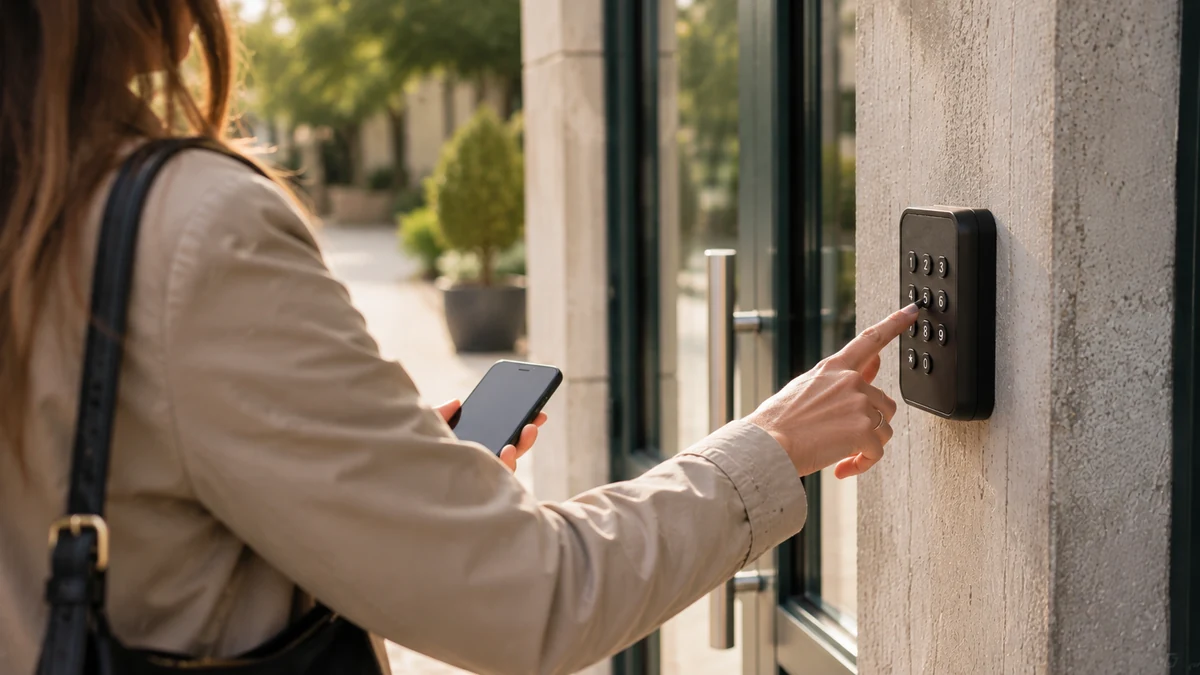
User entering the access code received by SMS

Meanwhile,
you do nothing

The entire process is automatic. You have a dashboard to follow activity in real time — from your mobile or your computer.

Real-time tracking Bookings, revenue, occupancy rate — available at any time from any device.
Configurable alerts Be notified of important events — new booking, access anomaly, high occupancy rate.
Full history Every access is logged, time-stamped and exportable — for your activity reports or your accounts.
Flexible settings Change your prices, time slots and access rules at any time, with no technical intervention.
Energy controlled from the dashboard (included, on your connected equipment) Lighting, heating, sockets — switched on or off automatically according to the booked time slots. Actual consumption tracked per booking, with an energy rating (A–E).
Video clips linked to access (included, with compatible cameras) Compatible with the main systems on the market. Every code entry triggers a time-stamped clip viewable from the dashboard — with no continuous recording.

What you
want to know

The whole process — choosing the time slot, paying, receiving the code — takes less than three minutes, from any device and with no app to download. The user doesn’t have to create an account. They receive their code by SMS and by email, so they can still find it even if they’ve deleted one of the two messages.

No. From booking to access closing, everything happens without intervention: no code to send, no key to hand over, no door to open. The manager has a dashboard to follow activity in real time and take back control whenever they want, but nothing needs their attention day to day.

No access code is generated without validated payment: so the question of unpaid bills doesn’t arise after the event, since payment comes before entry. For organisations that work with deferred payment or through a revenue account — local authorities, businesses, associations — rules suited to the way you work can be configured, including free use for certain user groups.

No. Each code is unique, time-stamped and valid only for the exact duration of the booking. It expires at the end of the time slot, and the next booking on the same equipment receives a different code. So an old code no longer opens anything, whether it has been written down, photographed or passed on to someone else.

Your users aren’t left outside: backup codes, renewed automatically, make it possible to open even during an outage or incident. The exact configuration depends on your equipment; it is assessed with you during the demo, then validated before setup. It’s a point we always address, never as an afterthought.