
How far it goes
Software that stops at the booking leaves you with the longest part: collecting payment, then finding a way to let people in.
Conventional booking software tells you who has booked, and stops there. You are still left to collect payment, then find a time to hand over the key. ASLOT takes care of what follows: availability, payment, then opening the facility during the booked time slot.
Updated 30 August 2026
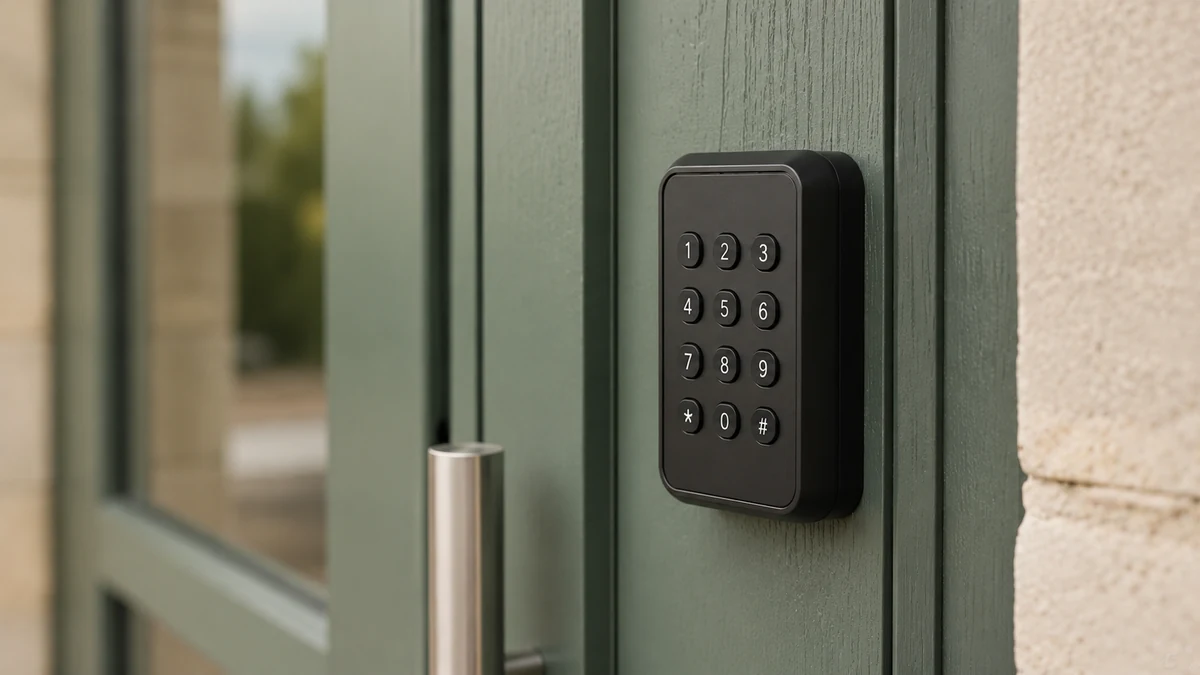
Displaying time slots and recording bookings is something that has been done very well for a long time. There are dozens of scheduling tools and many of them are excellent. But when you talk to someone who manages a hall, the calendar is never what weighs on them. What weighs on them comes afterwards.
After the calendar, payment has to be collected, ideally before the hall is in use: once the party is over, asking for what you are owed becomes awkward. Then people need a way to get in, which means arranging an appointment to hand over the key, then another to get it back. From that point on, the scheduling tool is of no use at all.
Useful booking software, then, is software that doesn’t stop too early. Booking, payment and opening must follow on from one another by themselves. Otherwise, at every hand-off, someone has to take the work back and do it by hand.
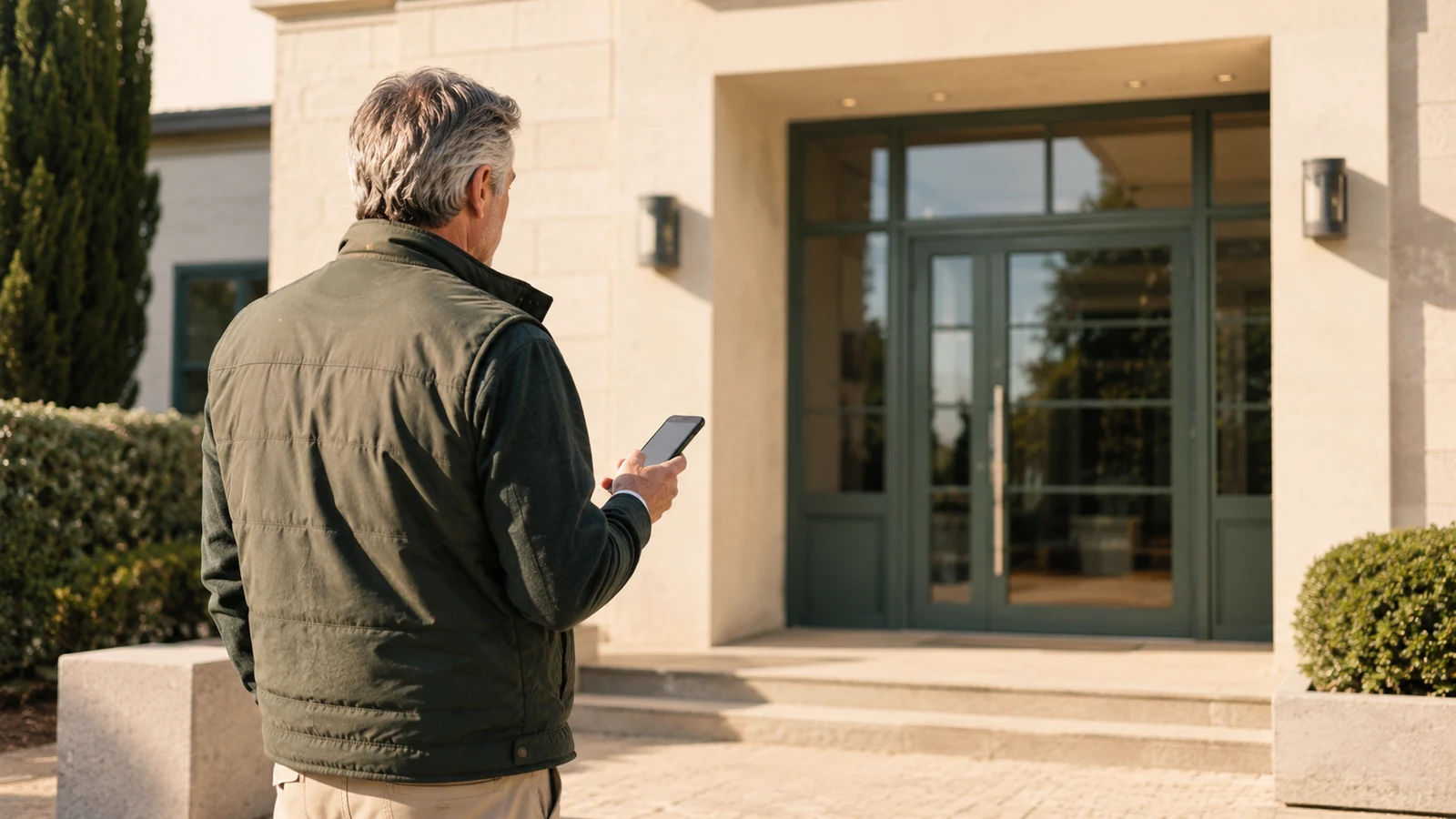
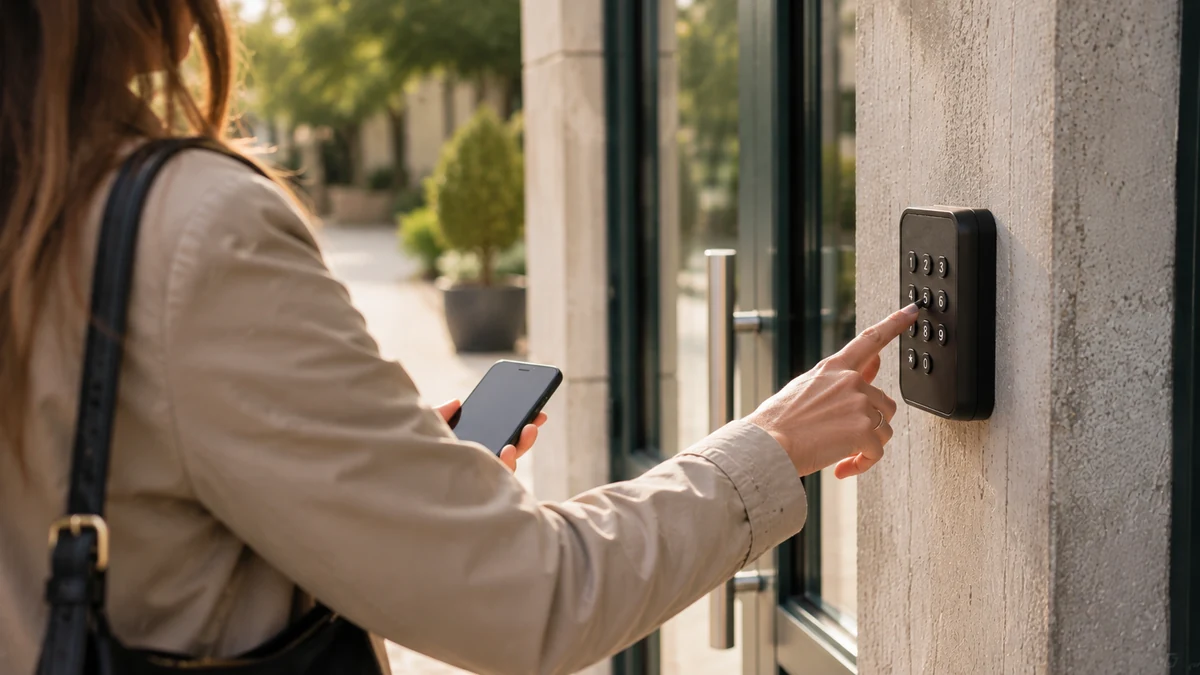
What room booking software must do after the calendar: collect payment, then open the door.
Read the page → 🏛️ Local authoritiesThe public buyer’s guide: features, public revenue account (régie), access, GDPR, procurement and roll-out of community hall software.
Read the page → 📆 ScheduleThe criteria for choosing room booking and scheduling software, with a comparison of spreadsheets, shared calendars and dedicated software.
Read the page → 🆓 Free solutionsA free calendar displays time slots. It doesn’t collect payment and doesn’t open the door: that is where its limit lies.
Read the page → 🚐 Motorhome airesBooking, barrier and service bollard for a motorhome aire, on the same platform and the same revenue account as the village hall.
Read the page → 🅿️ Car parksSubscribers and occasional users on the same calendar, with the barrier controlled by the booking.
Read the page → 🔐 Self-service accessThe booking creates the right to enter, with its times, and withdraws it at the end of the time slot: no integrator between the schedule and the door.
Read the page → 🏢 Residential buildingsShared room, visitor parking, bike store: a usage rule written once, a deposit collected in advance, access that follows the booking.
Read the page → 🏛️ Local authoritiesThe season shared out between associations, one-off slots open to the public, badge or code depending on the use, and actual occupancy you can account for.
Read the page → 🛠️ Community hubsWorkshops, rooms, workstations and machines bookable on a public page, rates by user group, access by badge or code, and payment collected through the revenue account when the venue is public.
Read the page → 🏢 BusinessesMeeting rooms and drop-in offices booked online, access for residents and visitors governed by the booking, and usage counted for the organisation’s invoicing.
Read the page → 📦 Self-storageRent, sign, grant access and monitor the site from the same software, used by the on-site team as well as by the manager.
Read the page → 🛒 Online rentalThe customer chooses their storage unit, adds options, signs and pays online: the rental is completed without an appointment, even at night.
Read the page → 🔐 24/7 accessA personal code for each tenant, linked to their contract, adjustable hours and a gate that the team opens remotely.
Read the page →Software that stops at the booking leaves you with the longest part: collecting payment, then finding a way to let people in.
Collecting payment after the hire means chasing cheques. Collecting it before access means you never have to chase again.
A public hall serves associations, residents and non-residents. If the price doesn’t follow whoever is booking, someone has to apply the rate table by hand.
A gate breaks down on a Saturday morning. Knowing who picks up the phone at that moment matters as much as the list of features.
A public page presents the space, its time slots and its conditions. It can be viewed without creating an account.
What is shown is genuinely free. A slot that has already been taken is no longer offered to anyone else.
Until payment is confirmed, no code is sent and the slot remains available.
The code works during the booked time slot, not before, not after. Each entry is recorded with its time.
One subscription, no commitment and no equipment to replace. Booking, payment collection, access and tracking in a single piece of software, with no add-on modules or premium edition. No commission on your revenue; the exact scope is agreed with you during the demo.
* Prices shown exclude VAT.
A scheduling tool stops at the booking. ASLOT carries on: payment, then opening the facility during the booked time slot. It is this sequence that removes the steps in between, not the quality of the calendar.
No, there is nothing to install. Everything happens in the browser, on a computer, tablet or phone, both on your side and on your users’ side.
That’s the first thing we try to do. When your gate, keypad or barrier can be controlled remotely, we connect to it without replacing anything. We check this during the demo, before you commit.
No, there is only one version. The subscription includes everything, with no per-booking or per-user fees. The price depends on the number of spaces you open for booking.
In France. The platform is developed and maintained by a French team, which sets it up with you, remotely.
Most of the work happens at setup, which we carry out with you, remotely. After that, there is no day-to-day data entry. The lead time depends mainly on your equipment and, for a municipality, on the payment collection formalities.
Thirty minutes is enough. We set up one of your spaces live, with your rates and time slots, and you see the public page exactly as your users will see it.