
Who has the room on Saturday
The booking is public and unique. Two families can no longer get the same date. The resident books from their phone, without calling the managing agent or using the sheet in the hall.
Booking software for a residential building’s common room does three things: it gives residents a usage rule that is the same for everyone, collects a deposit or usage fee before the space is used, and opens the space at the right time without a key changing hands. ASLOT covers the common room, visitor parking, bike store or laundry room from the same screen, with a history the residents’ council can read.
Updated 8 September 2026
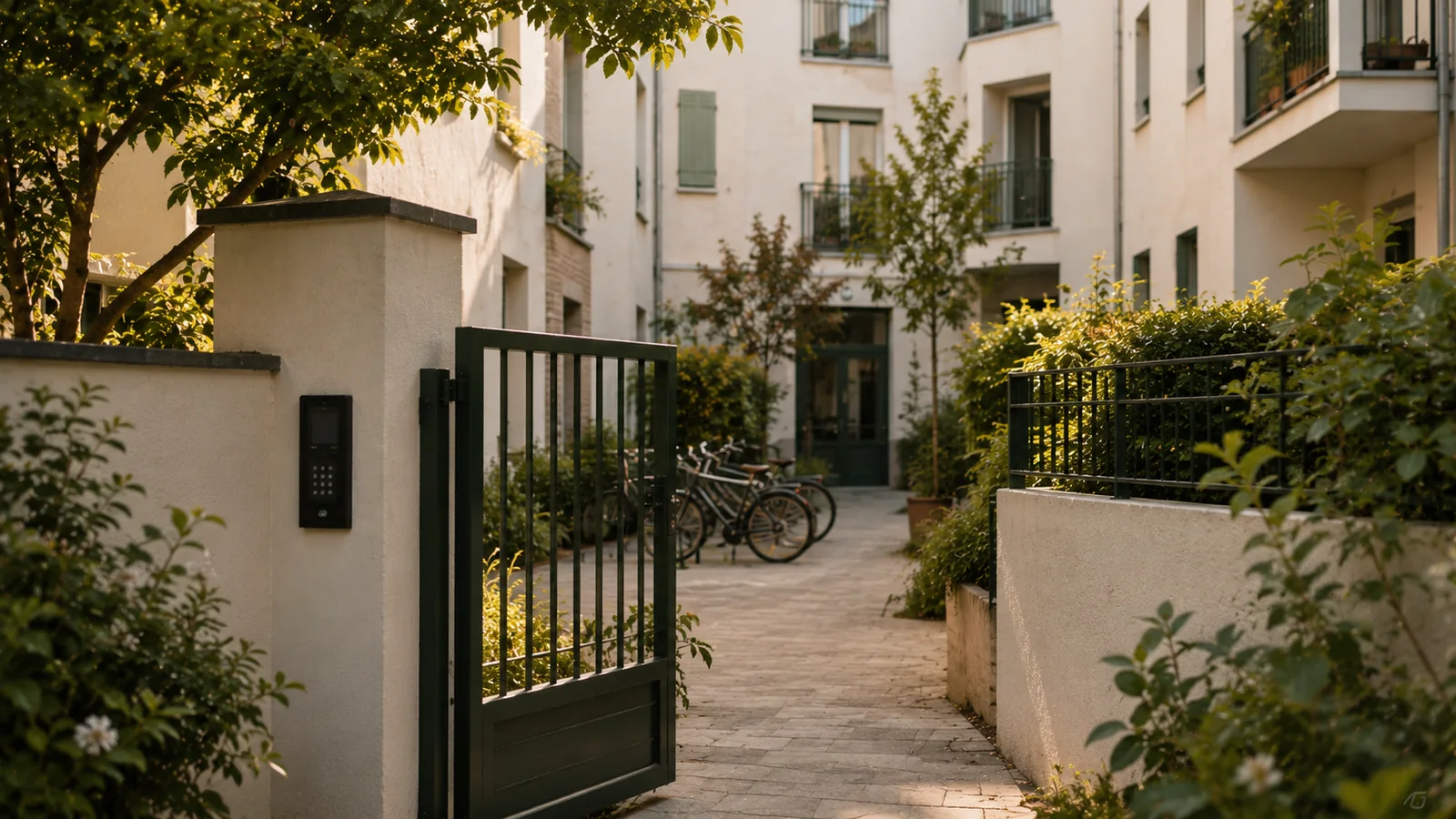
The common spaces of a residential building have a structural flaw: all the co-owners pay for them, a few use them, and nobody is in charge of keeping the schedule. The common room is booked with a note to the managing agent or a sheet in the entrance hall. Visitor spaces go to whoever gets there first. The bike store is locked with a key and nobody knows any more how many copies there are.
This vagueness always leads to the same conflicts. Two families wanting the same room on the same Saturday. A visitor space taken all year round by a resident’s car. Damage in the common room that nobody owns up to, and a deposit the managing agent doesn’t dare withhold for lack of proof. Every case goes up to the residents’ council, and sometimes on to the general meeting, over a simple question of use.
Booking software changes the terms of the discussion. The usage rule is written once, voted on if the rules require it, then applied in the same way to every resident. The booking is public and time-stamped. The deposit is collected before the space is used. Access follows the time slot. The residents’ council checks a history instead of weighing up conflicting memories.
The booking is public and unique. Two families can no longer get the same date. The resident books from their phone, without calling the managing agent or using the sheet in the hall.
The deposit or usage fee is collected online, before the room is used. The amount follows the voted rule. The managing agent has a proof of payment for every booking.
A visitor space is booked for a time window. The visitor’s code only works during that window. A vehicle that tries to stay all year no longer has the access to do so.
The condition report is backed by the time-stamped access log. You know who was using the room between two bookings. The deposit is withheld on the basis of facts, and the discussion stays calm.
They check the common room’s available dates from their browser and pick their Saturday. The voted usage rule is shown before they confirm. Nothing to install, nothing to ask for.
The amount set by the rule is collected online. The resident receives their proof of payment and the managing agent sees the payment linked to the booking.
On the Saturday, their resident badge is active on the room, or their code opens the door. Before the booked time, nothing opens. No key has been handed over.
At the end of the time slot, access is cut off. If damage is found, the history shows who was using the room. The deposit is returned or withheld according to the rule.
Any common space used individually and for a limited time can be opened to booking: the common room, the laundry room, visitor parking, the bike store, the roof terrace or a shared garden. Each one becomes a space with its own calendar, usage rule, rate or deposit, and access point. Everything is managed from the same screen.
Booking software for a residential building’s common room has to cover all four stages of use, not just the first. The booking sets the date. The deposit or usage fee is collected before the space is used. Access opens at the start of the time slot and closes at the end. The condition report is backed by the time-stamped entry log, and by camera images if the building is equipped.
This last point settles the most awkward question for a managing agent: withholding or returning the deposit. When the history shows who was using the room between two bookings, the decision rests on facts. The condition report and deposit page explains this approach in detail.
The managing agent administers the common areas and carries out the decisions of the general meeting. The residents’ council assists the managing agent and oversees their management. In booking software, this division of roles is simple: the managing agent sets up the spaces and the voted rules, and the residents’ council consults the usage history and income. The official information sheets describe the duties of the managing agent and the residents’ council.
For a professional managing agent who looks after several buildings, each building has its own spaces, its own rules and its own history. Usage income – deposits and fees – is linked to the booking that generated it and can be exported for the building’s accounts.
Opening a common room to paid bookings, setting a deposit or installing access control affects the use of the common areas. These decisions are generally a matter for the general meeting of co-owners, and the usage rule must remain consistent with the co-ownership rules. The software applies what the meeting has decided.
In practice, the voted resolution becomes a setting: deposit amount, any fee, maximum duration, permitted time windows, who is allowed. Every booking applies it in the same way. Calling the general meeting follows the usual rules, and our guide to booking common areas goes through these points one by one.
A resident comes back to the bike store or laundry room every week. A visitor comes to the car park once. These two uses call for two different kinds of access. The permanent badge suits the resident: it is active on the spaces and time windows that are theirs, and is deactivated when they move out, with nothing to collect. The code suits the visitor: it arrives with the booking and is only valid for the time slot.
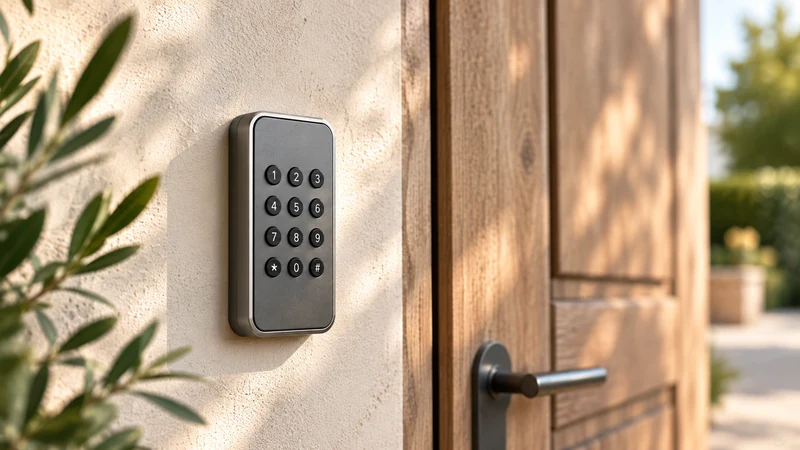
The two coexist on the same equipment. A badge reader and a keypad can control the same door or the same gate. Residents keep their habits, visitors have nothing to install. The key and access management page explains what happens to a bunch of keys when every right of entry has a set duration.
The residents’ council sees how the common spaces are actually used: which bookings took place, by which flat, for which time window, for what deposit or fee, and which entries were recorded. It also sees what did not happen: a room never booked on Sundays, visitor spaces permanently occupied. This view replaces hearsay with facts, without exposing more data than necessary.
This transparency has a practical consequence: general meeting decisions on the common spaces can be based on a year of actual use rather than an impression. It falls within the GDPR framework, with data hosted in France and access to the history limited to authorised persons. For a look at real-life situations, building by building, see the residential buildings use case.
One subscription, no commitment and no equipment to replace. Booking, payment collection, access and tracking in a single piece of software, with no add-on modules or premium edition. No commission on your revenue; the exact scope is agreed with you during the demo.
* Prices shown exclude VAT.
The general meeting of co-owners, in line with the building’s co-ownership rules. The managing agent prepares the resolution: deposit amount, any usage fee, maximum duration, permitted time windows. Once voted, this rule becomes a setting in the software and applies to every booking. The software imposes no rule of its own: it applies the one your building has decided on.
No. Residents book for themselves from their browser, check available dates, pay the deposit or fee and receive their access. The managing agent sets the rule up once and checks the history. They can still cancel, refuse or enter an exceptional booking. A mixed approach, online and through the managing agent, remains possible at the start.
Online, before the space is used, for the amount set by the voted rule. The resident receives a proof of payment. After the time slot, the deposit is returned or withheld depending on the condition report, which is itself backed by the time-stamped access log. The managing agent has a summary of the deposits and fees collected, linked to the bookings, which can be exported for the building’s accounts.
Not necessarily. ASLOT works with the badge readers, keypads, electric strikes and gates already in place. Existing access points are surveyed before you commit to anything. If a space only has a mechanical lock, the bike store for example, it needs to be equipped. This hardware is quoted separately and the price is given before you order. Residents then keep their habits and visitors receive a code.
The subscription starts at €59 excl. VAT per month, with no commitment and no commission on payments. The exact price is set during the demo, based on the building’s actual spaces and equipment. Access hardware, if a space is not equipped, is quoted separately and communicated before you order. The cost is presented to the general meeting like any other shared expense.
Yes. Data is hosted in France. The managing agent sees only what is needed to manage the building: bookings, payments, time-stamped entries. The residents’ council checks the usage history without access to personal contact details beyond what is necessary. Retention periods follow the recommendations of the CNIL, France’s data protection authority, and details of the security measures are published on the website’s security page.
We start from your rules, your actual access points and what your general meeting has voted for. You see a booking open the room, then close it again, before we talk about price.