
Works with
what you already have
Your current equipment, controlled from a single screen. No replacement, no building work.
Your equipment, one single platform
Your current doors, barriers and bollards are all you need. We check compatibility with you during the demo.
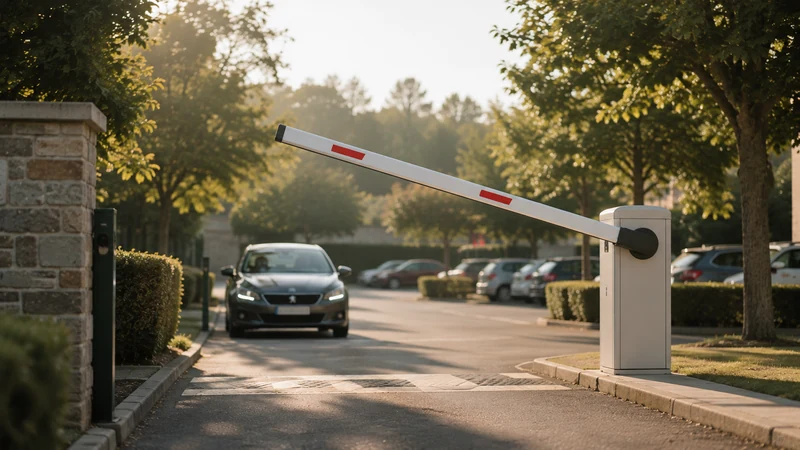
Barriers & gates
Your barrier opens for the right time slot, with no one at the gate.
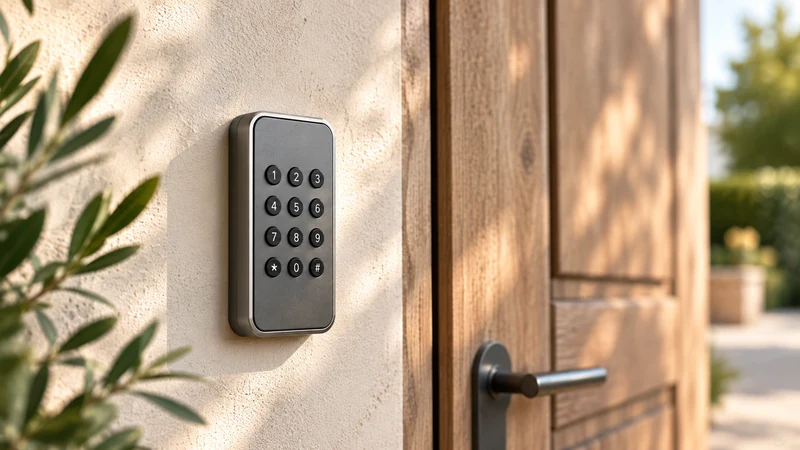
Keypads & code entry
One code per booking, on the keypads already in place.
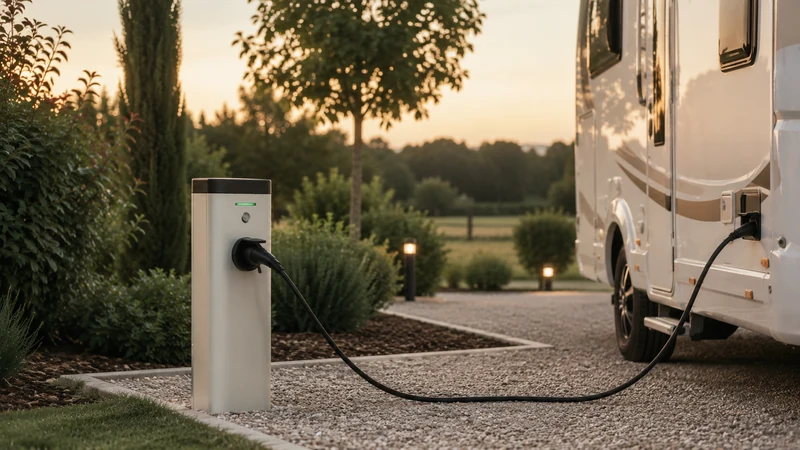
Electric bollards
Water and electricity switch on with the stay, and off afterwards.
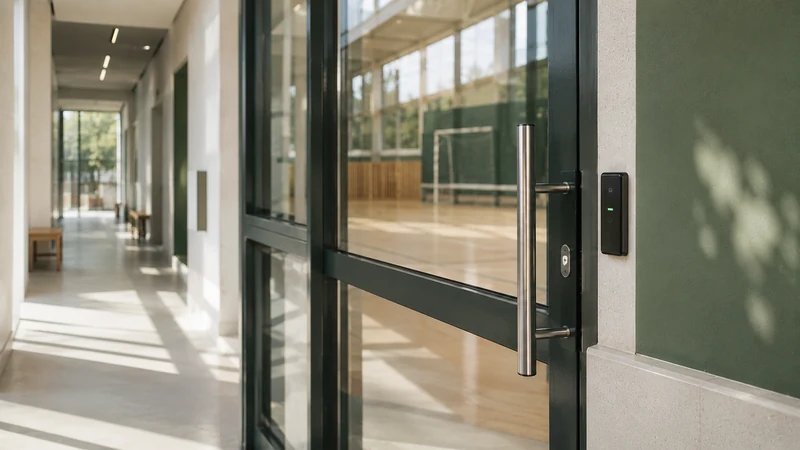
Doors & turnstiles
The entrance unlocks for the time slot, then locks again.
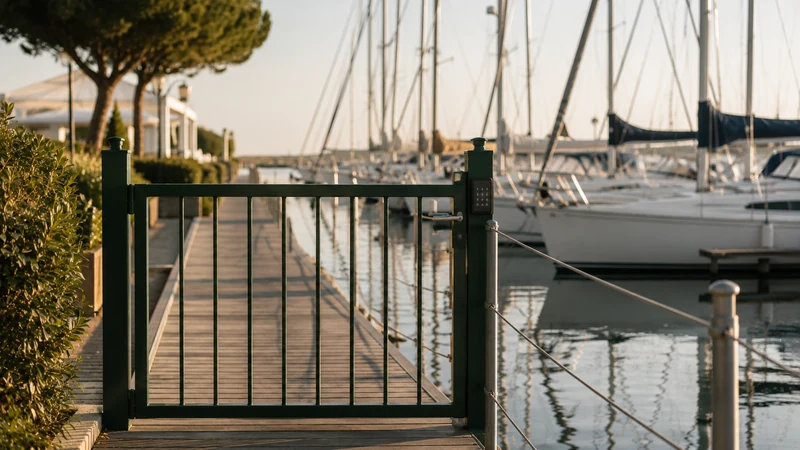
Harbour access
Pontoons and gangways open to expected boat owners, at any hour.
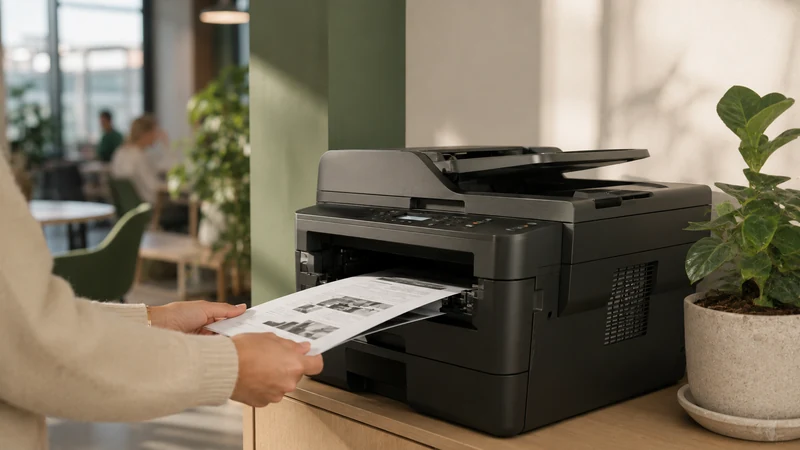
Printing & copiers
Print credit per user, topped up in one click.
Everything is included in the subscription.
Hardware not on the list? Let’s take a look together.
Check my hardware →One platform,
all your equipment connected
We connect your equipment to the platform remotely and test every access point before setup is complete. You don’t have to change anything.
From audit to setup,
we take care of everything
Compatibility is never assumed — it is checked with you, module by module, before any commitment.
Demo & audit
We present ASLOT using a case similar to yours. We list your equipment — access, building automation, cameras — and confirm the technical feasibility and the modules to activate.
Day 1Connection & testing
Our team remotely handles the secure connection to all your equipment and carries out full tests: triggers, building automation control, video feed.
Days 2–5Setup & automation
Your platform is up and running. Bookings, payments and access run fully autonomously. You have access to your unified dashboard — monitoring, control and revenue, from day one.
Week 1Which access control hardware is compatible?
ASLOT works with the access control hardware commonly found in buildings and outdoor sites: keypads, badge readers, electric strikes and electromagnetic locks, gates and barriers, building automation equipment and copiers. Compatibility is checked with you before any order. The principle is the same for each family: the user who has booked and paid gets in during their time slot, access stops at the end of the time slot, and the manager finds every entry in a time-stamped log. How booking and access are linked is explained in detail on the page access control linked to online booking.
Keypads
The user receives a code after payment and enters it on the keypad of the door, the pedestrian gate or the room. The code opens during the booked time slot and no longer afterwards. The manager has no key to hand over or collect, and can see in the schedule what time the code was used.
Badge readers
For regular users — coworking members, car park subscribers, a municipality’s associations — the badge already in their pocket becomes the means of access. It is activated for booked time slots and stays inactive the rest of the time. A lost badge is deactivated from the interface, without changing the lock or reprogramming the other badges.
Electric strikes and electromagnetic locks
These are the components that release the door. A strike or electromagnetic lock already fitted to a community hall, a toilet door or a bike store is kept. For the user, the door opens with a code or a badge. For the manager, the door closes and locks again at the end of the time slot, which avoids rooms being left open.
Gates and barriers
Car parks, motorhome aires, storage centres, pontoons and shared school playgrounds are closed off by a motorised gate or barrier. The user opens it with their code or badge for the paid duration. The manager tracks entries and exits, spots occupancy beyond the time slot and has a log in case of a dispute over a space.
Building automation: lighting, heating, bollards
A hall’s lighting and heating can follow the booking, switching on before arrival and off after departure. On a motorhome aire, the water and electricity bollard is activated for the paid duration. The user finds the hall ready, and the manager no longer pays to heat an empty hall. Key-related uses are covered in detail on the page key and access management.
Copiers and printing
In a coworking space or a community space, the copier recognises the user by their badge or login and deducts print credit linked to their account. The user prints without going through reception. The manager sees volumes per user and can include a printing allowance in a booking package.
Existing hardware or new supply: how we decide
The decision is made after checking your equipment, never from a catalogue. ASLOT adapts to the hardware in place and can supply hardware through selected partners, according to your needs and budget. There are three possible cases.
We keep everything
The site already has keypads, readers or a barrier in working order. Setup involves listing each access point with you, checking the power supply and the locking component, then connecting everything to the platform, remotely. The manager keeps their equipment and their habits. This is the most common case for community halls and car parks that are already closed off.
We add what’s missing
Part of the site is equipped, part isn’t. A hall has a keypad but the storeroom next door only has a key lock, or the car park gate is motorised but the pedestrian gate is still mechanical. Only the missing points are equipped. The quote separates what is kept from what is added, item by item.
We equip the site
The site has no access control at all. A village hall opened with a key, a motorhome aire without a barrier, an open pontoon. After reviewing the site, ASLOT proposes a configuration suited to the use and the budget and supplies the hardware; it is fitted by the installer of your choice. The choice of hardware takes into account exposure, the expected number of entries and the desired level of security, described on the page access and data security.
What is priced, and when
The platform subscription starts from €59 excl. VAT per month, with no commitment. Hardware, if any needs adding, is priced separately and communicated before ordering. Nothing is ordered without an accepted quote. To measure what access control adds to simple online booking, the comparison of booking only versus booking with access details both options.
Key, badge or code:
what changes day to day
Three ways to let someone into a space. The difference doesn’t show on installation day; it shows after six months of operation.
| Criterion | Key or key safe | Badge | With ASLOT |
|---|---|---|---|
| Handover to the user | In person, during opening hours | In person, then to be collected back | By SMS and email, as soon as payment is made |
| Access in the evening or at weekends | Requires someone to open up manually | Possible if the badge was handed over beforehand | Possible at any hour |
| Lost or forgotten | Cutting a new set, sometimes replacing the cylinder | Badge to deactivate, then replace | The code is simply resent |
| End of the booking | Depends on the key being returned | Depends on deactivation | Automatic expiry at the end time |
| Entry traceability | None, unless a register is kept by hand | Badge entry history | Time slot, time and equipment, without lifting a finger |
| Payment collection | Separate from the key handover | Separate from the badge handover | Before access, as a condition for opening |
| Energy for the space | Runs until someone switches it off | Runs until someone switches it off | Follows the time slot, on connected equipment |
The code doesn’t require you to replace your locks or your badges: it is added to the equipment already installed.
Integrations:
your questions
No. ASLOT connects to your existing equipment with no replacement and no building work. Compatibility is checked during the demo, before any commitment.
Yes. ASLOT lets you manage several sites from a single dashboard — several separate sites or several pieces of equipment on the same site.
We assess your equipment’s compatibility during the demo. If an adaptation is needed, we suggest the appropriate solutions before you decide to commit.
ASLOT links video feeds directly to bookings and access. For each booking, you can find the images or video clips associated with the code entry, the entry itself or any recorded event. The integration is designed to work with the main IP video surveillance systems on the market.
In most cases, yes. A keypad that is already installed and powered is identified with you, remotely, then connected to the platform. Your users still enter a code on the same keypad, but that code becomes personal and valid only for the booked time slot. If the keypad is too old or out of order, ASLOT tells you and proposes a separately priced replacement, before any decision is made.
ASLOT adapts to the hardware in place and can supply hardware through selected partners, according to your needs and budget. After a remote review of your equipment, you receive a quote that separates the platform subscription and the hardware to add. The hardware is fitted by the installer of your choice. Nothing is ordered without your written agreement to this quote.
The lead time depends on the state of the site. On equipment already in place and powered, the connection to the platform is made remotely, and the first booking with access can follow quickly. If hardware has to be supplied and fitted, you need to add the delivery time and the installer’s scheduling. You are given a rough timescale during the demo, based on your setup.
Let’s check together,
with no commitment
In 30 minutes, our team analyses your installation — access control, building automation, video surveillance — and tells you exactly what can be automated and made to bring in revenue. No surprises afterwards.