
| Criterion | Booking only | Booking + third-party access control integrator | Single booking + access platform |
|---|---|---|---|
| Implementation | Setting up the schedule and prices | Two successive projects: the software, then the interface with the access system | A single project, with schedule and access configured together |
| Contacts | One software vendor | A software vendor, an integrator, often an installer | One contact for the software and access |
| Initial cost | Subscription, sometimes a set-up fee | Subscription, interface work, hardware and installation | Subscription, then hardware and installation if the site isn’t equipped |
| Recurring cost | One subscription | Two subscriptions or contracts, plus interface maintenance | One subscription |
| Lead time | Short, limited to set-up | That of the slowest link, across several providers | Depends mainly on the equipment already on site |
| Faults and responsibility | The door does not depend on the software | Diagnosis shared between providers | A single party responsible, from schedule to door |
| Scalability | Adding spaces is simple, access still manual | Each new piece of equipment reopens the interface work | New space or equipment added in the same tool |
| Data | Bookings in the software, keys tracked elsewhere | Two databases to reconcile, two GDPR processors | Booking, payment and access history in one place |
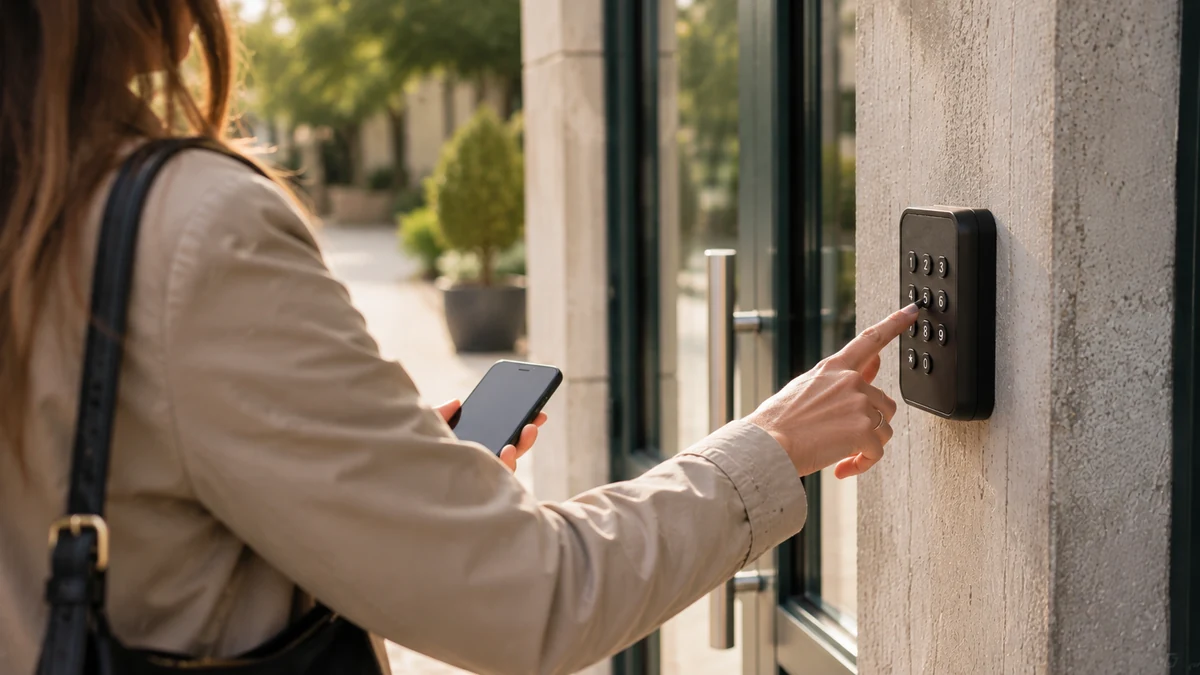
| User experience | Confirmation, then an appointment for the keys | Code or badge, if every link has worked | Code or badge received after payment, valid during the time slot |
| Support | One service, scope limited to the schedule | Two services, scopes to be defined | One service for the whole chain |
Implementation: what difference does booking software with access control make?
Booking software with access control is implemented as a single project: spaces, time slots, prices and door-opening equipment are all set up in the same tool, by the same team. With booking only, the project stops at the schedule. With a third-party integrator, there are two successive projects, and the interface between them becomes a project in its own right.
In practice, booking only is quick to roll out: you describe the rooms, open the time slots and publish the page. The question of keys remains unresolved and is dealt with outside the software. Combining it with an integrator adds a scoping phase: which system triggers what, with which data, and when. This scoping has to be written up, tested, then maintained every time either tool is updated. A single platform avoids this phase. Configuring access is part of setup, as described on the page how a booking with self-service access works.
Contacts: one, two or three providers to coordinate
The number of contacts weighs on the whole life of the project, not just at the start. With booking only, you deal with one software vendor, and the door is a matter for your internal organisation. With a third-party access control integrator, at least three parties are involved: the software vendor, the integrator that connects the two systems, and the hardware installer if it is a separate company. Each one knows its own scope. Nobody takes charge of the whole chain.
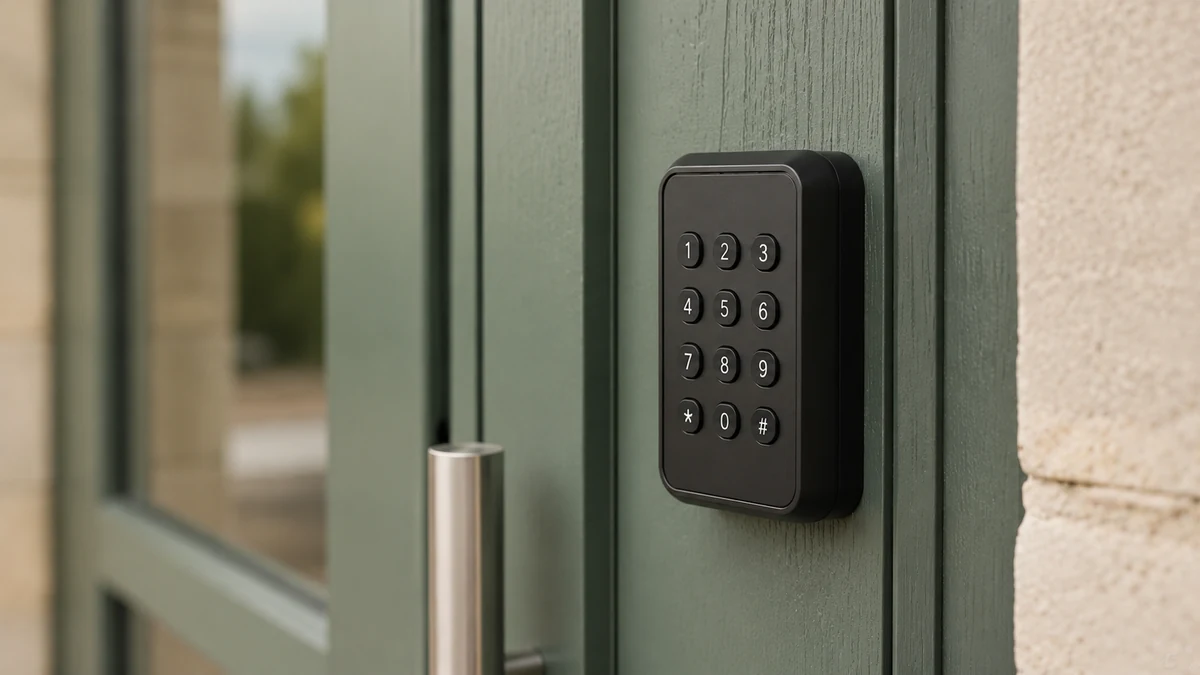
When a confirmed booking does not open the door, the question “who do we call?” comes up with every incident. A single platform brings these roles together with one contact, who knows both the schedule and the equipment installed. For a council clerk or a coworking manager, that means one number to remember instead of three. The page access control and online booking software details this scope.
Initial cost: what appears on the first quote
The initial cost is made up differently depending on the architecture. With booking only, it is limited to the subscription and, sometimes, a set-up fee. Hardware does not come into it, since the door stays manual. With a third-party integrator, you add the interface work between the two systems, the access control hardware and its installation. The interface work is the hardest item to anticipate: it depends on the two tools to be connected and on the level of detail expected.
With a single platform, the initial cost includes the subscription, then the hardware and its fitting if the site is not yet equipped. The hardware is priced separately and communicated before you order. A site already fitted with keypads or badge readers reduces this share accordingly. ASLOT’s pricing terms set out what is included in the subscription and what comes on top.
Recurring cost: the number of contracts to manage
Recurring cost is the criterion most often underestimated. Booking only comes down to a subscription, and the time spent handing over keys does not appear on any line of the accounts. With a third-party integrator, you have to allow for two subscriptions or maintenance contracts, one for the software and one for the access system, and often a third for the interface itself, because every change on one side may require an adjustment on the other. This cost comes back with every update and every change of provider.
A single platform is paid for through one subscription, which covers the schedule, online payment and access. Hardware, if needed, is priced once, separately. Over several years, the difference lies less in the monthly price than in the number of contracts to monitor, renew and get working together.
Lead time: who controls the project timeline?
Lead time depends on how many hands the project passes through. Booking only is the quickest to launch: as soon as the spaces and prices have been entered, the page can be published. With a third-party integrator, the lead time is that of the slowest link: the installer’s availability, developing the interface, cross-testing between the two systems, then fixes. Each back-and-forth between providers adds days, and no one controls the full timeline.
With a single platform, lead time depends mainly on the state of the site. Equipment already in place is connected during setup. A site that needs equipping requires ordering the hardware, having it fitted by the installer of your choice, then remote setup. In both cases, the opening date is agreed with a single person, which keeps the timeline manageable for the local authority or the manager.
Faults and responsibility: who do you call when the door won’t open?
With a single platform, one provider responds, because it handles both the booking and the opening. With a third-party integrator, diagnosis starts by working out where the chain broke: booking, interface or equipment. With booking only, the question does not concern the software, since the door is opened by hand.
Faults are best assessed in the cold light of day, before signing. Ask who is responsible if the code the user received does not work on a Saturday evening. In a three-party set-up, the answer is rarely written down, and each provider may refer you to another in all good faith, for lack of visibility over the neighbouring link. A single platform allows a clear commitment across the whole chain, including the backup procedure when the equipment or the network is unavailable. Also check what happens to a cancelled booking: access must stop being valid, without any manual action. This is one of the twelve points to check before choosing booking and access software for a community hall.
Scalability: the cost of the next space
Scalability is measured by the cost of the next space or the next piece of equipment. With booking only, adding a room is simple, but each additional room multiplies the key handovers to organise. With a third-party integrator, each new piece of equipment, whether a badge reader, gate or barrier, reopens the interface work: you have to check that the access system supports it, then that the interface controls it correctly. A change of software vendor or integrator can call the whole set-up into question.
With a single platform, a new space is created in the same dashboard, and its equipment is connected in the same way as the previous ones. A municipality that starts with a village hall can then add a sports hall, a motorhome aire or a car park without changing tools. The list of equipment compatible with the platform gives an idea of this flexibility.
Data: a single record of actual use
Booking data and access data tell the same story: how the space is actually used. With booking only, just the first half exists in the software; handing over and returning keys is recorded elsewhere, if it is recorded at all. With a third-party integrator, both halves exist, but in two separate databases, with two formats and two retention policies. Reconciling them for a condition report or a dispute takes manual work, and GDPR obligations apply to each of the two systems, with two processors to oversee.
With a single platform, the booking, payment and time-stamped access history can be viewed in one place. A condition report is based on actual entry times. Proof of payment can be found from the booking. The record of processing activities lists only one provider for everything. The page managing keys and access for a space describes what the manager sees day to day.
User experience: room booking and automatic opening
For the user, the difference comes at the moment of getting in. With booking only, they receive a confirmation, then have to arrange an appointment to collect the keys during opening hours, and bring them back afterwards. For a hall booked on a Sunday, that means coming in on a weekday, twice. With a third-party integrator, they receive a code or a badge, provided every link has worked: the booking passed on, the interface active, the equipment reachable. When one of these fails, the user is left standing at a locked door with a confirmation message in hand.
With a single platform, they book, pay and receive their means of access, valid during the time slot and no longer. They let themselves in at the planned time, even late in the evening. The space becomes available at any hour, with no key to hand over or bring back. For an association that rehearses on Tuesday evenings or a remote worker who books a desk by the half-day, this is what makes room booking with automatic opening genuinely useful.

Support: how much it agrees to handle
Support is judged by how much it agrees to handle. With booking only, it covers the schedule and payment, nothing more: if a user could not get in, that is not a software incident. With a third-party integrator, there are two support services, each legitimate within its own scope, and a gap between them where most real incidents end up. Response times add up, and the user, meanwhile, is waiting at the door.
With a single platform, a single service takes the call, sees the booking, the payment status and the access history of the space, and can act on all of it. Check this support service’s hours and what to do outside them. A backup method for opening the door regardless is one of the questions to ask. The glossary defines self-service access control and related terms that are useful for framing these discussions.
When is booking only enough?
Booking only is enough when handing over keys is not a problem: low volumes, a single site, someone present during opening hours, and a facility with no controllable lock. In that situation, adding access control costs more than it brings in.
A hall hired out a few times a month, in a municipality where the reception desk is open the day before and the day after each hire, can be managed perfectly well this way. The online schedule eliminates double bookings and back-and-forth phone calls. Online payment, if offered, avoids forgotten cheques. The rest is part of the usual organisation. The same reasoning applies to a space whose door has neither an electric strike nor an electric lock and for which no equipment is planned in the short term. In that case, a good schedule today is better than a complete project postponed. Keep one point in mind, however: choose a tool that can take on access later without starting all over again.
When is a single platform the obvious choice?
A single platform becomes the obvious choice as soon as people need to get into the space outside the hours when someone can hand over a key, or as soon as several sites or several facilities are involved. It is also the obvious choice when payment must come before entry, without exception.
A village hall hired out at weekends, a sports hall open to associations in the evening, a motorhome aire where people arrive at night, a car park booked by the hour: in each of these cases, the key is the weak link. A code or badge, valid only during the time slot, settles the question of handing keys over, getting them back and having them copied. A set-up with a third-party integrator can achieve a comparable result, at the cost of the coordination described above. It is justified when a recent access control system is already in place and absolutely must be kept as it is. Outside that case, a single platform remains the simplest architecture to run over time, for a council as much as for a private manager.
Your questions
Can booking software open a door automatically?
Yes, provided it includes access control or is connected to an existing access system. In the first case, the user who has booked and paid receives a code or has their badge activated for the duration of the time slot. In the second, an interface passes the booking on to the access system, which requires integration work and ongoing maintenance. Booking software on its own does not control any equipment: the door is opened by hand, with a key handed over by the manager.
Do you need to change the locks to move to booking with access?
Not necessarily. If the site already has a keypad, a badge reader, an electric strike or a motorised gate, the platform adapts to that equipment. If the door is purely mechanical, a controllable component has to be added, which means a hardware item, priced separately and communicated before you order, to be fitted by the installer of your choice. A remote check of your equipment makes it possible to establish this before any decision is taken.
What happens if the internet goes down or the equipment fails?
This question should be asked before signing, whatever the architecture. A platform that includes access provides a backup method for opening the door regardless, and a single point of contact to diagnose the problem. In a set-up with several providers, you need to put in writing who steps in and how quickly, because each one only sees its own link in the chain. Also check that access for a cancelled booking really does stop being valid.
Does a third-party integrator cost more than a single platform?
Not necessarily on the monthly price. The difference lies in the interface work at the start, the number of maintenance contracts to keep track of, and the time spent coordinating providers every time something changes. These costs are real but rarely appear on a quote. Compare the total cost over several years, including your team’s time, rather than the subscription alone.
Can you start with booking only and add access later?
Yes, if the tool you choose at the outset supports access control. You open the schedule and online payment, then connect the equipment when the site is ready, without changing software or re-entering your spaces. If the original tool does not handle access, adding it will mean going through an integrator or migrating. This is worth checking on day one, even if access is not planned straight away.
Which architecture for a municipality that manages several facilities?
A single platform is the easiest to run when a municipality manages a village hall, a sports hall, a motorhome aire and a car park. Each space has its own schedule, its prices for each user group and its access equipment, all in the same dashboard, with payments collected through the public revenue account (régie). Multiplying providers for each facility means multiplying interfaces and contracts, which becomes hard to keep track of for a small council team.
Read next
See ASLOT applied to your case
Thirty minutes, no commitment, to check what the platform changes for your spaces and equipment.