
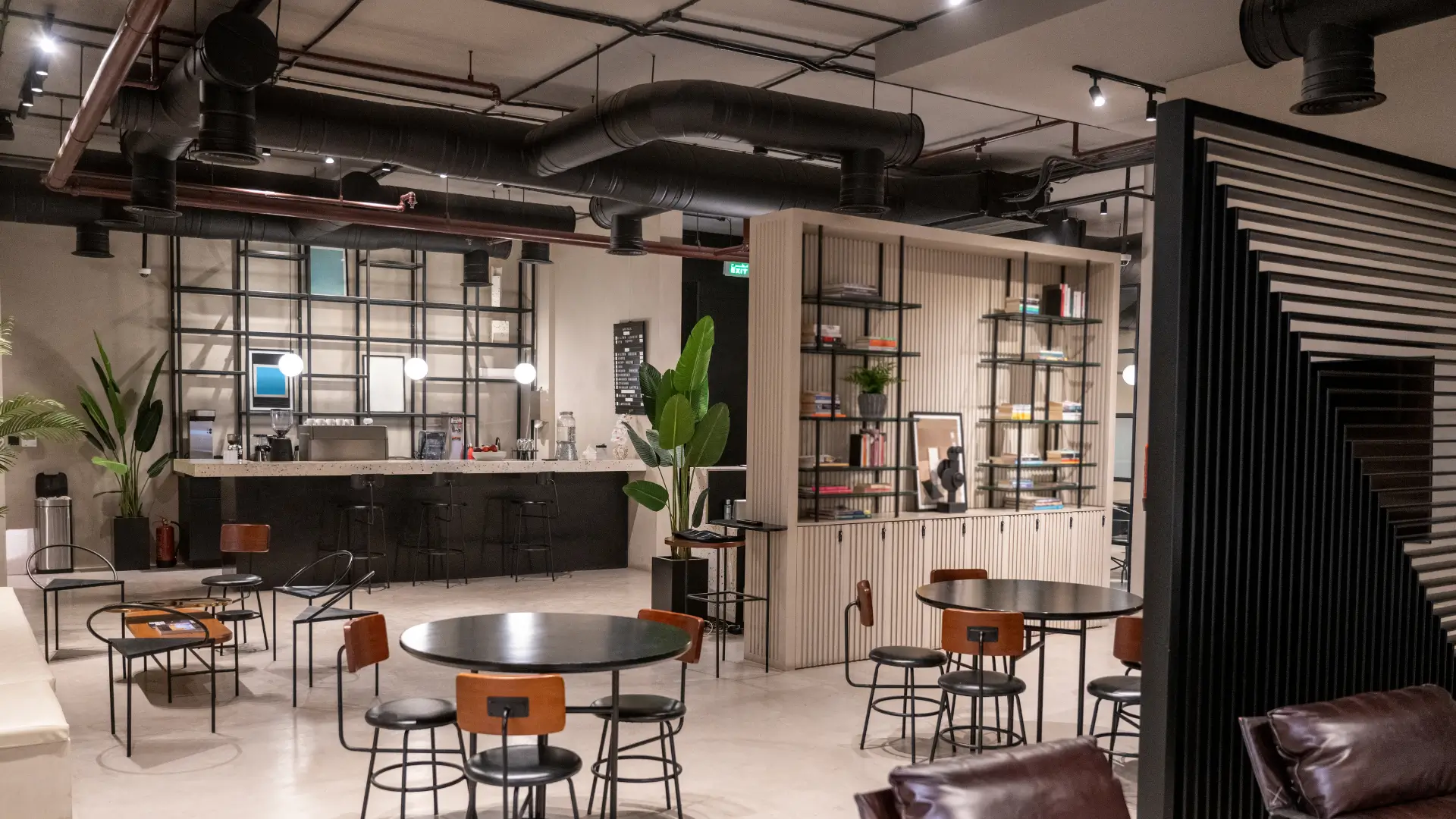
Scope: who this guide is for
This guide is for coworking managers looking for coworking space management software who want to decide on verifiable criteria. It applies to a ten-desk space as well as to a network of several sites, whether run by a company, an association or a local authority as part of a community hub supported by the ANCT, France’s national agency for territorial cohesion.
It helps you settle three decisions. First: what you sell, by the hour, by the day or by subscription. Second: how far the software should go, from simple booking to opening the door, the copier and the heating. Third: what you are prepared to entrust to a vendor, particularly when it comes to your members’ data.
Each point follows the same structure: the need, the question to ask during the demo, the common pitfall. The coworking: member booking and access page presents the full workflow; this guide focuses on the choice. Allow fifteen minutes to read it, then a thirty-minute demo with the final checklist.
There are two variants of this guide for similar spaces: the community hub and fablab management software page for workshops and bookable machines, and the software for business incubators and business centres page for short-stay offices and access for resident companies.
Hourly sales or subscription: which model drives your revenue?
A coworking space rarely sells just one thing. The monthly subscription provides the base, hourly sales fill the gaps and meeting rooms are hired by the slot. The software must handle all three on the same calendar, without double entry.
The need
Offering a desk by the hour on Tuesday morning, a monthly subscription to a freelancer and a room by the half-day to an outside company, with a specific price for each user group. Each option must produce a right to enter limited to the paid slot.
The question to ask
“Show me the same desk sold by the hour to a visitor and included in a member’s subscription, on the same day.” If the demo goes through two screens or two calendars, your space will live with two versions of the truth.
The common pitfall
Choosing a tool designed for subscriptions only. It handles members well, then gets stuck as soon as you need to sell an hour to someone passing through. Hourly sales end up in a spreadsheet, and access for those visitors on a bunch of keys.
Desks and meeting rooms: two ways of booking
A desk is booked as a unit, often without choosing which one. A room is booked by name, with a capacity, equipment and price that vary. Good software treats these two things differently, while showing them in a single view.
The need
Selling “one desk out of twelve” without assigning a seat, and selling “the eight-person room with a screen” to the nearest hour. Booking a meeting room by the hour also requires buffer time between two groups, adjustable for each room.
The question to ask
“How many types of space can I create, and can one space have several sales formats?” Ask to see a room offered by the hour and by the day, with two prices, on the same public page.
The common pitfall
Creating twelve “rooms” for twelve desks. The calendar becomes unreadable, members have to pick a desk number they don’t know, and the slightest rearrangement of the open-plan area means redoing everything.
Access in the evening and at weekends, at any time
Demand for a coworking space goes beyond opening hours. A member wants to work on a Sunday, a company wants a room at 07:30. These slots only sell if access follows the booking outside staffed hours.
The need
Opening the space at any time to people who have booked, and only to them, during their slot. The front door, the floor and the booked room must all open under the same right to enter, and lock again at the end. Access control linked to online booking is at the heart of this point.
The question to ask
“What happens at 21:00 on a Saturday for a member who has booked from 20:00 to 23:00, and for one who hasn’t booked anything?” The answer must describe the member’s journey, door by door, with no remote intervention.
The common pitfall
Extending opening hours by handing out permanent badges. The space becomes accessible at any time to dozens of people, with no link to a booking or a payment, and nobody knows who was there.
Multiple sites: one account, several addresses
Many coworking spaces open a second site within three years. The software chosen at the outset must accept an extra site without migration and without a second subscription to reconcile by hand.
The need
A single dashboard, prices and opening hours specific to each site, and members who can book at either address with the same access. It must be possible to restrict administration rights to one site for a local manager.
The question to ask
“How do you add a second site, how long does it take, and does the price change?” The ASLOT pricing page sets out the principle: a subscription from €59 excl. VAT per month, no commitment and no commission, adjusted to your actual spaces during the demo.
The common pitfall
Accepting “one account per site”. Members have two logins, statistics are consolidated in a spreadsheet and the manager never sees overall occupancy on a Monday morning.
Printing and additional services
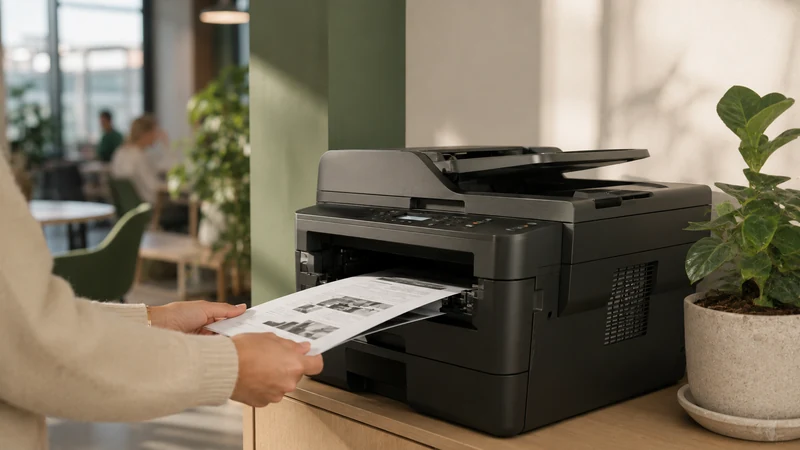
The copier, lockers, the phone booth or the parking space are part of the offer. Every additional service that lives outside the software becomes another line to track by hand.
The need
Attach services to the member or to the booking. For printing, a balance of credits per user, deducted with use on a shared copier. For a locker or a parking space, a bookable space like any other, with its own slot and its own price.
The question to ask
“Which equipment in my building can the software control, and which will stay separate?” The list of supported equipment and integrations is best read with your building plan in front of you.
The common pitfall
Treating printing as an “included” flat rate. Without per-user tracking, a few members use most of the paper and subscriptions are adjusted blindly.
Member badges, visitor codes and guests
A year-round member and a visitor for a morning do not get in the same way. The first wants something they keep, the second a code they receive and forget. The software must issue both from the same booking.
The need
A permanent badge for members, active only during the hours their subscription allows. A limited-use code for visitors or a member’s guests, valid for the booked slot and sent by text message and email, with no app to install.
The question to ask
“A member invites two people to their 14:00 meeting: how do they get in, who authorised it, and what shows up in the log?” The answer tells you whether a guest is a real entity in the software or a badge passed from hand to hand.
The common pitfall
Letting badges be passed around. A badge lent to a guest, then to a former member, opens the space for months. A code linked to the slot is worthless outside its time window, so losing or sharing it has no consequences.
Energy only during useful hours
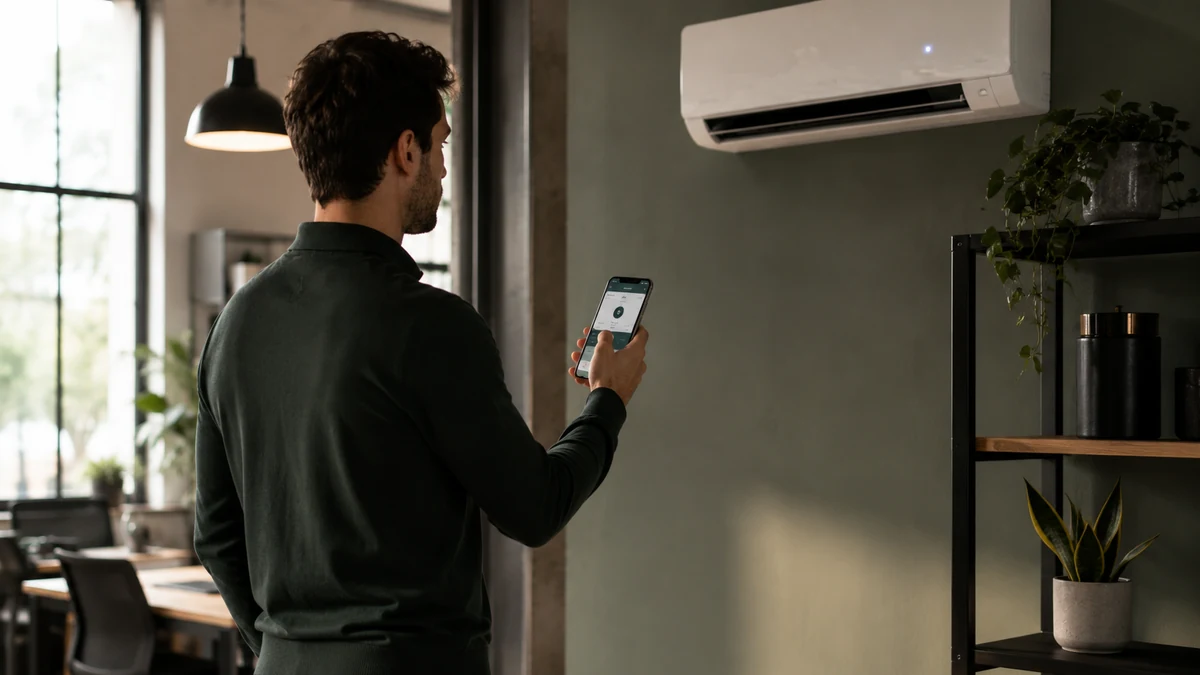
Heating a meeting room all day for two one-hour slots costs more than the hire brings in. The booking knows when the room will be in use; the heating and lighting should know too.
The need
Turn the heating on ahead of the slot, with an adjustable lead time, turn it off at the end, and switch off the lighting in an area when nobody has booked there any more. On an equipped site, this control is set per space, with no daily intervention.
The question to ask
“Which heating and lighting equipment can be controlled in my building, and what needs to be added for the rest?” Ask for an answer room by room, including what will be quoted separately, before placing any order.
The common pitfall
Putting the issue off until later. The space is open at any time, so it is heated at any time. Energy costs climb as opening hours are extended and eat into the revenue earned in the evenings and at weekends.
White label: booking in your space’s colours
Your members book on your website, under your name. The booking page, confirmation emails and access text messages must carry the coworking space’s identity, not the vendor’s.
The need
A public page that can be embedded in your website, in your space’s colours, and messages in which members see your space’s name, its address and its contact number. The journey must remain clear on a phone, since most hourly bookings are made on the move.
The question to ask
“What exactly does a member see on the confirmation and the access text message, and where does the vendor’s name appear?” Have a real confirmation sent to you during the demo.
The common pitfall
Accepting a page hosted elsewhere, with a third-party logo and a web address that isn’t yours. Members think they are dealing with another company, and the trust they place in your space erodes at the first incident.
Data and GDPR
A coworking space processes personal data: identities, contact details, payments, entry history. The GDPR applies to the space manager, as data controller, and to the vendor, as processor. Choosing software has consequences in this area.
The need
Data hosted in France, a defined retention period for access logs, administration rights assigned person by person, and a written data processing agreement. The CNIL regulates badge access to premises and publishes an example of the information to give people, to be displayed at the entrance.
The question to ask
“Where is the data hosted, how long is the access history kept, and who at your company can access it?” Ask for the contractual document, not a verbal answer. The GDPR obligations for businesses are summarised on Service-Public, the French government’s information site.
The common pitfall
Keeping entry logs indefinitely, just in case. The CNIL recommends limited retention periods, proportionate to the purpose. An endless history is a liability, not a safeguard.
Do you need coworking booking software with built-in access control?
Yes, as soon as the space opens outside staffed hours. Coworking booking software that does not control the door leaves the manager handing out badges by hand, with no link to payment. Native access control makes the booking the only right to enter; going through an integrator adds an intermediary, a quote and a delay.
The cost
With native control, access is part of the subscription. On top of that, quoted separately and sent to you before you order: hardware if the site has none. Via an integrator, expect one more contract, a gateway to maintain and often a cost per door.
The lead time
Insist on a setup date for the first door, not a range. An integrator depends on two schedules; a vendor that controls access itself has only one.
The contacts
On a Saturday at 09:00, the door won’t open. Who do you call? With two providers, each can pass the buck to the other. Write down the support number and hours before signing.
Faults
Network or power outage: ask what lets people in, how members are informed and what is recorded. The comparison of booking only versus booking with access details both scenarios.
Method: choosing in 5 steps
The method comes down to five steps, from the building inventory to setting up a first space. It avoids comparing feature lists, which all look alike, and brings the choice back to your actual space.
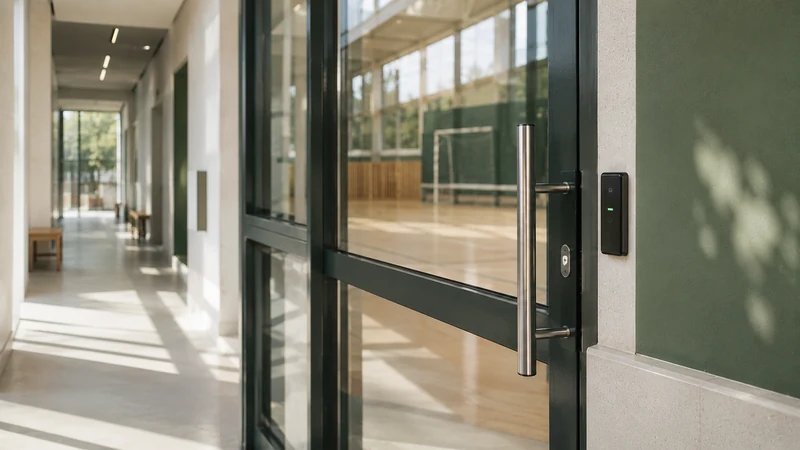
Checklist: 12 questions to ask during a demo
These twelve questions cover the nine points of the guide and access control. Ask them in order and write down the exact answer: a demo that can’t show it is in fact answering no.
Choosing coworking booking software in 5 steps
- Take stock of spaces and doors
List desks, rooms, lockers and copiers, and for each entrance the type of equipment in place: electric strike, electromagnetic lock, reader, keypad. This inventory is the basis for the quote.
- Write down your pricing options
For each space: by the hour, by the day, by subscription, with the price for each user group. This document becomes the software configuration.
- Run a full scenario during the demo
A visitor booking on a Sunday, payment, receiving the code, entry, end of the slot. Without a scenario, the demo is just a catalogue.
- Get a written quote in two parts
The subscription on one side, the hardware and installation on the other, with the setup date and the support contacts.
- Open a single space, then expand
One meeting room for a month. Measure the hours sold outside staffed hours and the incidents, then extend to the desks.
12 questions to ask during a demo
- Can the same desk be sold by the hour and included in a subscription, on the same day?
- Can a desk be booked as “one out of twelve” without assignment, and a room by name?
- What does a member see at 21:00 on a Saturday, door by door, if they have booked? And if they haven’t?
- How do you add a second site, and do members keep the same access?
- Which copiers and equipment in my building can be controlled, and which stay separate?
- Does a member’s guest receive their own code, and does the log show who authorised it?
- Can a room’s heating start before the slot and stop at the end?
- Can you send me a confirmation and an access text message now, exactly as the member receives them?
- Where is the data hosted, and how long is the access history kept?
- Is access control native or does it go through an integrator? Who do we call on a Saturday?
- What happens in a network or power outage for a member who has booked?
- Does the quote separate the subscription from the hardware and installation, with a setup date?
Your questions
What booking software for a small coworking space with ten desks?
The same as for a large one, if its price does not depend on the number of members. Look first at hourly sales and access outside staffed hours: these two points are what keep a small space going. A no-commitment subscription lets you open a single space, measure for a month, then extend to the others.
How do you manage coworking access in the evening and at weekends?
By linking the right to enter to the paid booking. The member books their slot, pays, receives a code or has their badge activated, and comes and goes during the booked period. Access ends at the end of the slot. No permanent badges to hand out to extend opening hours, and every entry is time-stamped.
Should members use badges or codes?
Both have their place. A badge suits a year-round member, provided it is only active during their subscription hours. A code suits visitors, guests and a room hired on a one-off basis, because it is worthless outside its slot. Software that issues both from the same booking saves you running two systems.
Can coworking software control the heating in the rooms?
Yes, when the site’s equipment can be controlled. The heating comes on ahead of the slot, with an adjustable lead time, and switches off at the end; the lighting follows the same rule. What is compatible in your building is checked room by room, before any commitment, and any missing hardware is quoted separately.
How much does coworking space management software cost?
ASLOT starts at €59 excl. VAT per month, with no commitment and no commission on payments. The exact price is set during the demo, based on your actual spaces and equipment. Access control hardware, if needed, is quoted separately and sent to you before you order.
Do you need to install an app to book or get in?
No. Booking, payment and receiving the code all happen in the browser, on a computer, tablet or phone. Members have nothing to download, and you have nothing to install on your computers. The code arrives by text message and email, or the badge is activated for the booked period.
Is members’ data hosted in France?
At ASLOT, yes. For any vendor, ask where the data is hosted, how long the access history is kept, and for the data processing agreement. The CNIL (France’s data protection authority) publishes guidance on access control to premises and on retention periods; the space manager remains the data controller.
Official references
- CNIL, Access to premises and monitoring of working hours in the workplace
- CNIL, Example of information to provide when access to business premises is by badge
- CNIL, Data retention periods
- Service-Public Entreprendre, Personal data protection obligations (GDPR)
- ANCT, Community Hubs Programme (Tiers-lieux)
Read next
See ASLOT applied to your case
Thirty minutes, no commitment, to check what the platform changes for your spaces and equipment.