
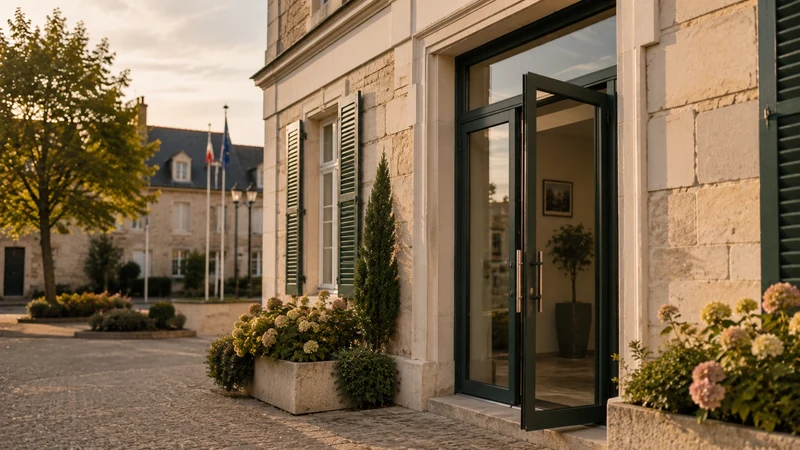
Who this guide to choosing community hall booking software is for
This guide is for the people leading the project in a municipality: the chief executive (DGS), the council clerk, the deputy mayor responsible for buildings or community life, and the revenue officer. It is also useful for the councillor who has to defend the choice before the municipal council.
It helps you decide three things. First, what the municipality really expects from the software, beyond the calendar. Second, what needs to go into a specification, even a short one, so that vendors are answering the same question. Finally, what to check during the demo, on the municipality’s actual facilities, before committing.
The twelve points follow the sequence of a hire: the catalogue, user groups, payment, documents, the schedule, the agreement, the condition report, communication, integration into the council’s website, access, reporting and the regulatory framework. Each point has three parts: the need, the question to ask the vendor, the common pitfall.
To see what community hall management software covers and at what price, the pricing page gives the starting point: from €59 excl. VAT per month, no commitment, no commission on payments. The rest of this guide applies whichever vendor you choose.
If your municipality also opens a sports hall to clubs, the sports hall booking software page covers seasonal slots and association badges. And if the question of a free option comes up, the free room booking software page shows where a calendar without payment or access falls short.
Facilities catalogue and time slots
The first point is the inventory. Software only offers what it has been told about, and offers it exactly as it was described.
The need
A municipality rarely hires out just one hall. Village hall, multi-purpose hall, sports hall, the town hall meeting room, sometimes a kitchen or a covered playground. Each facility has its own durations: the day, the weekend, the evening, by the hour for the sports hall. Some are hired with options, such as the kitchen or the sound system. The catalogue must accept these differences without forcing every facility into the same mould.
The question to ask the vendor
“How do you set up a facility whose slots are not whole hours, for example a weekend from Friday 18:00 to Monday 09:00?” Then ask whether a recurring slot, such as Tuesday evening training, is set once for the season or re-entered every week.
The common pitfall
Software designed for meeting rooms hired by the hour. On paper it accepts the municipality’s catalogue, then distorts it from the very first village hall: the weekend becomes a series of one-hour slots, the price becomes unreadable and the town hall office goes back to entering everything by hand.
User groups and associations: different rules and prices
The price of a community hall depends on who is booking. This rule is voted by the municipal council and the software must apply it as it stands.
The need
At least three groups: local associations, residents and non-residents. Often a fourth category: businesses or associations from outside the area. Local associations frequently get free use, sometimes limited to a number of uses per year. The price list must apply without anyone having to decide at the counter, and free use must remain visible in the facility’s usage records.
The question to ask the vendor
“How do you identify which group the person booking belongs to, and who checks that a resident really is a resident?” A solid answer describes a supporting document requested at booking and approval by the town hall office when a preferential rate applies.
The common pitfall
A single price corrected by hand. The software displays a price and the town hall office changes it for each association. The approved price list is no longer applied, it is interpreted. The second pitfall is taking associations out of the software because they do not pay: the facility loses track of its main use.
Payment: revenue account, deposit, refund
Council income is collected through a public revenue account (régie de recettes). The software has to fit in with it.
The need
A public revenue account is the arrangement that authorises a municipal officer, the revenue officer, to collect public revenue on behalf of the Treasury accountant. Local authorities and revenue accounts that collect at least €5,000 a year must offer their users online payment, and this collection must meet the requirements that apply to public revenue accounts. The deposit follows a separate process from the hire price. Refunds after cancellation must follow the rule written in the hire terms.
The question to ask the vendor
“Does your online payment collection operate within a public revenue account, and has the Treasury accountant already approved it elsewhere?” Then: “How do you handle a cancellation three days before, a partial refund, a deposit?” The page on collecting payments through a revenue account details what the municipality sets up once, with its Public Treasury office.
The common pitfall
Payment designed like an online shop’s, discovered after signing when the Treasury accountant asks how the money flows. The second pitfall is payment after the hire: it is hard to chase payment for a hall that has already been used.
Documents and approval: certificate, ID, manual or automatic
Hiring a community hall requires documents: an insurance certificate, proof of identity, sometimes proof of address. The software must collect them and let the municipality decide when it wants to decide.
The need
Documents are expected before access and checked by the town hall office. Two approval modes coexist. Automatic approval confirms the booking as soon as payment is received; it suits simple slots, such as a meeting room or a sports hall on a weekday. Manual approval lets a staff member confirm; it suits the village hall on a Saturday evening or a special event. The choice must be made facility by facility.
The question to ask the vendor
“Can we require an insurance certificate before confirmation, and set approval to manual for one hall and automatic for another?” Ask how the town hall office is notified that a request is awaiting its decision.
The common pitfall
Everything on manual approval, to be on the safe side. Every booking then goes back through a staff member and the software has taken nothing off anyone’s plate. The opposite pitfall exists too: everything automatic for a village hall, with no insurance check.
Shared schedule and conflicts
Only one calendar should be the reference. Any copy becomes wrong at the first change.
The need
A community hall’s schedule is read by the town hall office, the technical services, councillors, associations, sometimes the school. Recurring slots, closures for works or elections, and the council’s own needs must coexist with public bookings. An overlap must be refused when it is entered, not discovered on the day in front of the door.
The question to ask the vendor
“What happens if two people book the same period at the same moment?” Then: “How do you set a recurring slot for the season and an exceptional closure without breaking the series?” Finally, ask who in the municipality can create an internal booking, and with what rights.
The common pitfall
The calendar exported to a shared diary “so that everyone can see”. The copy takes on a life of its own and the conflicts come back. Another pitfall: a read-only schedule for the technical services, who carry on booking by email and phone.
Hire agreements and signature
The agreement is the document that governs the hire. It must be produced, signed and kept with the booking.
The need
A hire agreement (convention de mise à disposition) is the instrument by which the municipality grants a third party the use of premises, for a set period and on set terms. It refers to the house rules, the deposit, responsibilities and insurance. It must reuse the booking data without re-entry, and be signed before access. We explain what a hire agreement should contain in a separate article.
The question to ask the vendor
“Is the agreement generated from the booking, and can it be signed online?” Then: “What happens if it has not been signed by the day before the slot?” The right answer describes access being blocked, not just a reminder.
The common pitfall
The word-processor template filled in by hand from the screen, with all the copying errors that come with it. Second pitfall: the agreement signed after the hire, and therefore of no practical use on the day damage is found.
Condition report on entry and on exit
The condition report protects both the municipality and the user. It must be based on dated facts.
The need
It is done at two points: before handover and after return. In a busy hall, several users follow one another on the same day. You need to know who went in, at what time and until when, to attribute damage to the right slot. Photos, signatures and having both parties involved do the rest. Useful software provides condition reports backed by the access history, without anyone having to note down times.
The question to ask the vendor
“What information does the software give me when damage is found on Monday morning?” A useful answer talks about a time-stamped log of entries and, if the site has compatible cameras, images linked to access events.
The common pitfall
A condition report form in the software, but no access data to back it up. The form looks good and the discussion still happens from memory, between people who live in the same town.
Communicating with users: confirmations, reminders, instructions
Users must receive the confirmation, the reminder and the instructions without a staff member having to write them.
The need
At least four messages. The confirmation, with the summary and the payment receipt. The reminder before the slot, with the instructions: waste sorting, turning off the lights, respecting the neighbours, finishing time. The access code, sent at the right moment and not weeks in advance. The cancellation message, with the refund terms. By email and text message, because the person standing at the door on a Saturday evening does not open their inbox.
The question to ask the vendor
“Which messages are sent automatically, when, and can we change their wording facility by facility?” Ask whether the payment receipt is attached to the confirmation and whether the village hall’s instructions differ from the sports hall’s.
The common pitfall
Standard messages that cannot be changed, signed with the vendor’s name. And instructions sent too early, at the time of booking, and forgotten two months later on the day of the hire.
White label and integration into the council’s website
Residents book from the council’s website, in the council’s colours. They should not feel they have moved to another site.
The need
White label means displaying the service under the municipality’s identity, with no vendor logo or name visible to users. The booking page is embedded in the council website or linked from the citizen portal. It works on a phone, in the browser, with no app to download, because most requests come from a phone.
The question to ask the vendor
“How do you embed the booking page in the council’s website, and what do residents see on their phone?” Check the answer during the demo, on a phone, by booking a slot yourself from start to finish.
The common pitfall
A link to a vendor portal, with its name and colours, that asks residents to create an account before they can see availability. A compulsory account is the leading cause of abandoned online bookings.
Access control: native or via an integrator?
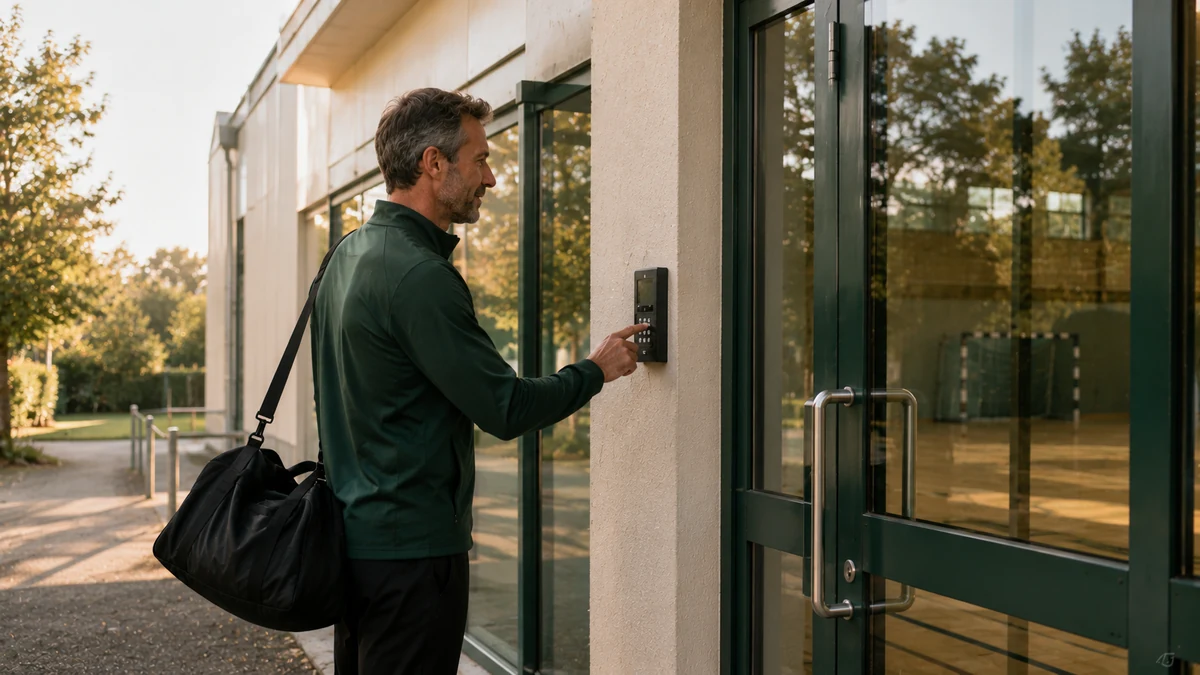
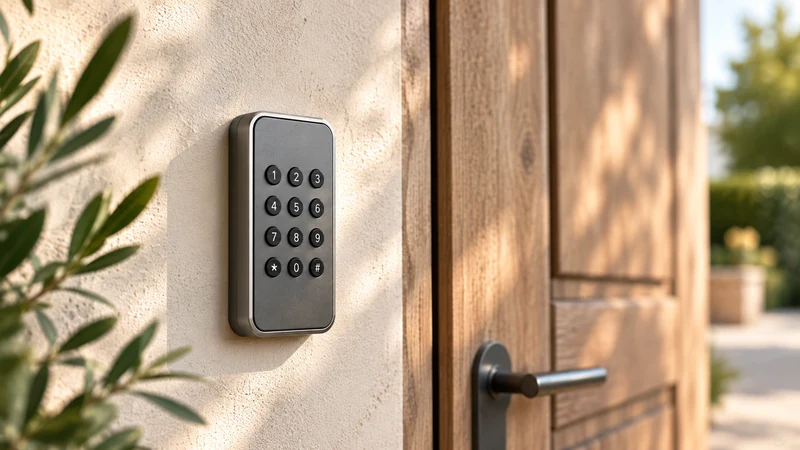
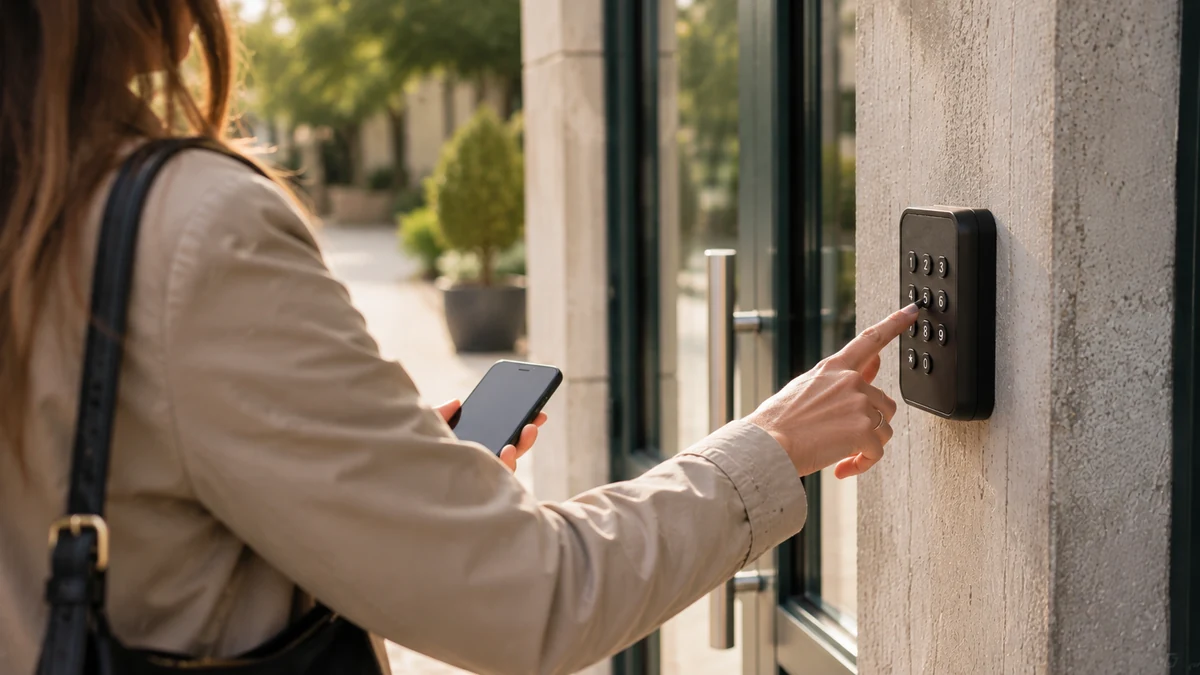
Booking software can manage access rights in two ways. Natively, when the platform itself controls the hall’s keypad, badge reader or electric strike. Via an integrator, when a third party links the booking software to a separate access control system. The difference shows in cost, lead time, number of contacts and responsibility when the door does not open.
The need
The right to enter must follow the time slot: the user gets in at the start time and access ends at the finish. Without this, the key comes back, with the Friday evening handover and the Monday morning return. The municipality often already has equipment: a keypad, an electric strike, a gate. The software must adapt to it before any new hardware is considered.
The question to ask the vendor
“Who controls the door equipment: you, or an integrator?” Then: “How many contacts if it breaks down on a Saturday?” Finally: “What lead time and what cost to connect what is already in place?” ASLOT controls access natively, from the same platform as booking and payment; the access control and online booking page describes what this changes for users and for the municipality.
The common pitfall
Two contracts, two support desks, and nobody responsible when the door stays shut in front of forty guests. The second pitfall is replacing all the equipment when the existing hardware could have been controlled.
Reporting, actual use and supporting documents for the Public Treasury
The software must answer three questions: how much the hall was used, how much it brought in, and what each payment corresponds to.
The need
Actual use can be read by facility and by user group, including free-of-charge use: this is what lets you decide between two requests, support a grant application and answer questions in the municipal council. Each payment is linked to the booking that generated it. The user receives a payment receipt. The revenue officer receives an export ready for reconciliation with the Public Treasury. Software designed for revenue accounts produces these three things without re-entry.
The question to ask the vendor
“Show me the export the revenue officer will receive at the end of the month, and the usage report for a sports hall over a season.” Ask to see real data, not a mock-up.
The common pitfall
Attractive dashboards and an export the Public Treasury cannot use. And usage calculated from bookings rather than entries: a hall that is booked but never used then counts as used.
GDPR, hosting, RGAA accessibility and data reversibility
The software processes residents’ data on behalf of the municipality. Four points are essential: GDPR compliance, hosting, accessibility and exiting the contract.
The need
The municipality is the data controller and the vendor is its processor: the contract must say so, set retention periods and provide for the role of the data protection officer. The CNIL, France’s data protection authority, publishes guidance for local authorities. Hosting of the data in France, or at least in the European Union, must be written down. An online public service must be accessible: the RGAA (French accessibility standard) is the framework that applies to public bodies, and the vendor must provide its accessibility statement. Finally, reversibility: retrieving bookings, history and documents in a readable format at the end of the contract.
The question to ask the vendor
“Where is the data hosted, what is your accessibility statement, and in what format do we get all the data back at the end of the contract?”
The common pitfall
The question asked after signing. And the verbal promise: reversibility that is not written into the contract does not exist.
A five-step method for running the project
The project comes down to five steps, from the inventory to communication. Each one produces a short deliverable, and the order matters: choosing software before writing your rules means configuring rules that do not exist.
- Take stock. List each facility, its hire durations, its options, its door hardware, and the user groups it serves. One page per facility is enough.
- Write the rules. Price list by user group, free-of-charge uses, deposit, cancellation terms, required documents, approval mode for each facility. Existing council resolutions are the source.
- Choose. Send the same specification to every vendor, run the demo on one of the municipality’s real facilities and ask the fifteen questions in the list below.
- Set up. Transfer the rules into the software, set up the payment collection process with the Public Treasury, connect the door hardware, test a complete booking, from payment to entry.
- Communicate. Notify the associations before opening, publish the link on the council’s website, train the people who will monitor the dashboard, keep the counter open during the transition.
Fifteen questions to ask during the demo
The demo is what decides. The fifteen questions below restate the twelve points in a direct form, to be asked in order during the session. Each time, ask to see the answer on screen, on one of the municipality’s facilities, and note what was shown and what was promised. The two columns do not always match.
Running an online community hall booking project in five steps
- List the facilities
List each hall, its hire durations, its options, its door hardware and the user groups it serves.
- Write the rules
Gather the price list for each user group, free-of-charge uses, the deposit, cancellation terms, required documents and the approval mode for each facility.
- Choose the software
Send the same specification to every vendor and run the demo on a real facility using the fifteen questions in the list.
- Set up and connect
Transfer the rules into the software, set up the payment collection process with the Public Treasury, connect the door hardware and test a complete booking.
- Communicate
Notify the associations, publish the link on the council’s website, train the people who will monitor the dashboard and keep the counter open during the transition.
The 15 questions to ask the vendor during the demo
- Show me a weekend booking for the village hall, from Friday evening to Monday morning, with the kitchen option.
- How does the price change if the person booking is a local association, a resident or a non-resident?
- Does free-of-charge use appear in the usage report?
- Does your payment collection operate within a public revenue account, and has the Treasury accountant already approved it elsewhere?
- How do you handle a cancellation three days before the slot, and a partial refund?
- Can we require an insurance certificate before confirmation?
- Can approval be set to manual for one hall and automatic for another?
- What happens if two people book the same period at the same moment?
- Is the hire agreement generated from the booking and signed online before access?
- What information do you give me when damage is found on Monday morning?
- Which messages does the user receive, when, and can I change their wording for each facility?
- What do residents see on their phone, from the council’s website, without creating an account?
- Who controls the door equipment, you or an integrator, and who responds if it breaks down on a Saturday?
- Show me the export the revenue officer will receive at the end of the month.
- Where is the data hosted, what is your accessibility statement, and how do we get everything back at the end of the contract?
Your questions
Can booking software control access rights?
Yes, provided it was designed for it. The right to enter is then tied to the booked time slot: the user receives a code or has their badge activated, gets in at the start time and access ends at the finish. There are two approaches. Native control, where the booking platform itself controls the keypad or the electric strike. Control via an integrator, where a third party links the software to a separate access control system. The first approach limits the number of contacts and makes it clear who is responsible in the event of a breakdown. In both cases, ask what happens to the equipment already in place.
How long does deployment take?
It depends mainly on the existing hardware and the payment collection process. A municipality whose halls already have keypads or controllable electric strikes, and whose public revenue account (régie) accepts online payment, gets started faster than one that has to equip its doors and set up its revenue account. Setup can be done remotely, with the vendor’s team. Setting up the rules (prices for each user group, cancellation terms) is quick as long as the council resolutions exist. It is often writing the rules, more than the software, that sets the timetable.
Is a public procurement procedure required?
A software subscription is a public services contract, but the procedure depends on the amount. Since 1 April 2026, Article R2122-8 of the French Public Procurement Code has allowed the buyer to award a contract without prior advertising or competition when the estimated value of the requirement is below €60,000 excl. VAT for supplies and services. The value is assessed over the whole term of the contract. Below this threshold, the municipality must still choose a relevant offer, make good use of public money and not systematically contract with the same economic operator. A subscription of a few dozen euros a month remains well below the threshold.
Can we keep our current revenue account?
Yes, in most cases. The public revenue account is set up by the municipality, not by the vendor. What changes is the payment method: online payment is added to the methods already provided for, and the instrument establishing the revenue account must mention it. This is done once, at the start, with the Treasury accountant. The revenue officer keeps their role, their checks and their transfers of funds. Check with the vendor that its payment collection fits within this framework and that it provides the export the Public Treasury expects. A counter can stay open alongside for people who prefer to pay in person.
What happens to the tool if the municipality changes vendor?
The municipality must be able to retrieve its data and carry on its activity. In practice: upcoming bookings, the history of use and payments, agreements and documents, in a format that other software or a spreadsheet can read. This reversibility is written into the contract, with the time frame for handing over the data and how long the data remains accessible after the contract ends. On the hardware side, check that the door equipment can still be used with other software or in manual mode. A no-commitment contract makes leaving easier, but it does not replace the reversibility clause.
Do existing keypads and locks have to be replaced?
Not necessarily. Much of the equipment already installed – keypads, badge readers, electric strikes, gates, barriers – can be controlled and reused. This is the first thing to have the vendor check, from photos or by video call, before any commitment. When a hall only has a mechanical lock, the door has to be equipped, and this hardware is quoted separately and sent to you before ordering. The municipality can also keep a few physical keys, for its technical services or the emergency services, alongside slot-based control.
Is it worth it for a small municipality with just one hall?
Yes, if the hall generates phone calls, key handovers and payments to follow up. The number of bookings matters less than how scattered the tasks are: each booking takes up the town hall office’s time several times over, often outside opening hours. Putting a single hall online, with its prices for each user group and slot-based access, is enough to remove these tasks. ASLOT’s published pricing starts at €59 excl. VAT per month, with no commitment; the exact amount is worked out during the demo, based on the municipality’s actual facilities.
Do associations need to create an account or install an app?
No. Everything happens in the browser, on a computer, tablet or phone, and the access code arrives by text message and email. An association’s recurring slots are set once for the season by the municipality or by the association’s contact person, depending on the rights granted. A change of chair or contact person no longer means getting a key back: the right to enter is tied to the time slot. Check with the vendor that residents are not forced to register for a one-off booking.
Official references
Read next
- Condition reports, deposits and hire agreements: making community hall hire secure Local authorities
- Coworking booking software: 10 points to pin down (rooms, desks, 24/7 access) Coworking
- Running a municipal motorhome aire: booking, payment, barrier Motorhome aires
- Espace sur Demande (ANCT) or ASLOT: free or complete, which should you choose for your halls? Comparison
See ASLOT applied to your case
Thirty minutes, no commitment, to check what the platform changes for your spaces and equipment.