
The time slot is what counts
The code or badge only works between the start and end of the booking. Before, it does nothing. After, it no longer does anything. The schedule and the door can no longer contradict each other.
Access control software with online booking does two things that are usually kept separate: it records the booking and it opens the door. The user chooses their time slot, pays, receives a code or has their badge activated, then gets in at the scheduled time. At the end of the time slot, access ends. ASLOT brings these two functions together in a single platform, with no integrator between the schedule and the access equipment.
Updated 8 September 2026
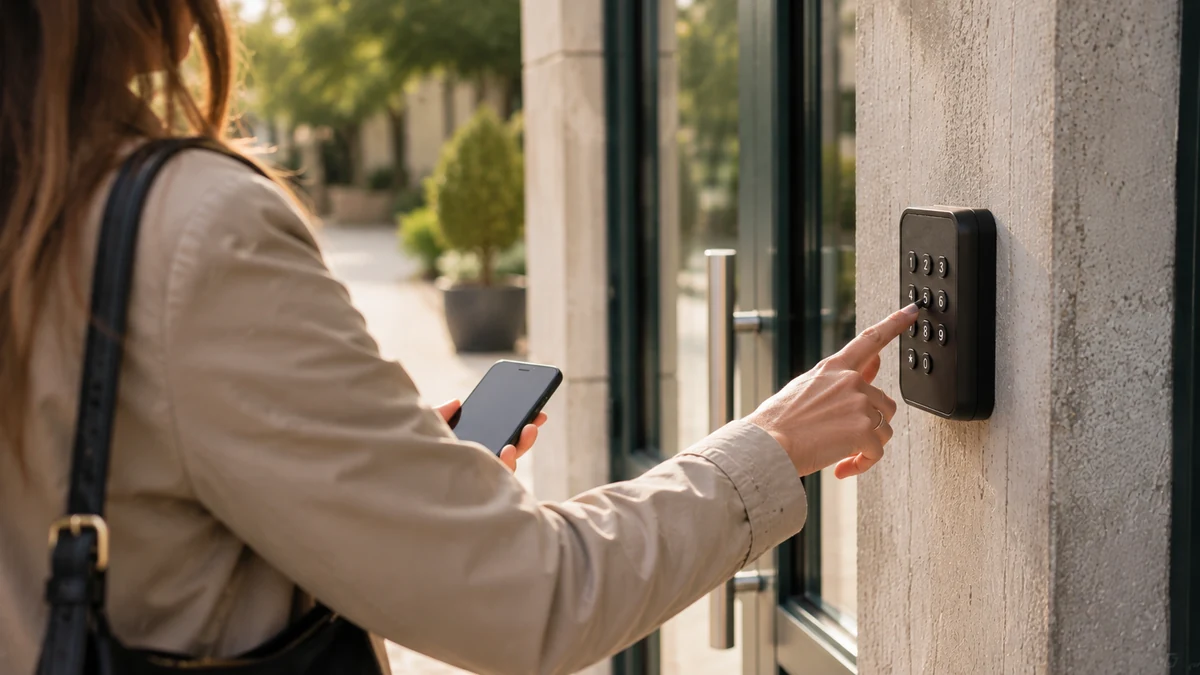
In most organisations, booking and access live in two separate worlds. On one side, a calendar or a form that records who is coming and when. On the other, a lock, a keypad or a badge reader, managed by someone else, often with different software. In between, someone copies things across: they create the code, send it, remember to deactivate it. This manual link is the weak point.
When the link breaks, the symptoms are always the same. A code sent to the wrong person. A badge still active six months after a subscription has ended. A door that doesn’t open on a Saturday morning because the change to the schedule wasn’t carried over to the equipment. None of these incidents comes from the schedule or the lock. They come from the hand-off.
Bringing booking and access together in the same software removes this hand-off. The right to enter is created by the booking itself, with its times, and disappears with it. There is nothing to copy, nothing to deactivate. For the operator, the schedule and the door say the same thing at the same time.
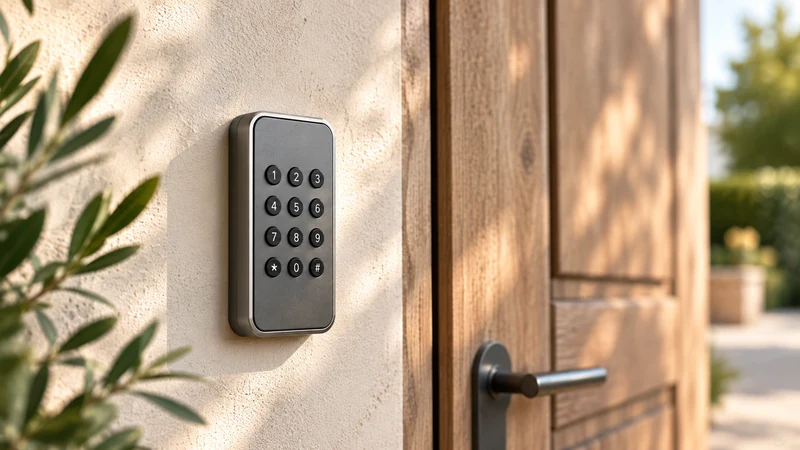
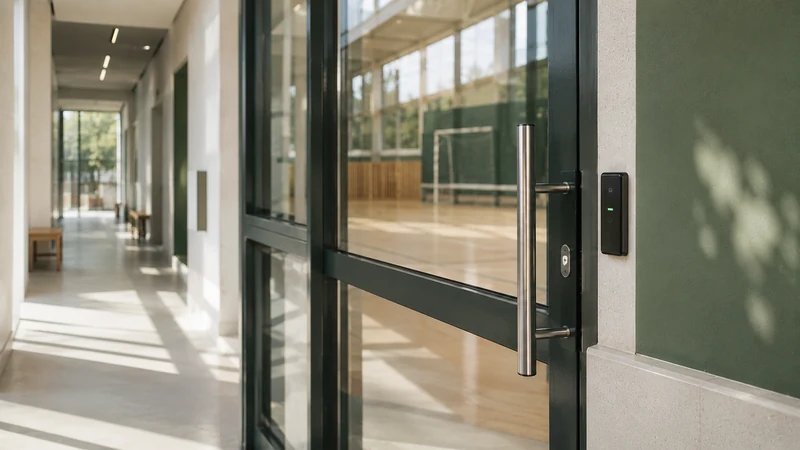
The code or badge only works between the start and end of the booking. Before, it does nothing. After, it no longer does anything. The schedule and the door can no longer contradict each other.
When there is a charge for the space, access is only issued once payment has been collected. No more chasing payment after the event, and no more unpaid bills discovered once the hall is in use.
No appointment to hand over a key, and none to get it back. A contact person who changes, a subscriber who leaves: the right to enter follows the booking, not the bunch of keys.
Every opening is recorded with the booking that allowed it. A door left open, damaged equipment: the operator looks at facts, not memories.
Our team identifies each entry point to be controlled: door, gate, barrier, turnstile. What can already be controlled is reused. What can’t is quoted separately, before any order.
Opening hours, time slot lengths, rates by user group, any deposit. What used to be applied from memory becomes a setting, applied in the same way for everyone.
The team supports the setup, remotely. Each access point is tested with a real booking: opening on time, closing at the end, a record in the history.
The booking page is published. Users book from their browser, on a computer or phone, and get in on their own during their time slot. The operator keeps track of everything from one screen.
Access control software with online booking is a platform where booking a time slot directly creates the right to enter the booked space. The user books, pays if there is a charge for the space, then receives a code or has their badge activated for the chosen period. The operator has no key to hand over and no code to program: the booking already contains the times, and access follows them.
The difference from a scheduling tool lies in that last point. A schedule knows who is coming. Access control software with online booking can also open, on time, and lock again at the end. Self-service access control refers to this way of working: the user gets in on their own, during their time slot, and not beyond it.
From the user’s point of view, the journey comes down to five steps, all from a browser. No app to install.
Each step, on both the user’s and the operator’s side, is described in detail on the page how ASLOT works.
For the operator, self-service access removes four everyday tasks and provides information that was missing.
The page on keys and access goes into what happens to a bunch of keys when the right to enter follows the time slot.
The difference lies in who handles the link between the schedule and the door. With a third-party integrator, separate booking software and access control systems are joined by a connector, maintained by a third party. With a single platform, booking and access are the same function: there is no link to maintain, and no third point of contact.
The three-party arrangement works. It has a setup cost, a maintenance cost every time one of the two software products changes, and a question to settle from the very first incident: who do you call when the door won’t open? The single platform gives you one point of contact for the schedule, payment and access.
The criteria for choosing between the two arrangements are detailed in our comparison of booking only and booking with access.
ASLOT adapts to the hardware in place: keypads, badge readers, electric strikes, gates, barriers and bollards already installed are controlled as a priority. Surveying the existing access points is the first step in any setup. If an entry point can’t be controlled, a mechanical lock for example, it needs to be equipped. This hardware is quoted separately and communicated before any order.
ASLOT can supply this hardware through selected partners according to need and budget. A keypad is enough for a hall. A badge reader is better suited to a coworking space where the same people come back every day. A car park requires control of a barrier or gate. The list of controllable equipment and integrations sets out what can be connected.
A municipality of 3,000 residents hires out its hall to residents and lends it to its associations. Each booking, paid or free, issues a code valid for the time slot. The town hall office no longer hands over keys on Friday evenings and finds every entry in the history. See community hall booking.
A coworking space with 40 desks wants to sell its meeting rooms outside the hours when the team is present. Subscribers’ badges are active for their subscription period. A one-off customer receives a code for their Saturday time slot. The space sells in the evenings and at weekends. See the coworking use case.
A residential building opens its visitor spaces for booking. Residents keep their badges, visitors receive a code that opens the barrier or gate during the booked period. The managing agent sees occupancy and revenue. See parking space booking.
A municipal aire takes in late arrivals. The motorhomer books on the road, pays, and their code opens the barrier at 23:00. The services follow the stay and stop with it. See motorhome aire booking.
A code has a limited lifetime: it only works during the booked time slot. Sharing it doesn’t create a permanent right. At the end of the time slot, access stops without anyone stepping in. Every opening is logged and linked to a booking, which makes it possible to answer a specific question instead of suspecting everyone.
Users’ data is hosted in France. The operator remains the data controller for its users’ data, and retention periods for access histories follow the recommendations of the CNIL (France’s data protection authority) on retention periods. The platform’s protection measures are described on the security and data protection page.
One subscription, no commitment and no equipment to replace. Booking, payment collection, access and tracking in a single piece of software, with no add-on modules or premium edition. No commission on your revenue; the exact scope is agreed with you during the demo.
* Prices shown exclude VAT.
Yes. With ASLOT, it’s built in: the booking creates the right to enter, with its times, and withdraws it at the end of the time slot. There is no integrator between the schedule and the access equipment, and no connector to maintain. The operator has a single point of contact for booking, payment and opening. This is what distinguishes a booking platform with access from a scheduling tool connected to an access control system after the fact.
Not systematically. Keypads, badge readers, electric strikes, gates and barriers already in place are reused as a priority. The existing access points are surveyed before any commitment. If an entry point can’t be controlled, for example a door with a mechanical lock, it needs to be equipped. This hardware is quoted separately, communicated before ordering, and can be supplied through selected partners according to need and budget.
The code only works from the start of the time slot. Before then, it does nothing, even if it has already been received. If you want to allow a margin, for example opening the changing rooms or the hall a quarter of an hour early, this margin is set in the space’s settings and then applies to all bookings. The user doesn’t have to ask for an exception.
The user doesn’t need a connection on their phone to get in: they type their code on the keypad or present their badge. If the site itself loses its connection, backup codes remain available to open, as on other ASLOT spaces. The exact behaviour depends on the equipment in place; we check it with you during the access survey.
Yes. A permanent badge is assigned to an organisation or a person, with its own time windows, outside of any one-off booking. It suits associations that use recurring time slots all season, or subscribers to a coworking space or a car park. It is still logged like other access and is deactivated at the end of the agreed period, without any object having to be returned.
Each code is specific to one booking and is valid only for its time slot. A shared code therefore doesn’t open outside the booked period, and the code for a past booking no longer opens anything. All openings are logged and linked to the original booking. The data is hosted in France. Details of the measures are published on the site’s security page.
During the demo, we start from your actual access points and time slots. You see a booking open the equipment, then close it again, before we talk about pricing.