
The clash discovered too late
Two groups outside the same door on a Saturday. In a single calendar, a period that is taken is no longer offered, whatever the channel. The clash is refused at the point of entry, not discovered on site.
The schedule of a community hall, whether a village hall or a multi-purpose hall, is kept in a single calendar, shared between staff, which refuses overlaps and in which the associations’ recurring slots are set once for the season. Cancellations, moves and closures are made without re-keying and leave a record. This page describes the day-to-day running of that schedule: the typical week, clashes, the season, the holidays and working as a team.
Updated 8 September 2026

Monday evening, the dance club. Tuesday, gentle exercise. Wednesday afternoon, the children’s leisure centre. Thursday, the choir. Friday evening and the weekend, hires to residents. Add the occasional extra rehearsal, the senior citizens’ lunch, cleaning and an election. A municipality’s village hall schedule is full before booking has even opened to the public.
Kept on a wall planner or a spreadsheet, this schedule relies on one person. That person knows that the choir doesn’t come during the holidays, that the dance club moved its slot in January, that Saturday the 14th has been booked for a year. When they are away, the hall gets booked twice or not at all. It is not a question of diligence. It is the result of knowledge that is written down nowhere.
An online booking calendar changes the nature of the work. The associations’ season is set up once, in September. Hires to residents fill what is left, from the public page. An overlap is refused at the point of entry. A cancellation frees up the period and stays in the history. And several staff members read the same status, from their desk or their phone.
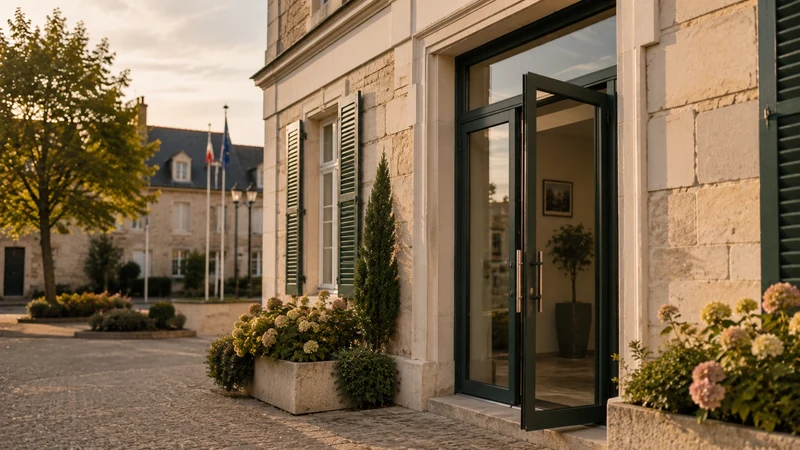
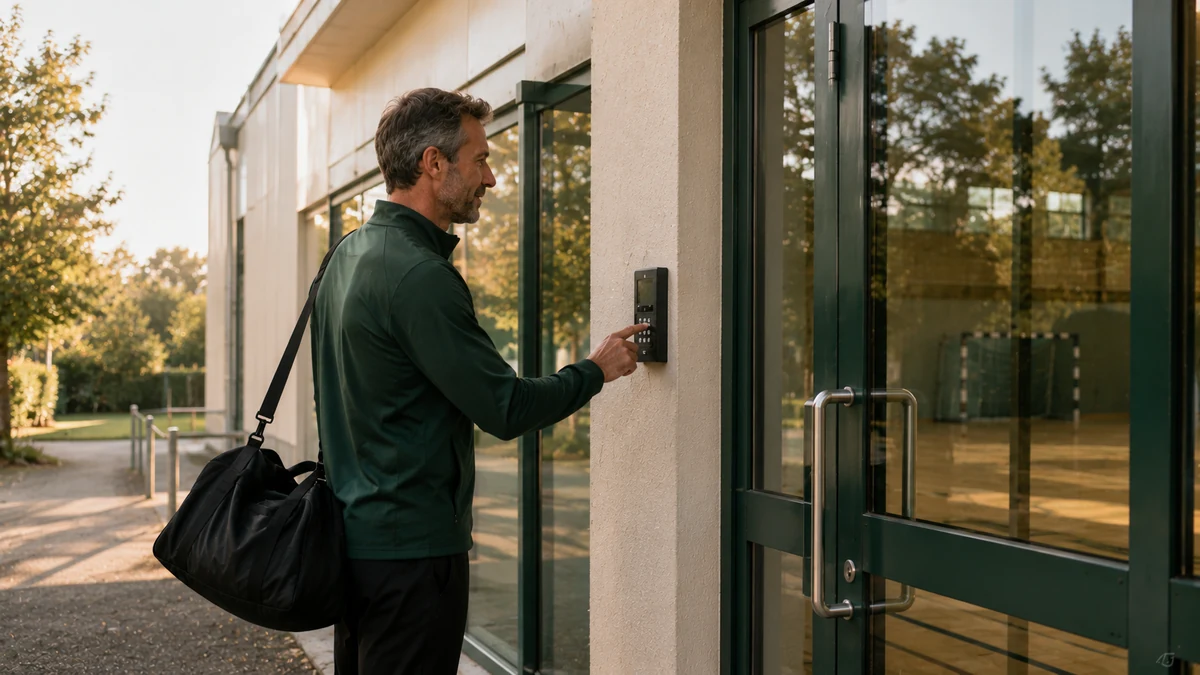
Two groups outside the same door on a Saturday. In a single calendar, a period that is taken is no longer offered, whatever the channel. The clash is refused at the point of entry, not discovered on site.
Thirty-five Tuesdays to copy out for the exercise class. A weekly slot is declared once, with its period. A skipped session is cancelled on its own, without touching the series.
Associations stop in July, the choir doesn’t come at Christmas. Closure periods are declared once and suspend every series that runs through them.
A hire cancelled by phone and deleted from the spreadsheet never existed. In the calendar, it frees up the period and stays in the history, with its date and reason.
Each association, its day, its time, its period. The list is often shorter than the town hall office’s memory would have you fear.
Weekly slots are set for the season. School holidays, bank holidays and building work are declared once and apply to every series.
Free periods appear on the hall’s public page. A hire taken online or at the counter fills the same calendar.
A cancelled session, a moved slot, a one-off hire: every adjustment is made in the calendar, with overlap checks, and stays on record.
A double booking is avoided by having only one calendar, fed by every channel, which refuses to record a period that is already taken. As long as there is a copy, whether a wall planner, a spreadsheet or a notebook, a clash remains possible. The single calendar makes it impossible at the point of entry.
In practice, a resident’s booking from the public page, a staff member’s entry at the counter and the recurring slot of an association all fill the same calendar. If two people try for the same period at the same instant, the first confirmed booking takes it and the second can no longer have it. That is the fundamental difference between a schedule you control and a schedule you put up with. Choosing the tool that holds this calendar, the criteria and how it compares with a spreadsheet are covered on the page choosing room booking scheduling software.
Associations take up most of a village hall’s schedule during the week. Their slots come round every week, from September to June, with known exceptions. A recurring slot is declared once: the day, the time, the period, the association. It fills the calendar for the whole season and access to the hall follows each session.
When a session is skipped, the town hall office cancels that occurrence without deleting the series. When an association changes its time in January, the series is modified from that date, and past sessions stay as they took place. Each association’s actual use, in hours, is available at the end of the season. The page managing free use of facilities by associations covers the zero-euro price and the hire agreement.
A community hall schedule follows the school calendar. Associations stop during the holidays, the children’s leisure centre uses the hall during the day in summer, the municipality closes it for building work in August and for elections. These periods are declared once, with their reason, and suspend every series that runs through them. A closed period stays visible on the council side and is not offered to the public.
The following season is prepared in June: the year’s series are renewed, adjusted or deleted association by association. The work takes one meeting, not a month. The page on booking a multi-purpose hall shared between four user groups shows the same mechanism on an even busier facility.
A cancellation is not made by deleting a line. It frees up the period, invalidates the access code and stays in the history with its date and reason. If the hire was paid for, the refund follows the hire terms and the procedure of the public revenue account (régie). The revenue officer finds the transaction in their summary.
A move is made directly in the calendar: the booking changes day or is extended, overlap checks apply along the way, and the hirer receives an updated confirmation. Residents can cancel themselves using the link in their confirmation, within the deadlines set by the municipality. The page running a village hall without a binder describes all the town hall office’s tasks.
The village hall schedule concerns at least three people: the front-desk officer who answers residents, the revenue officer who tracks revenue, and the councillor or maintenance officer who comes by on Monday morning. Each of them needs to read the same status, from their desk or their phone, without calling the others.
Access to the dashboard is set person by person. One staff member can view and create bookings, another can only view, the revenue officer sees the revenue. There is still just one calendar, and everyone sees what concerns them. Nothing is exported or printed to be shared, which avoids copies that are out of date again the next day. The page on online village hall booking describes what residents see on their side.
One subscription, no commitment and no equipment to replace. Your schedule, payment collection, your visitors’ access and revenue tracking in one place, all under your control from your phone. No commission on your revenue; the exact scope is agreed with you during the demo.
* Prices shown exclude VAT.
School holidays are declared once as a closed period for associations. All the series that run through them are suspended automatically, and the hall becomes bookable by residents again during those periods if the council so decides. For a single session that is skipped, the town hall office cancels that occurrence without touching the series. The association receives a confirmation and its access is not issued for the cancelled session.
Yes. The booking is moved directly in the calendar, to another day or another time. Overlap checks apply along the way: if the new period is taken, the move is refused. The hirer receives an updated confirmation with their new slot, and the access code follows. The history keeps both the old date and the new one.
The first confirmed booking takes the period. The second can no longer have it and is offered the slots that are still free. This rule applies whatever the channel: public page, counter, entry by a member of staff. That is what a shared spreadsheet cannot do, since it records both and leaves the clash to be discovered on the day.
The closure period is declared once, with its dates and its reason. It suspends the slots that fall within it, association series included, and removes those dates from the public page. On the council side, the closure stays visible with its reason. The associations affected can be notified from the dashboard. At the end of the period, the series resume with nothing to re-enter.
Yes. Each staff member has their own access to the dashboard, with suitable permissions: view, create, edit, track revenue. Everyone reads the same calendar at the same moment, from a computer, tablet or phone. There is no version to keep in sync and no file to pass around. When one member of staff is away, another takes over without having to look for anything.
Yes. An overview shows the spaces in rows and the days in columns, so you can read the occupancy of all the municipality’s facilities at a glance. You see immediately where there is still room and where there is none left. Each space keeps its own detailed calendar, prices and access.
During the demo, we enter your associations, your holidays and your closures. You see your real week in a single calendar, with no commitment.