



Self-storage software

Your self-storage centre
is simple to run,
at your own pace

ASLOT is self-storage software for storage unit and container centres. Your tenants choose their unit online, sign and receive their code on their phone. On site, the operator sees alerts and opens remotely. At the office, the manager oversees their centres and sets access. No more data entry, keys to hand over or reminders sent by hand.

The details, topic by topic: online unit rental, access control for self-storage and direct debit tracking.

24/7Tenant access
0Paper contract
0Key to hand over
€1Per unit per month, excl. VAT
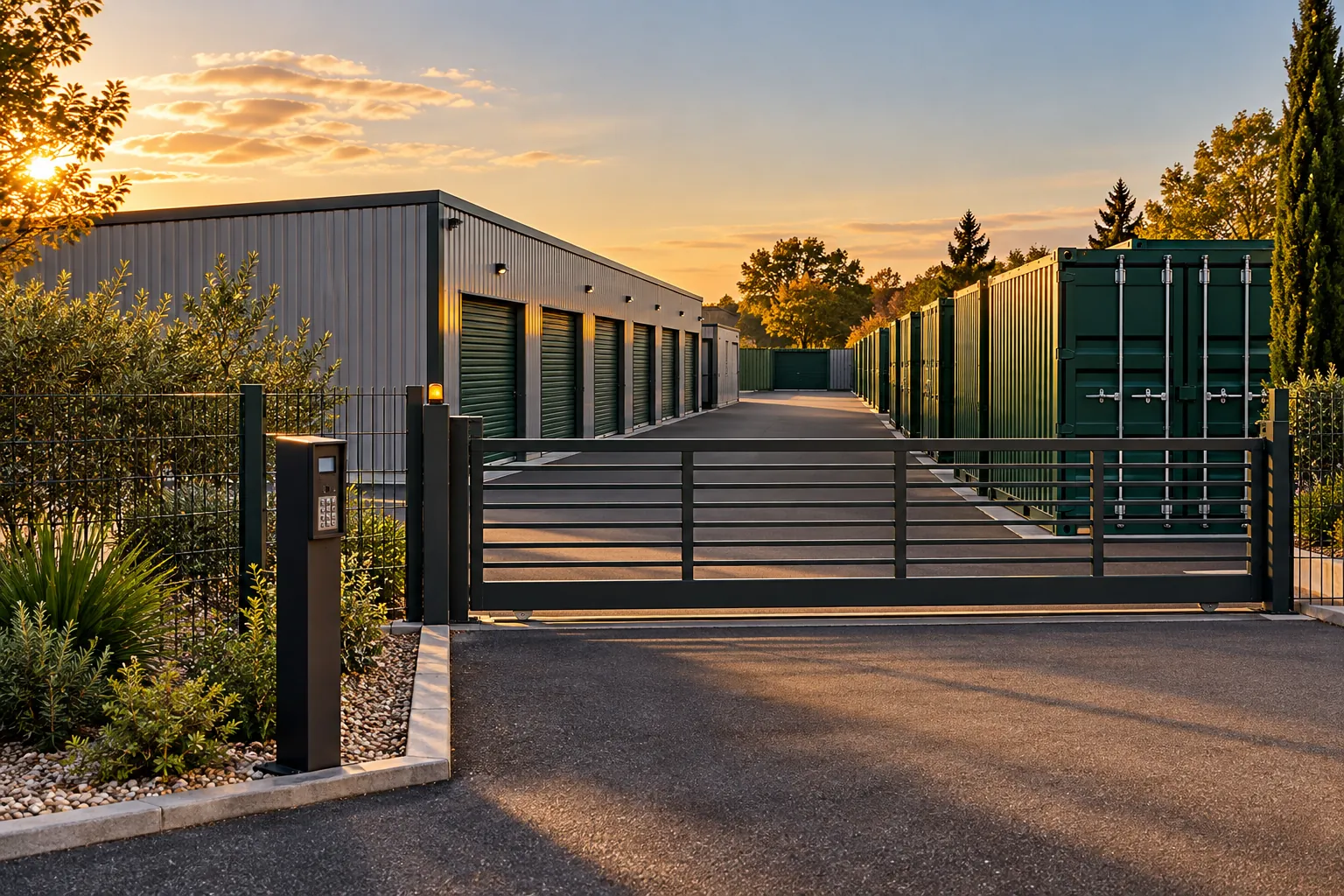
Entrance gate of a self-storage centre at sunset, rows of units in the background

Fewer repetitive tasks,
more time on site

Entering a contract, arranging an appointment to hand over a key, calling a tenant back, keeping a spreadsheet up to date: it all moves online. The time freed up goes to your tenants, site maintenance and getting ready for September.

Rent online

The customer sees every available unit with its size and price, and picks one at a time that suits them. On a Sunday at 21:00 if they like, without anyone having to pick up the phone.

Switch, extend, leave

A tenant wants a bigger unit, to stay three more months or to leave early. The contract follows, and so does the code, with no paperwork to redo.

Sign on screen

The contract arrives pre-filled, the customer signs it on their phone and receives a copy by email. Nothing to type in, no more paper to file.

Pay online

The first month is paid when renting, the following ones by direct debit. Payments are tracked automatically: no bank details to re-enter, no cheques to pay in.

Grant access

A personal code, valid during the hours you set and for as long as the contract runs. No key to hand over, no appointment to arrange.

Share the work

On site, the operator receives alerts and opens remotely. At the office, the manager oversees the centres and sets access. Everyone sees what’s relevant to them.

From choosing a unit
to the access code

Your customer does everything from their phone, at their own pace. You get a complete file without re-entering anything: contract signed, first month paid, access active.

Couple putting boxes and a bike into an open storage unit
Saturday, 10:15. The contract was signed the evening before, and the unit is filling up.
1
They choose their unit Online, with the size and price of every available unit. They add the insurance offered if they wish.
2
They sign their contract Pre-filled with their details and those of the unit. Their copy lands in their inbox.
3
They pay online The first month straight away, the following ones by direct debit. Nobody has bank details to copy out.
4
They receive their code By text message. The gate opens for them during the set hours, for as long as their contract runs.

A day in tandem,
on site and at the office

Thursday, at the North Centre. The operator is on site, and the manager oversees three centres from the office. Information passes from one to the other without paperwork or phone calls.

On site The operator
  • Lets in a customer or a contractor
  • Checks a unit that is being vacated
  • Receives alerts on their phone
At the office The manager
  • Oversees one or more centres
  • Sets access rights and hours
  • Approves a change of unit
  1. 07:30 The operator starts their shift They get in with their own code, valid during their working hours. On their phone, the day’s list is waiting: two vacated units to check.
  2. 09:12 Unit 42 is rented Mrs Garnier chose it online from her sofa: 6 m², insurance included. Contract signed, code received by text. Nobody had to deal with it.
  3. 11:05 A tenant moves to a bigger unit Mr Roussel is leaving his 4 m² unit for a 10 m² one. The manager approves it from the office, and his contract and code follow.
  4. 15:20 A removal man is waiting at the gate He’s come to empty unit 17 for a customer. The operator opens the gate for him from their phone, then sees him leave in the day’s events.
  5. 22:40 A tenant drops by after work They get in with their code, drop off two boxes and leave. Your tenants come at whatever time suits them.
Customer at the wheel opening the gate of a self-storage centre with her phone

Your tenant gets in
with just their phone

After signing, they receive a personal link: their unit, their code, their contract and their payment dates. Nothing to install, nobody to call.

  • Their code arrives by text as soon as they rent
  • They open the gate from their car, without getting out to use the keypad
  • They can find their signed contract whenever they need it
  • They can ask for another unit or extend without making the trip
  • They come by on Sundays or in the evening, within the access hours you have set

The day they leave, their code stops with their contract and the unit is available online again.

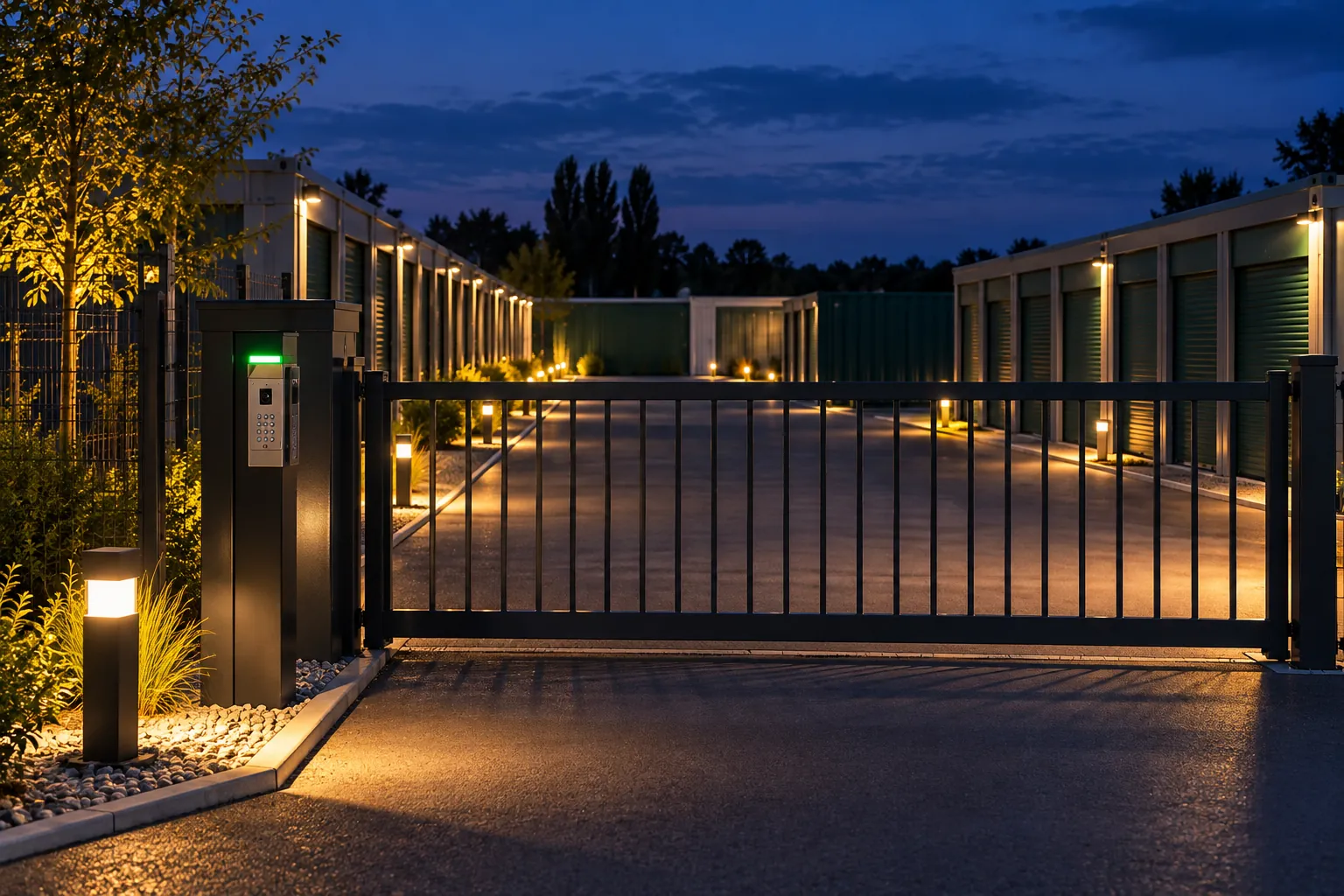
Gate of a self-storage centre lit up at night, illuminated aisles behind the railings

An image every time
the gate opens

When a code opens the gate, the camera captures the moment, with the time and the unit number. A door found open, a late visit to check: you find the scene without scrolling through hours of footage.

Included in the subscription, if your centre has compatible cameras. We show you the details in the demo.

Four key figures
for the whole team

What’s still free, what tenants have done online, what nobody had to do, the times they come by: the operator and the manager read the same figures, without a spreadsheet.

Where there’s still space

Available units

The small sizes go quickly, and the 10 m² units have room for September.
Done online, without a single call

This week’s requests
14 Requests handled
online
1 On-site visit
needed

Out of fourteen requests, only one calls for a visit from the operator.

What nobody had to do

This week
  • Contract entered by hand0
  • Key handed over in person0
  • Reminder made by phone0
  • Tracking spreadsheet updated0
  • Round trip to open the gate0

The time goes to tenants, units to check and the upkeep of the aisles.

When your tenants come by

Entries at the gate
Quiet Busy

Saturday morning is the busiest time, and on weekdays it all happens after 18:00.

Illustration Fictitious figures. Your dashboard shows your own, as the day goes on.

Events across your site
followed in one place

Entries, exits, alerts: you follow the various events across your site, from the office or from your phone. We show you the details in the demo.

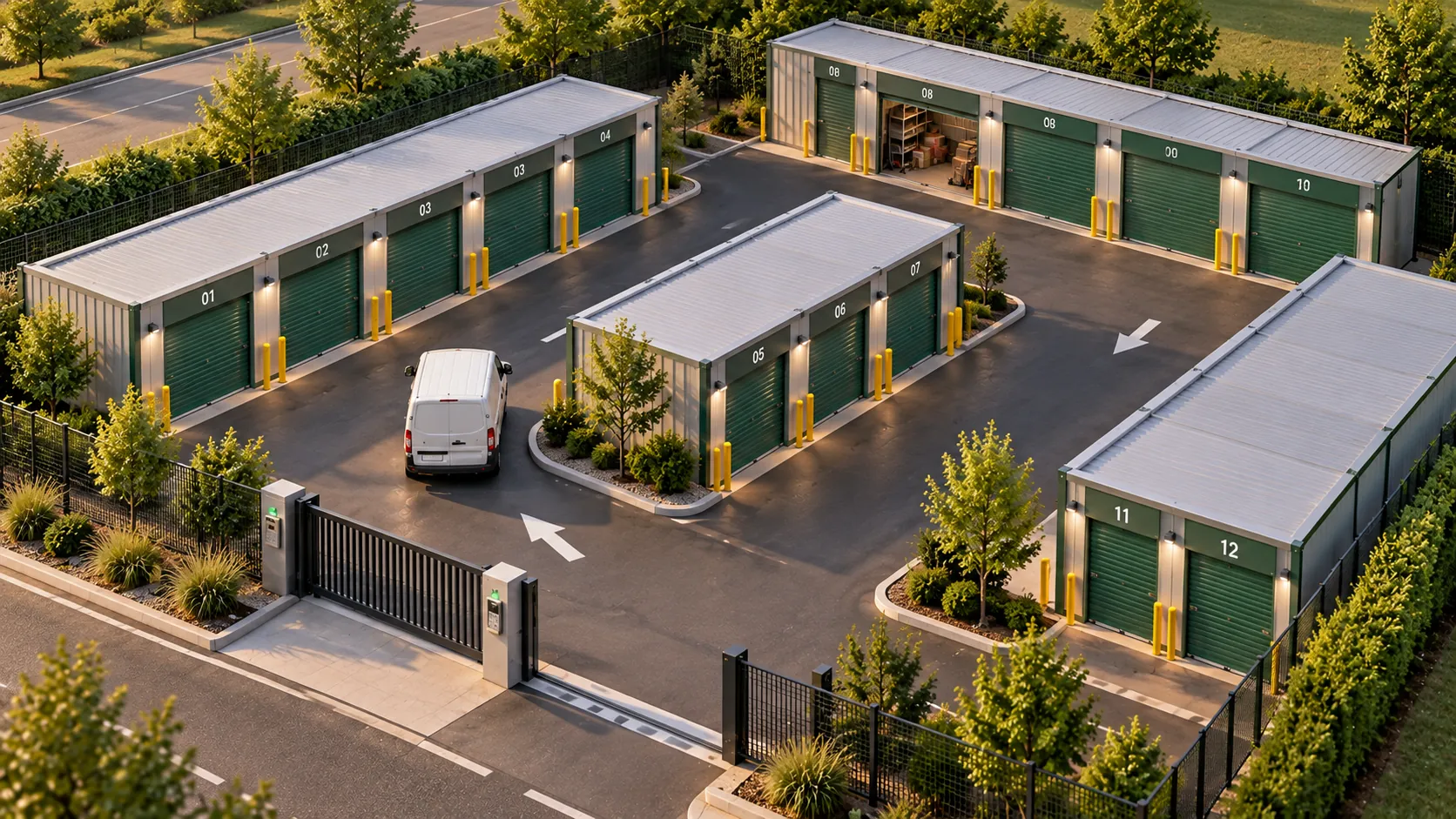
Aerial view of a self-storage centre with its buildings, driveways and entrance gate

The whole centre
from your phone

The operator portal opens in a browser, on a computer, tablet or phone. Nothing to install. Everyone finds what’s relevant to them: the operator their on-site tasks, the manager the overall picture.

  • Rentals Units rented this week, changes of unit, and those becoming free at the end of the month.
  • Access Open the gate for a customer, let a contractor in on a one-off basis, see who came in and when.
  • Payments due This month’s direct debits, reminders in progress and an export ready for the accounts.
  • Events You follow the various events across your site, from the office or from your phone.
  • Cameras The image of each entry, next to the code that opened the gate.
  • Team Operators and contractors have their own access, during their own hours. A new centre is added to the same account.

Tap Open the gate: it’s exactly what you do in the app.

Everything your centre needs
€1 excl. VAT per unit per month

With a minimum of €59 excl. VAT per month. Volume pricing from 100 units.

All inclusive €1 excl. VAT per unit per month
minimum €59 excl. VAT per month
Volume pricing from 100 units

Everything is included: online rental, contracts, access, direct debits and unit tracking

  • Unit trackingYou follow the various events across your site, from the office or from your phone.
  • Rental and contractChoice of unit, optional insurance, on-screen signature. A ready-to-sign standard contract is provided.
  • Online paymentFirst month paid on rental, then direct debit, with reminders by text message and email.
  • Access codesOne code per tenant, and separate access for your team and your contractors, during their own hours.
  • CamerasAn image every time the gate opens, depending on your equipment.
  • Tracking and accountingOccupancy, entries and exits, the month’s requests, and an export ready for your accountant.

Turnkey setup: your centre’s configuration, training and the standard contract are ready before the first rental, then a dedicated contact supports you day to day. The fee is priced with you during the demo. The details are also on the pricing page.

Get your exact price
Dedicated contact Several sites, one account E-invoicing compatible

* Prices shown excluding VAT.

Self-storage:
your questions

Yes. Every available unit is online with its size and price. The customer picks one at a time that suits them, then signs and pays the first month straight away. Everything is configured with you during setup.

They pay the first month when they rent. The following months are collected by direct debit on the date set in the contract. They have no bank details to re-enter, and your team has no transfers to reconcile.

They receive a reminder by text message and by email. If the delay continues, their access is paused, then restored as soon as they pay, without anyone having to step in.

Everyone has their own access. The on-site operator receives alerts, lets in a customer or a contractor and checks a unit from their phone. The manager oversees one or more centres and sets access rights and hours. Both see the same information at the same time.

Yes. The contract and the access code follow the change, with no new paperwork to put together. You stay in control of your terms.

In most cases, yes. Compatible equipment already in place is reused. We check this with you during the demo, item by item.

Yes. The rental module fits into your existing website: your customers choose their unit, sign and pay without leaving your pages. If you have several centres, each one keeps its own units and prices.

€1 excl. VAT per unit per month, with a minimum of €59 excl. VAT per month, and volume pricing from 100 units. Online rental, contracts, access, direct debits and unit tracking are included. Setup is a turnkey fixed fee, priced during the demo.

We’ll show you your centre
on ASLOT in 30 minutes

Come with your number of units, your equipment and the way your team is organised. We’ll show you online rental, how tasks are shared between the site and the office, and how the gate opens, on a centre like yours.

Free 30-minute demo Dedicated contact Turnkey setup E-invoicing compatible Data hosted in France 🇫🇷