
Units up to date for everyone
Free, rented, reserved, to be checked after a move-out. The operator and the manager see the same status for each unit, without walking round the site or keeping a spreadsheet.
Managing a self-storage centre is often shared between two people: the operator who is on site and the manager who oversees the centre, or several centres, from their office. Each sees what concerns them. The operator finds the units to check, the day’s move-ins and the alerts on their phone. The manager keeps the overview, the settings and the tracking of facility events. Information passes from one to the other without paperwork or phone calls, and each of them gets time back for everything else.
Updated 13 October 2026
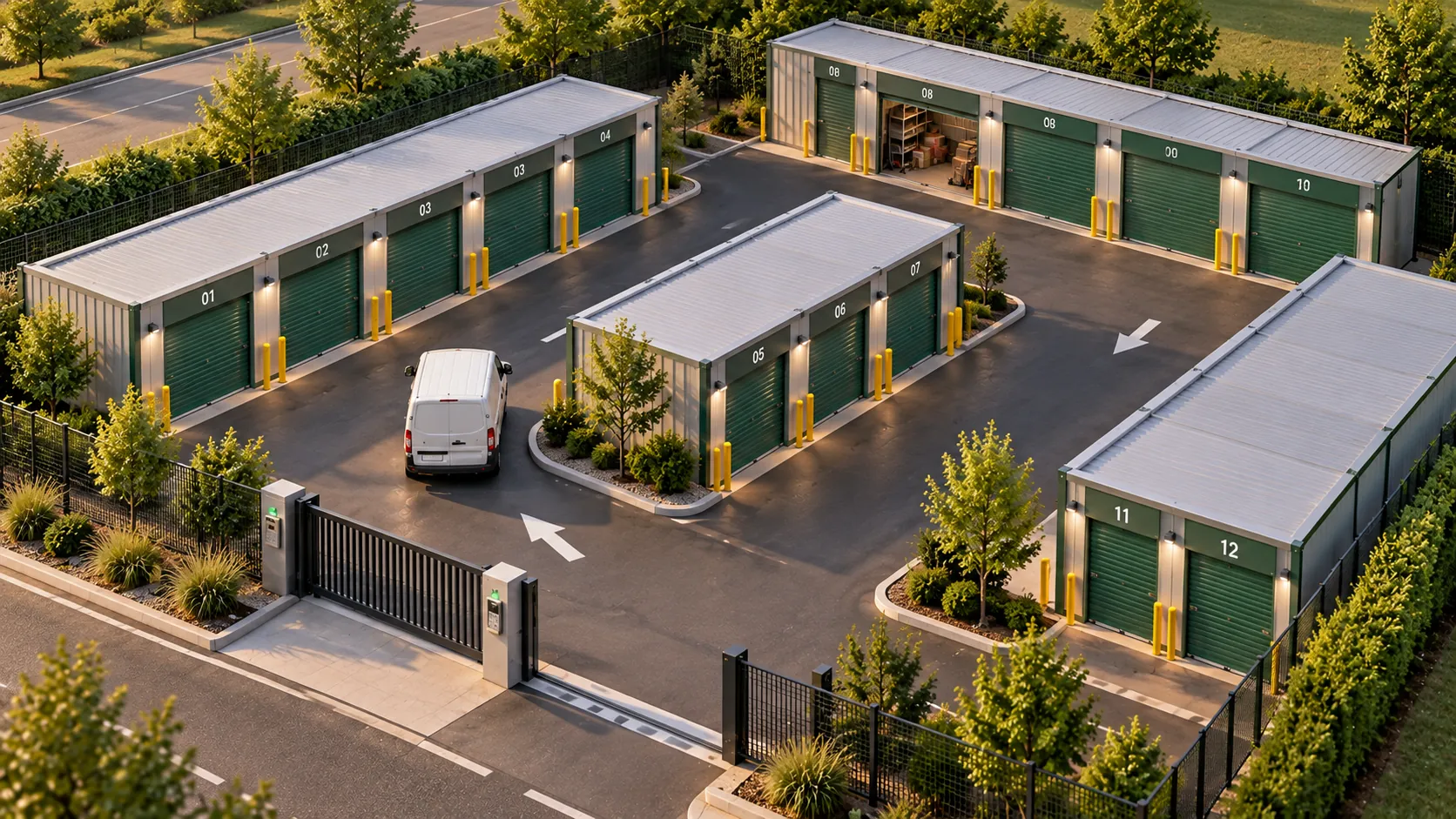
In many self-storage centres, the work is shared. An operator is on site a few hours a day: they welcome customers, check units that have been vacated, look after the aisles. A manager oversees the centre from an office, sometimes at the other end of the county, sometimes along with two or three other sites. In between, information travels by phone, by text message, in a notebook left on the counter.
Each of them loses time looking for what the other already knows. The operator calls to check whether unit 112 really is free. The manager calls to check whether the door to building B has been repaired. Rentals are in one piece of software, entries in another, instructions in a notebook, and nobody has the same version of events.
With a shared tool, everyone opens the same centre, with what concerns them. The operator finds the units to check, the day’s move-ins and last night’s alert on their phone. The manager sees what has been done, sets the opening hours, adjusts a unit size or opens a new site. Nobody needs to call to find out where the other is up to.
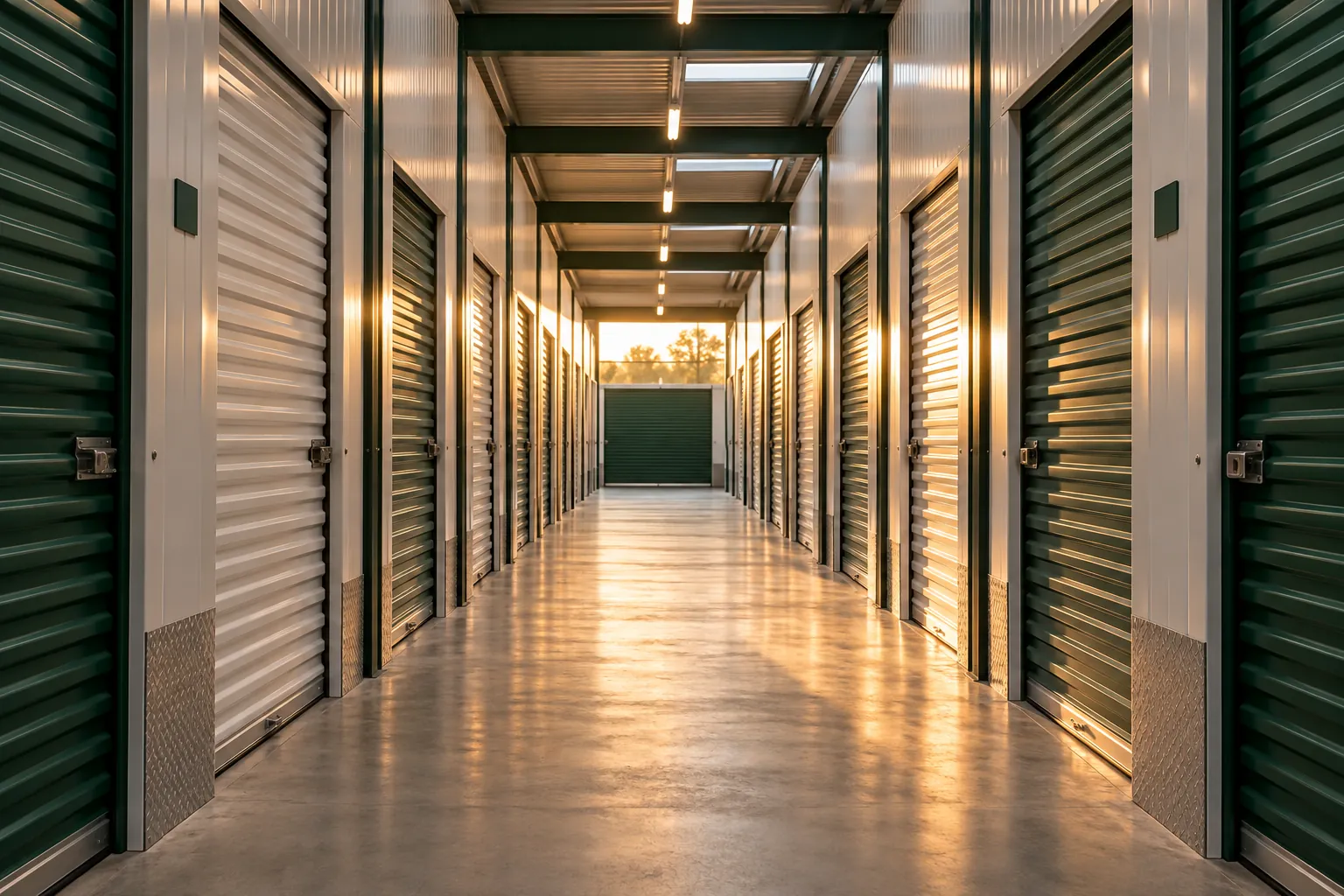
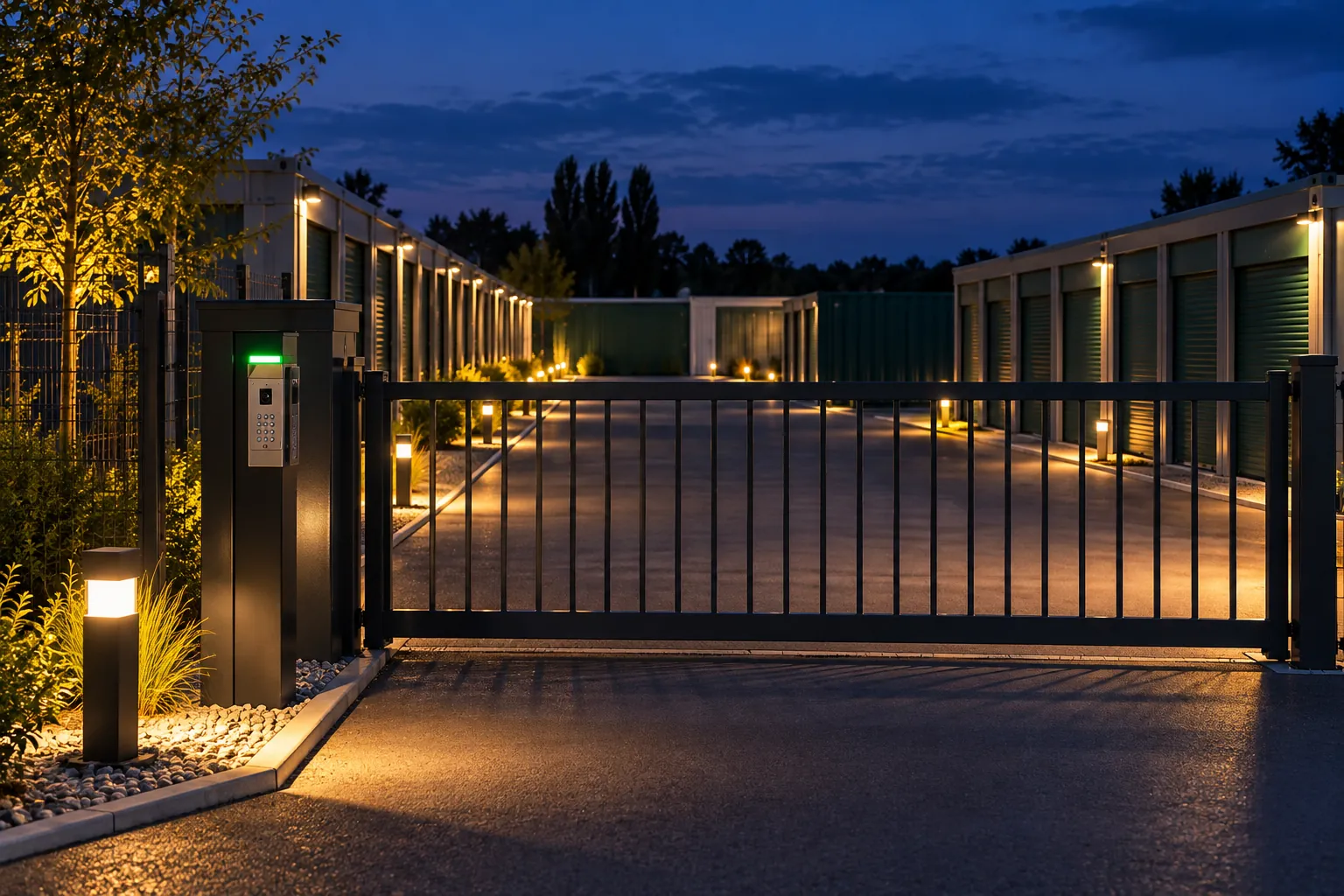
The on-site staff member and the office-based manager can follow the various events at a facility, each on their own screen. An entry, a unit opened, a reminder sent: the information reaches both sides, without a phone call.
Free, rented, reserved, to be checked after a move-out. The operator and the manager see the same status for each unit, without walking round the site or keeping a spreadsheet.
An event at the facility goes to the person who needs to react, on their phone. The other finds it in the history, along with what was done.
Every pass through the gate is recorded. When a tenant asks a question, the answer is already there, in the office as well as on site.
Access hours, contractors, new unit sizes: the manager makes the change, and the operator sees it straight away on their phone.
An event is reported in building C. The designated person receives it on their phone and knows which part of the site it concerns.
A tenant came in at 01:50 with their code. Their unit is in this building.
The tenant is still on site, loading their trailer, and closes the neighbouring door they had left open. Nobody had to get in the car.
The event is waiting in their list, with the time and the entries around it. They go and check the door, and the manager sees from the office that it has been done.
A self-storage centre involves two kinds of work. On site, someone has to welcome a customer, check a unit after a move-out, look after the aisles, let a contractor in. In the office, someone has to set prices and opening hours, keep track of contracts, answer questions, make decisions. In many centres, these two roles are held by different people, who don’t always cross paths.
Running a self-storage centre depends first and foremost on how information flows between them. When the operator and the manager work in the same tool, each with what concerns them, the calls to check things, the instruction notebooks and the double entry disappear. If you are comparing tools, the page self-storage management software covers the selection criteria. Here, we are talking about day-to-day organisation.
The on-site operator needs few things, but needs them straight away: the units to check after a move-out, the move-ins expected that day, the site alerts, and their own access during their hours. All of that fits on their phone. When a customer turns up at the gate without their code, the operator opens it for them from whichever aisle they are in. When they have checked a vacated unit, the manager sees it without having to ask.
The manager sees the whole centre, or all the centres. They set the access hours, the unit sizes on offer, contractors’ access and the standard contracts. They keep track of what has been done without asking for a report: the unit checked, the door repaired, the alert cleared. What each role sees and can do is configured during setup, according to how your team works.
Each unit has a status: free, rented, reserved for an upcoming move-in, to be checked after a move-out. The operator and the manager see the same one, without having to tell each other. You can see straight away where large units are still available and which units have just become free.
Each unit also has its own record: the tenant, their contract, their options, their latest passes through the gate. When a customer calls with a question, whoever answers has the answer in front of them, whether they are in the aisle or at the other end of the county. They don’t have to promise to call back after asking a colleague.
On Monday morning, the operator looks at what happened over the weekend: two new rentals made online, one move-out, an alert on Saturday evening, cleared by a tenant who had not closed their door properly. They go and check the vacated unit, and the manager sees it switch back to free from the office.
On Wednesday, a removal firm calls from the gate for a customer who will be there in an hour. The operator is on their lunch break, the manager opens up from their phone, and the entry stays in the history. On Thursday, the cleaning company comes by with its own code, valid that day between 08:00 and 12:00. On Friday, the manager adds three units that have just been put up and pushes back the closing time for the summer. The operator sees it on their phone and gets the new units ready.
On Sunday evening, nobody opens anything. Rentals carry on online, and the right person will be alerted if anything happens.
A self-storage centre is active day and night: entries at the gate, move-ins, move-outs, sometimes an alert. These events can be followed from the office or from a phone, and each person receives the ones that concern them. The operator sees what has happened on their site since their last visit, and the manager sees it across all their sites.
Every event stays in the history, visible to both of them. After an eventful night, nobody has to tell the other what happened. What can be monitored on your site depends on what is installed there, and the details are shown in the demo. The page 24/7 access to a self-storage centre covers entries and codes.
The operator no longer waits for a customer to hand over a key, no longer copies out contracts, no longer calls the office to find out whether a unit is free and no longer writes down their rounds in a notebook. They spend that time with the tenants who are there, in the aisles that need looking after, and on the units to get ready before the summer moves.
In the office, the manager no longer has a spreadsheet to keep up by hand or a daily phone catch-up with each site. They keep their time for what needs a decision: a unit size to create, a tenant to call back, a new site to prepare.
The dashboard answers the questions you ask yourself every week. How many units are rented, by size and by building. How many tenants moved in this month, and how many left. Which sizes go quickly, and which stay empty. Entries to and exits from the site day by day.
These figures help organise the work. A run of move-outs at the end of the month means units to check, and the operator can plan their time. A size that is always full makes you want to create more at the next refit. Lots of visits on Saturday mornings show when having someone on site helps most. Payment tracking happens separately, by itself, and is described on the page direct debit and arrears for storage units.
If you run several sites, the manager moves from one to another without changing tools. The dashboard can be read site by site or for all sites together. An event at the northern site reaches them while they are working on the town-centre one.
Each operator sees the site or sites they look after, during their hours. An operator covering two nearby centres switches from one to the other on their phone. The maintenance technician gets in on the day of their visit, the cleaner on Tuesday morning, and every visit is logged. Settings adapt to each site: one centre open from 07:00 to 21:00, another accessible day and night.
A new site is set up with its units, opening hours and team, then joins the others. A dedicated contact prepares the setup, trains the operators as well as the manager, and remains your contact afterwards.
The minimum is €59 excl. VAT per month, and the price per unit goes down from 100 units. Online booking, contracts, direct debits, team access and facility event tracking are included, on each of your sites. Setup is turnkey, at a fixed price, with a dedicated contact who stays by your side afterwards.
* Prices shown exclude VAT.
Yes. Units, tenants, site events and the dashboard all open in the phone’s browser. You can open the gate for a customer without being on site.
Not necessarily. We start from what is in place, and look together during the demo at what can be monitored.
They work on the same centre, each with what concerns them. The operator has their tasks, alerts and access; the manager has the overview and the settings.
Yes. Each site has its own units and figures, and the manager switches from one to another in the same tool. Each operator only sees the sites they look after.
It is set up with its units, its opening hours and the person who looks after it, then joins the others. A dedicated contact supports you throughout.
Yes, with their own code, valid during the hours you give them or for a single job. Their visits appear in the history just like the tenants’.
Tell us how your team divides the work between the site and the office. We will show you your centre as your operator and your manager would see it. The demo lasts 30 minutes and is free.