
One code, one tenant
Every tenant has their own. They receive it by text message when they rent, and the code works for as long as their contract runs. No more shared code doing the rounds.
Self-storage access control decides who goes through the gate, and when. With ASLOT, each tenant has their own code, valid for as long as their contract runs. They come at 06:00 or 23:00 without telling anyone. The on-site agent gets in during their working hours and opens remotely for a removal firm or a customer who has forgotten their code. The manager sets the centre’s hours from the office.
Updated 13 October 2026
Many self-storage centres started out with a single code for the gate, changed from time to time. After a few months, it gets around: a former tenant remembers it, a removal firm has written it down, a neighbour saw someone tap it in. Changing the code means telling every tenant, one by one, and there’s always one who hasn’t read the message.
Keys and cards cause other problems. They have to be handed over in person, which means arranging an appointment, then getting them back when the tenant leaves and making new ones when they’re lost. The agent spends part of their week on it. And the day a tenant leaves without returning their key, nobody really knows who can still get in.
Access control linked to the contract solves both problems. Each tenant has their own access code, which works for as long as their contract runs. If they change unit, their code follows. If they leave, the code stops. Nobody has a code to reprogram by hand, or a key to go and collect.

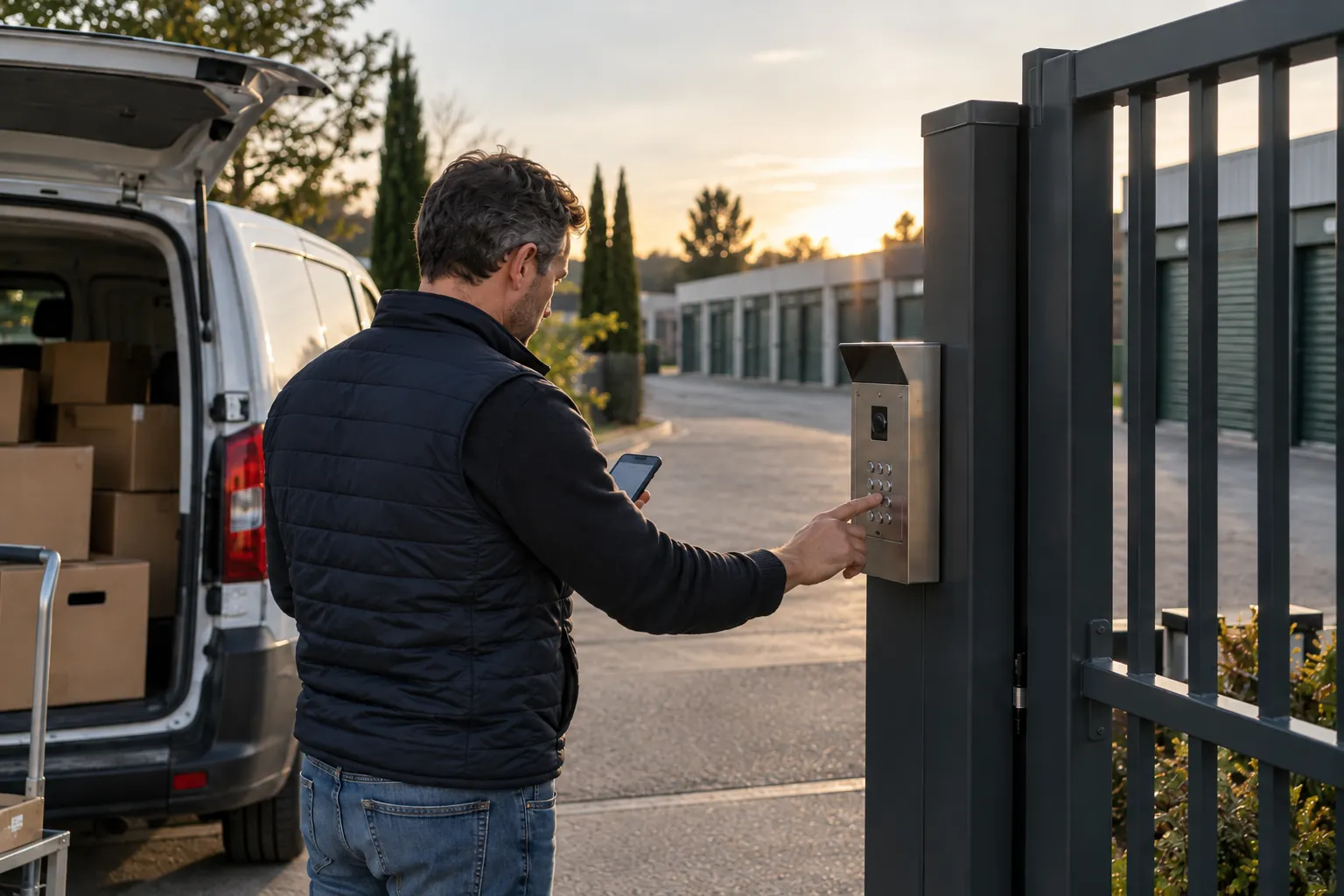
The tenant types in their code and the gate opens, whenever suits them. For a delivery driver or a special case, the agent opens it from their phone, and every entry stays visible in the list.
Every tenant has their own. They receive it by text message when they rent, and the code works for as long as their contract runs. No more shared code doing the rounds.
24/7 access or 06:00 to 22:00: you set the centre’s hours and change them for the summer or a bank holiday. All tenant codes follow.
Site agent, cleaning company, maintenance technician: each has their own access, limited to the days and hours they work for you. It ends when the assignment does.
A customer stuck at the gate on a Sunday? The agent or the manager opens it for them from their phone. The same goes for a removal firm expected one morning.
The tenant receives their personal code by text message. They can come and drop off their belongings the same day.
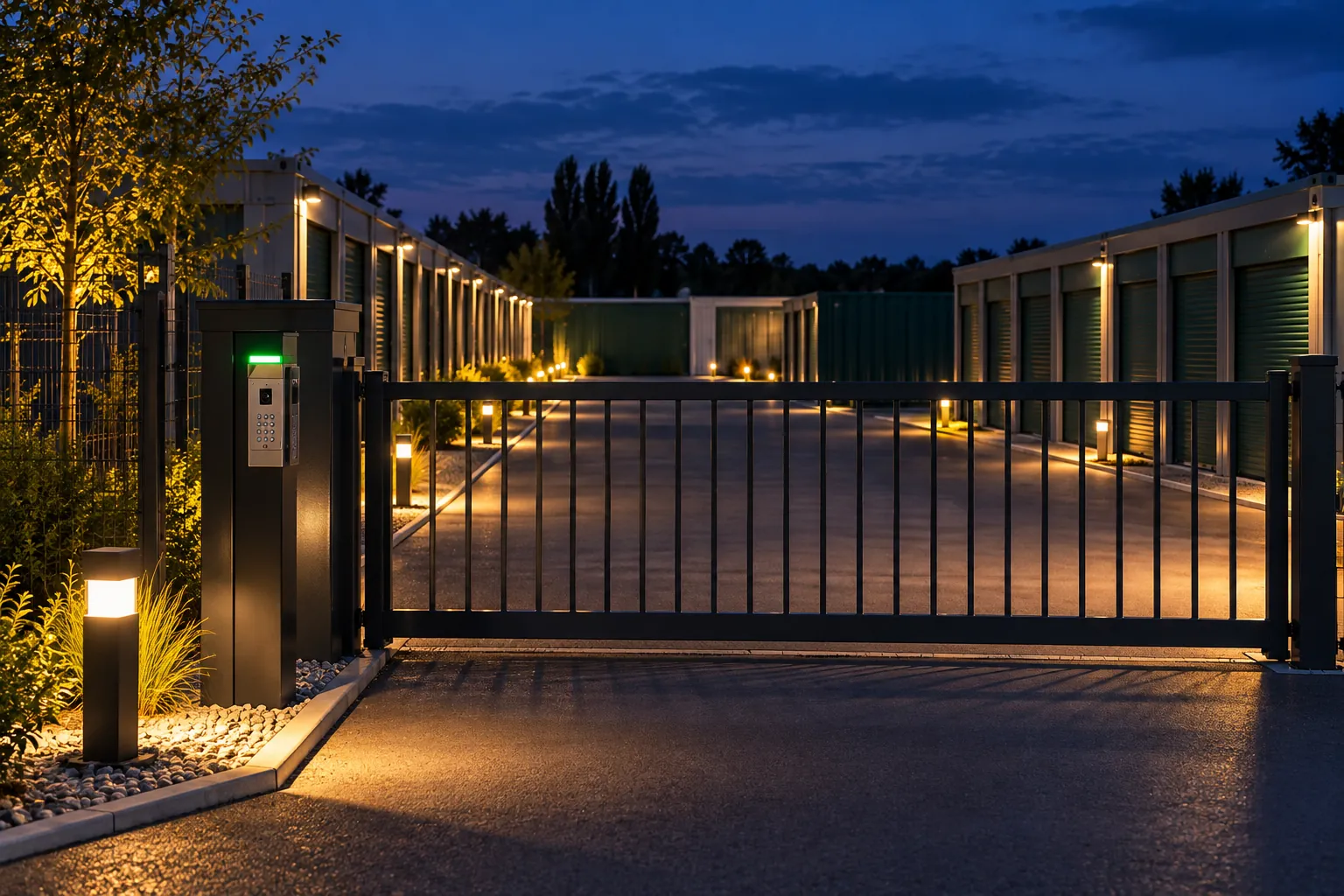
The code opens the gate 24/7, or during the hours you have chosen for the centre. Every entry is recorded.
The tenant changes unit or extends, and their code follows. If a payment is late, access is paused and comes back as soon as it’s settled.
The code stops working. There’s nothing to collect, and the unit can be re-let.
Access control at a self-storage centre covers everything that decides who gets onto the site: the gate, the keypad, the building doors, sometimes the aisle doors. In a self-storage centre open 24/7, it’s what lets tenants come at any hour, without an appointment, to a site that stays closed to everyone else.
For the operator, the goal fits in one sentence: every tenant comes when they need to, and the site stays closed to those who have no business there. A tenant moving house at 07:00 on a Saturday, a tradesperson picking up equipment at 21:00, a private customer dropping off a box on a Sunday. Good access control for storage units lets them in without their having to call.
With ASLOT, access is linked to the rental contract. The code is created with the contract, follows any changes to it and stops when the tenant leaves.
The three usual solutions each have their limits.
In all three cases, access lives separately from the contract. Someone has to remember to update it, and that time comes out of the rest of the day. The stop passing keys around page covers this topic for every type of site.
A self-storage centre open 24/7 serves customers for whom office hours are a problem: tradespeople who load their van before a job, shopkeepers who keep their stock there, private customers who move house at the weekend. For them, being able to drop by at 06:00 or 22:00 changes how a whole day is organised.
Round-the-clock opening is still a choice. You decide whether the centre is accessible 24/7 or within a shorter window, for example from 06:00 to 22:00 every day, and you change it for the summer or a bank holiday. Tenants’ codes follow.
A site open at night is still reserved for current contracts. The team follows entries and alerts across your sites from the office or on their phone, and the details are shown in the demo. The day-to-day organisation of a site is covered on the running a storage centre day to day page.
Sometimes a direct debit doesn’t go through: a change of bank, an expired card, an oversight. The tenant receives a message, their access is paused, then it comes back as soon as the payment is made. The team has no code to cut off or reactivate.
This rule is set out in your contract and your house rules, so the tenant knows about it from signing. If they call, the agent or the manager has their contract, payments and visits on the same record. Direct debit tracking is described on the direct debits and payment tracking page.
A self-storage centre doesn’t run on tenants alone. The agent who walks round the site in the morning, the cleaning company that comes on Mondays, the technician who maintains the gate or the alarm: they all need to get in, and not at the same times.
Each person gets their own access, limited to their days and hours. The Monday contractor can’t open the gate on Saturday evening. The on-site agent opens remotely for a customer who is stuck, while the manager decides from the office who gets in, and when. When an assignment ends, the access stops, with no shared code to change afterwards. If a question comes up about a visit, the log shows who came in, and at what time.
The same principle applies to a removal firm sent by a tenant or a delivery driver expected one morning: the gate is opened for them remotely from a phone, as soon as they turn up, without giving them a code.
The gate, keypad and doors already installed are kept wherever possible. Anything that can’t be kept is flagged and quoted before setup. The list of compatible equipment gives an idea of what can be connected, and we check it with you, remotely.
Every entry is recorded with the name of the tenant or contractor, the entrance used and the time. The day a tenant reports a problem in their unit, you start from facts. The log also shows when the centre is really busy, which helps you set your access hours or the agent’s rounds. Data is hosted in France, and the protection measures are described on the security and data protection page.
The same approach works for a site with containers on open land and a simple gate at the entrance: see storage container rental.
Access is included in the price per unit: €1 excl. VAT per unit per month, €59 excl. VAT minimum per month, then a sliding scale from 100 units. Codes, gate, cameras, alarms, contracts and online payments: nothing is an add-on. Setup is a turnkey flat fee, with a dedicated contact from day one through to everyday running.
* Prices shown exclude VAT.
Access control linked to contracts: a personal code for each tenant, active for as long as the contract runs, adjustable hours and a gate the team can open remotely. Your existing gate and keypad are kept where possible.
Yes, if you want them to. You choose between 24/7 access and a shorter time window, which you can change whenever you like. Codes follow these hours.
The tenant’s access is paused and they receive a message. As soon as the payment is made, their code works again.
They can, just as they could lend a key. Every entry is still recorded under their contract, and your house rules set out what you accept.
Yes. From their phone, the agent or the manager opens the gate for a customer or a removal firm, as soon as they turn up.
No, not automatically. What works on your site is kept. If a piece of equipment is needed to link the gate to the contracts, it is quoted separately, before setup.
The demo lasts 30 minutes and is free. We start from your actual gate and access points: a code created with a contract, an agent opening remotely from their phone, hours changed from the office.