
Accessibility: our commitments
Booking a room, paying and receiving an access code should be possible for everyone, whatever device they use or however they browse. This page describes what we put in place on the aslot.fr website and on the ASLOT platform, and how to tell us about anything that may still get in your way.
Request a demo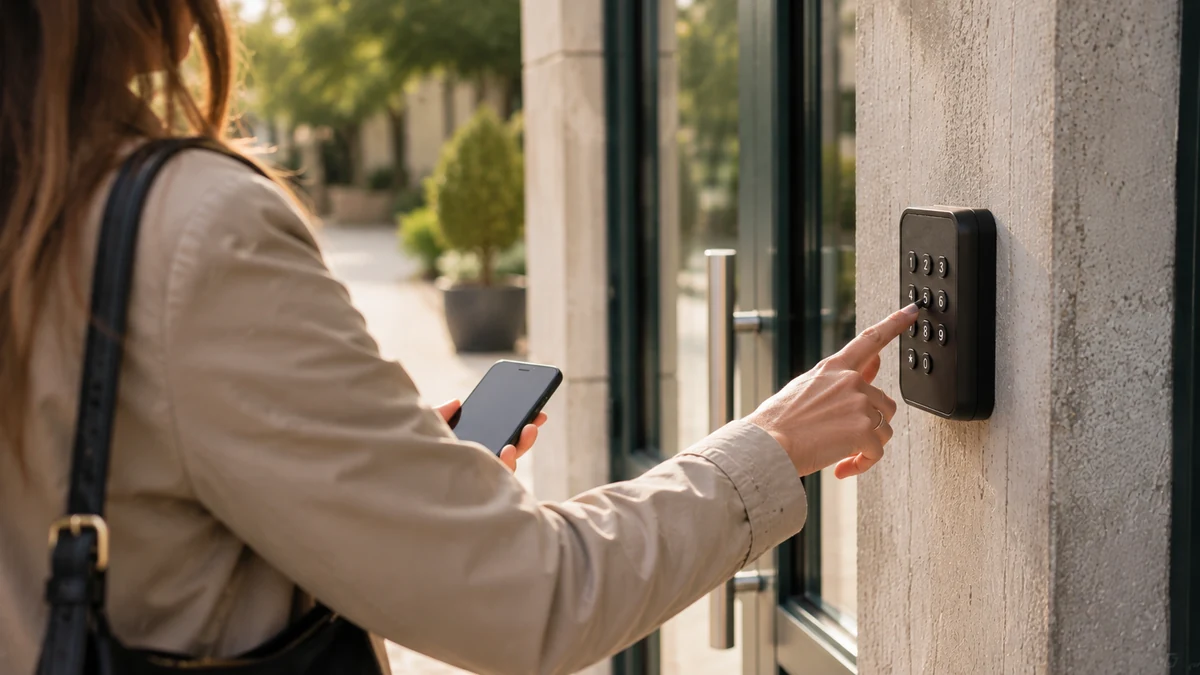
What we apply on the website and the platform
We follow the RGAA (Référentiel général d’amélioration de l’accessibilité), the French method that implements the international WCAG guidelines. The following principles guide every page and every screen.
- Readable contrast
text and buttons meet a contrast ratio of at least 4.5:1 on every background on the site. - Keyboard navigation
menus, accordions, forms and buttons can all be reached with the Tab key, with a visible focus. - Heading structure
a single main heading per page, structured subheadings and named navigation landmarks. - Text alternatives
every image has a useful description, and decorative icons are ignored by screen readers. - Clear forms
every field has a label, errors are explained in plain words, and nothing relies on colour alone. - Declared language
each page declares its language so that speech synthesisers pronounce the content correctly. - Content that doesn’t depend on scripts
FAQs, tables and contents lists remain readable when JavaScript is disabled.
Why does accessibility matter for online booking?
Because the users of a community hall, a car park or an aire are not hand-picked: they may be elderly, visually impaired, have a physical disability or simply be in a hurry on a small screen. A booking page that shuts out part of the public shuts out part of the revenue, and creates requests at the front desk that going online was meant to avoid in the first place.
It is also something local authorities expect, as they are bound by the regulations on the accessibility of digital public services. Software with an accessible booking page makes their own compliance easier. The community hall management software page covers this point among the selection criteria.
What this changes for users and for managers
For users
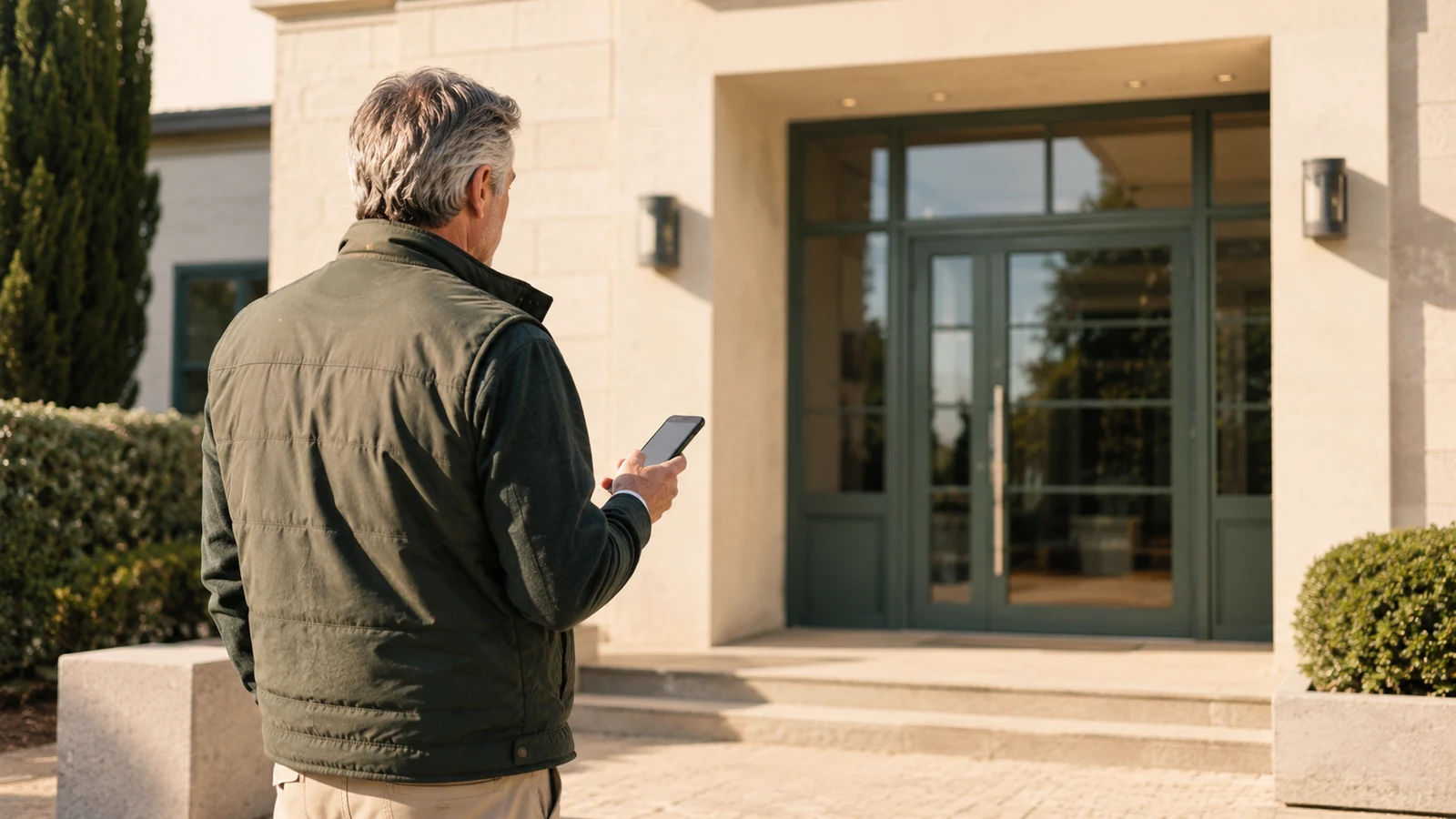
The booking journey takes just a few screens, each with a single main action. Time slots can be chosen with the keyboard as well as the mouse, confirmation messages are sent by email and text message in plain text, and the access code is displayed in large characters and can be reused from the message received.
For managers
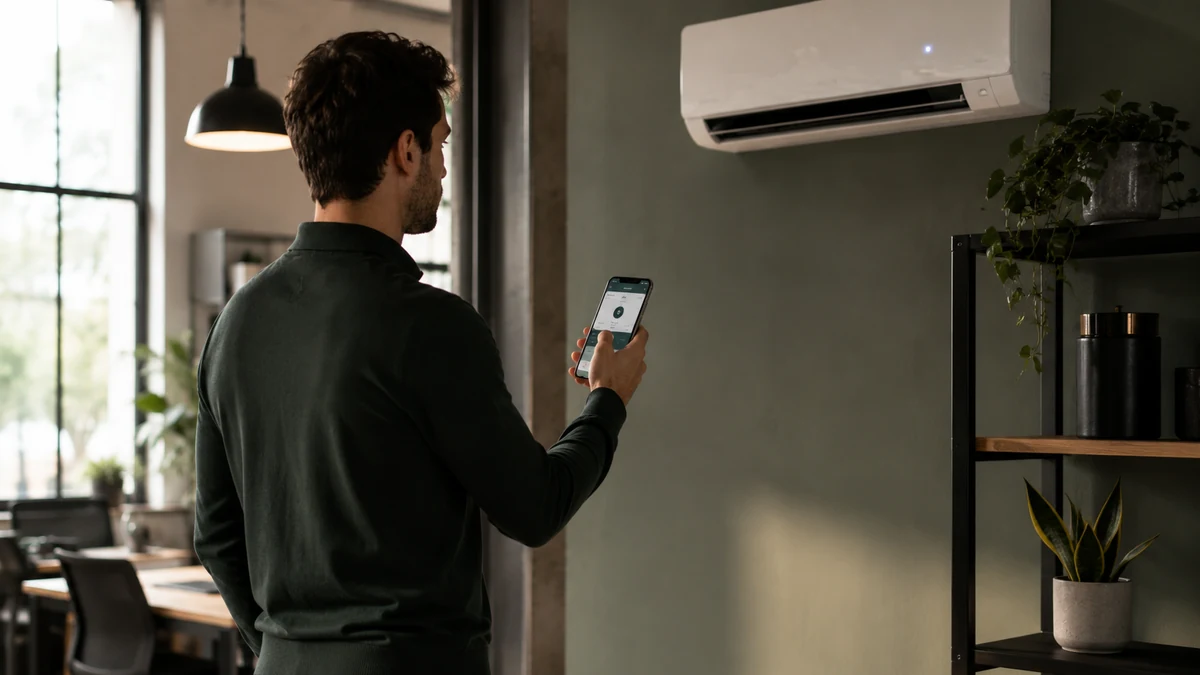
The dashboard follows the same principles: contrast, visible focus, tables with headers, explicit labels. It can be used from a computer, a tablet or a phone, with no app to install. The how it works page presents the full journey.
An ongoing improvement process
Every new page on the website and every change to the platform is checked against these criteria before release: contrast, keyboard navigation, screen readers, display on small screens. Feedback from users and managers is built into updates, which are included in the subscription. We use the RGAA technical method as our working reference.

Report a difficulty
If any content or feature is causing you an access problem, write to us at contact@aslot.fr stating the page concerned, the device and, if possible, the assistive technology used. We’ll offer you an accessible alternative as quickly as possible and fix the cause. You can also reach us through the contact page, Monday to Friday from 08:30 to 18:30.
Your questions
Can the ASLOT platform be used with a keyboard and a screen reader?
Yes. The website and the platform are designed to be navigated with the Tab key, with a visible focus on every active element, structured headings, named navigation landmarks and text alternatives for images. The FAQs and tables remain readable without JavaScript. If a screen causes you difficulty, let us know at contact@aslot.fr: we’ll offer you an alternative and fix the problem.
Can a council integrate ASLOT into its website while meeting its accessibility obligations?
Yes. The white-label booking page follows the same principles as the aslot.fr website: contrast, keyboard navigation, labelled forms, declared language. It fits into the council’s website without lowering its level of compliance. Accessibility improvements are included in the subscription and rolled out to every equipped site.
Can a user without a smartphone book and get in?
Yes. Bookings can be made from any browser, including on a computer, and the access code is also sent by email. The manager can also create a booking from their dashboard for someone who prefers to come to the front desk or to phone: the code is then given in person or printed out.
Are access codes readable for people with visual impairments?
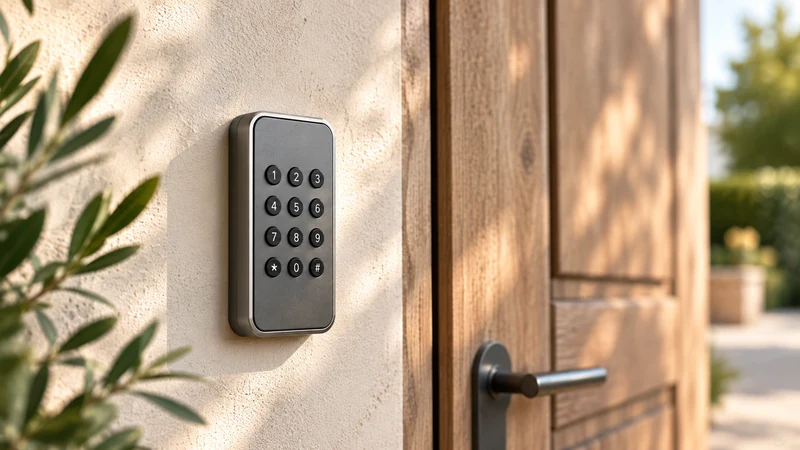
The code is sent as plain text, by text message and by email, so it can be read aloud by text-to-speech or enlarged in the device settings. On the keypads installed on site, readability depends on the hardware chosen: we take this into account when we check the equipment, before setup.
How do I report an accessibility issue?
Write to contact@aslot.fr stating the page or screen concerned, the device and the assistive technology used. We reply Monday to Friday, from 08:30 to 18:30, with an accessible alternative as quickly as possible, followed by a fix in a platform update.
See ASLOT applied to your case
A free thirty-minute demo with no commitment, based on a case similar to yours.