
24/7 storage units: why open at all hours, and on what conditions
Self-storage tenants don’t keep office hours. The tradesperson stops by before or after a job. The family moving house loads the removal van on Saturday evening. The student collects their boxes between trains. A centre accessible 24/7 fits everyone’s schedule, with no keys to hand over or appointments to fit in, and the team no longer plans its days around customer visits.
At those times, the site needs to know who is coming in and alert the right person when something out of the ordinary happens. This guide reviews the eight points that let you open with peace of mind, for a new centre as well as for one that wants to extend its hours.
The order matters. Personal codes and the gate come first, because everything else relies on them: footage or an alert is most useful when you know who came in. Lighting, cameras and alarms follow, then the written rules, insurance and how the team is organised.
Nothing obliges you to open all night. Access hours wider than the hours you’re on site, early in the morning and late in the evening, are set up the same way and can be changed whenever you like, for the summer or for a busy moving period. The self-storage access control page shows what the tenant and the operator see.
A personal code for each tenant
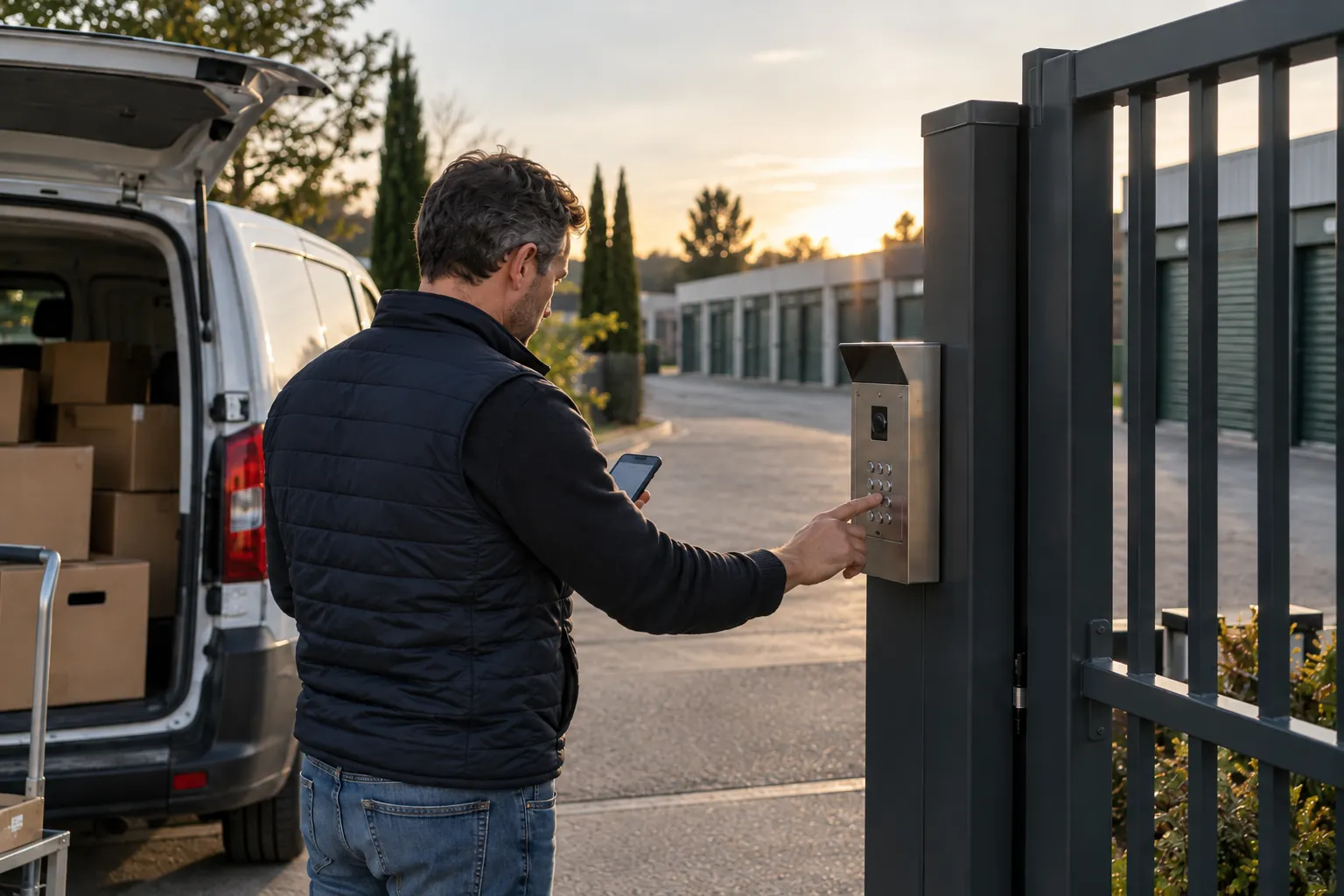
The first rule of a centre open day and night: everyone who comes in has their own code, and that code is valid only for them.
The need
The tenant receives their code by text message as soon as their contract is signed and their first month paid. This code opens the gate, and the inside doors if the site has any, for the whole length of the contract. It stops working when the tenant leaves, without anyone having to think about it. No keys change hands, no cards get lost, and the agent no longer has a key ring to keep up to date.
The question to ask
“If a code is being passed around between several people, how do I spot it, and how do I act without disrupting the other tenants?” With personal codes, every entry is linked to one tenant, and any change to a code affects only that tenant.
The common pitfall
The shared code, given out over the phone and changed when someone remembers. After a few months, former tenants, removal firms and friends and relatives all know it. The evening a door is forced, the log tells you nothing useful, and the day you change it, you have to tell everyone one by one.
The gate and entrances
The gate is the one point everyone must pass through. What happens at night starts there. On a container site with no staffed office, it’s often the only equipment: the storage container rental page shows how these sites are rented out and opened by code.
The need
A vehicle entrance and, if the site allows, a pedestrian entrance, both controlled by code. A continuous fence with no way round it. A way out always available for anyone inside. And a set procedure for special cases: a tenant has forgotten their code, a removal firm arrives before the tenant, a delivery driver drops off equipment. Everyone on the team knows what to do and first checks who they are dealing with.
The question to ask
“What happens if the gate breaks down at 20:00 on a Saturday, and who comes out to fix it?” The answer is prepared before opening: a maintenance contract with a written response time, and a clear procedure for a customer stuck inside or outside, known to the whole team.
The common pitfall
Leaving the gate open during the day to make life easier. The site becomes a thoroughfare, the units at the back get visits that no code has recorded, and the entry log becomes useless.

Lighting the aisles
A tenant who turns up at 22:00 needs to see where they’re going, and anyone with bad intentions needs to know they can be seen. Lighting does both.
Light the whole route
From the gate to the unit, with no dark spots: the area around the gate, the unloading area, outdoor aisles, indoor corridors, stairs. The corners behind the buildings matter as much as the main aisle.
Switch on when someone is there
Aisles that light up when a customer comes in keep energy use down without leaving anyone in the dark. One presence detector per aisle is often enough, provided it also covers the corners.
Maintain
A blown bulb at the end of an aisle creates the spot everyone avoids. A daytime check, fitted into the agent’s usual rounds, catches faults before tenants do.
Think of the neighbours
Floodlights pointed at the ground and towards the site, not at the houses opposite, avoid complaints from neighbours. Lighting that comes on as people pass bothers them less than a site lit up all night, and it’s more noticeable when it comes on for no reason.
Cameras: where to film, who to inform, how long to keep footage
Cameras deter, and they help you understand what happened. They are also subject to rules that are best known before you install them.
Where to put them
At the gate, to see every vehicle that comes in. In the unloading area, in the aisles and corridors, in front of technical access points. Never inside rented units, which fall within the tenants’ private lives. And without filming the public road beyond what’s needed to see your gate.
Inform people, and ask for authorisation when needed
Visible signs at the entrance indicate the cameras, with the information required by the CNIL, France’s data protection authority: purpose, retention period, contact, people’s rights. If cameras film a place open to the public, authorisation from the prefect is required; the CNIL page on CCTV in places open to the public helps you work out where your site stands. If employees work on site, the rules on CCTV in the workplace also apply, and your agents must be informed.
How long to keep footage
According to the CNIL, the retention period should not exceed one month as a rule, and a few days are often enough. Set your own, write it on the signs and stick to it.
Match footage with entries
Footage shows that someone came through. Matched with the code log, it tells you who it was. Note the exact time of each incident: that’s what lets you find the matching entry.
Alarms, building by building
A site open at night must flag anything out of the ordinary: a forced door, smoke, someone inside a building where no code has been entered.
The need
One alarm per building or zone, armed and disarmed according to how the site is actually used. An alert that reaches the right person’s phone, naming the building concerned. And the means to understand quickly: the entry log shows which code was used just before. These events, entries and alerts, can be followed from the office or on a phone, as shown on the storage centre management page.
The question to ask
“Who gets the alert at 03:00, and what do they do?” The on-call agent, the manager, an alarm monitoring company: the chain is decided and written down before opening, with phone numbers, the call order and the cases in which the police are notified. The weekend agent receives alerts for their site, the manager for all sites.
The common pitfall
A single alarm for the whole site, which goes off with every late customer and ends up switched off. Another trap: smoke detectors whose alerts reach nobody at night.
The site’s house rules
The house rules set out what is allowed on site, at any hour. Tenants accept them when they rent, and can find them online and summarised at the entrance. For the team, they’re the reference text when a rule needs pointing out.
What it contains
- Access hours, and what applies outside them if they don’t cover the whole day.
- The code: personal, not to be shared, to be entered for every vehicle that comes in.
- Prohibited items: flammable or hazardous materials, perishable food, animals, weapons, goods of illegal origin.
- Use of the unit: storage only, no living in it, no workshop use, no unauthorised electrical connections.
- Driving on site: at walking pace, stopping only for as long as loading takes, aisles kept clear.
- Cleanliness: waste taken away, no bulky items left on site.
- Reporting: who to contact if there’s a problem, by day or by night.
- Consequences: a reminder first, then suspension of access or termination of the contract if the problem recurs.
Enforcing the rules
Summarise the five key rules on a sign near the gate, with a pointer to the full text. When a rule is broken, the reminder goes to the tenant concerned, identified by their code, without the agent having to investigate along the aisles.
Insurance for the site and for belongings
Opening 24/7 changes your risk profile. Talk to your insurer about it before you open, rather than after the first incident.
Your operator’s policy
It covers the buildings, your liability towards tenants and third parties, and business interruption if a building becomes unusable. Declare your access hours, cameras, alarms and access control: these all count in the risk assessment.
Tenants’ belongings
What tenants store remains their responsibility, and the contract requires them to insure it. Offering them cover at the time of rental, with a declared value, saves them from discovering after damage occurs that their home insurance didn’t cover a unit away from their home.
Evidence
After a theft or damage, the insurer asks for facts. The entry log, footage matched with codes and timestamped alerts provide them, without the team having to piece the evening together from memory.
Staff and contractors: everyone has their own access, during their own hours
A site open at night also receives people who don’t rent anything: the centre’s agents, the cleaning company, the gate technician, the electrician, the emergency services.
Named access
Each agent and each contractor has their own code, valid during their hours and in the areas they need. The cleaners come on Tuesday mornings. The electrician who comes just once gets access for that day. When a service contract ends, its code ends with it.
Keep a record
Every visit by an agent or contractor is recorded in the log, just like a tenant’s. The day a door is left open after a job, the manager knows who was there and at what time, without calling three companies.
Emergency services
The fire service must be able to get in without waiting. Agree with your local fire station on how they will open up, and keep that means of entry available in all circumstances.
On site and in the office
The on-site agent receives alerts for their site and sees the day’s entries on their phone. The manager follows events across the whole portfolio, whether one site or several, from the office, and sets the access hours. Time spent on site goes into welcoming customers, upkeep and showing prospective tenants round. Two other guides complement this one: opening or modernising a self-storage centre and building your storage unit price list.
Opening a 24/7 self-storage centre in six steps
- Walk round the site at night
Spot the dark areas, the gaps in the fence, the corners with no camera and the route a customer takes from the gate to their unit.
- Switch to personal codes
One code per tenant, sent when they rent and deactivated when they leave; no shared code in circulation any more.
- Light and equip the site
Lighting along the whole route, cameras at the gate and in the aisles, information signs, a set retention period.
- Organise alerts
One alarm per building or zone, a written alert chain with phone numbers, the call order, the person on call and the cases in which the police are notified.
- Write the house rules and inform your insurer
House rules accepted at the time of rental and summarised at the entrance, operator’s insurance updated, cover for belongings offered to tenants.
- Give the team their access, then open
Named codes for agents and contractors, valid during their working hours, alerts shared between the site and the manager, access for the emergency services arranged, then opening to tenants during the new hours.
Before opening at night: 12 points to check
- Every tenant has a personal code, and no shared code is in circulation.
- The code follows the contract: active on signing, deactivated when the tenant leaves.
- The fence is continuous and the gate is the only way in.
- A written procedure tells the team how to help a tenant who is stuck.
- A maintenance contract sets the response time for the gate.
- The whole route from the gate to the unit is lit, corners included.
- Cameras cover the gate and the aisles, never the inside of units.
- Information signs are up and the retention period is set.
- Each building has its own alarm, and everyone knows who receives which alert.
- The house rules are accepted at the time of rental and summarised at the entrance.
- Your insurer knows the new hours and the site’s equipment.
- Agents, contractors and emergency services each have their own access.
Your questions
Is a 24/7 self-storage centre more exposed to theft?
The risk depends mainly on what controls entry and what raises the alarm when something unusual happens. Personal codes, lighting with no dark spots, cameras at the gate and in the aisles, and alarms for each building protect the site at all hours. A gate left open during the day with a shared code protects it poorly, even if it’s closed at night.
Should you open 24/7 or stick to extended hours?
Both work. Some centres open day and night, others from early morning to late evening. The choice depends on your tenants, the neighbourhood and your insurer, and it can change with the seasons. The security rules stay the same.
What happens if a customer forgets their code?
They can find it in the text message they received when they rented. If they no longer have it, they call the team, who help them after checking who they are.
Can you film inside the units?
No, not inside a rented unit, which falls within the tenant’s private life. Cameras cover the gate, the aisles, the corridors and the unloading areas.
How long can you keep camera footage?
According to the CNIL, France’s data protection authority, no more than one month as a rule, and a few days are often enough. The chosen period is shown on the information signs. Footage extracted for legal proceedings can be kept for as long as those proceedings last.
Can a tenant let in a removal firm or a friend or relative?
Yes, without lending their code. The simplest way is for the tenant to come with them and enter their code at the entrance. If they can’t be there, they let the team know so the visit can be arranged.
Should you tell your insurer before opening 24/7?
Yes. Access hours, cameras, alarms and access control all count in the risk assessment. Tell your insurer before you open, and while you’re at it, check what your liability cover includes towards tenants.
Official references
Read next
Keep track of your centre at night, from your phone
A free 30-minute demo to see how the agent and the manager follow your centre’s entries and alerts, from the office or from their phone.