
The list is your shop window
Customers see the vacant units, with their floor area, price and location. They choose the one near the entrance or the one on the ground floor, just as they would on site.
Storage unit rental software opens your centre to online rental, day and night. Customers see the list of available units, choose theirs as they would a seat on a plane, add the insurance you offer, sign their contract on screen and pay their first month. They leave with their code. The next morning, your team finds a complete contract, without having keyed anything in or called anyone back.
Updated 13 October 2026
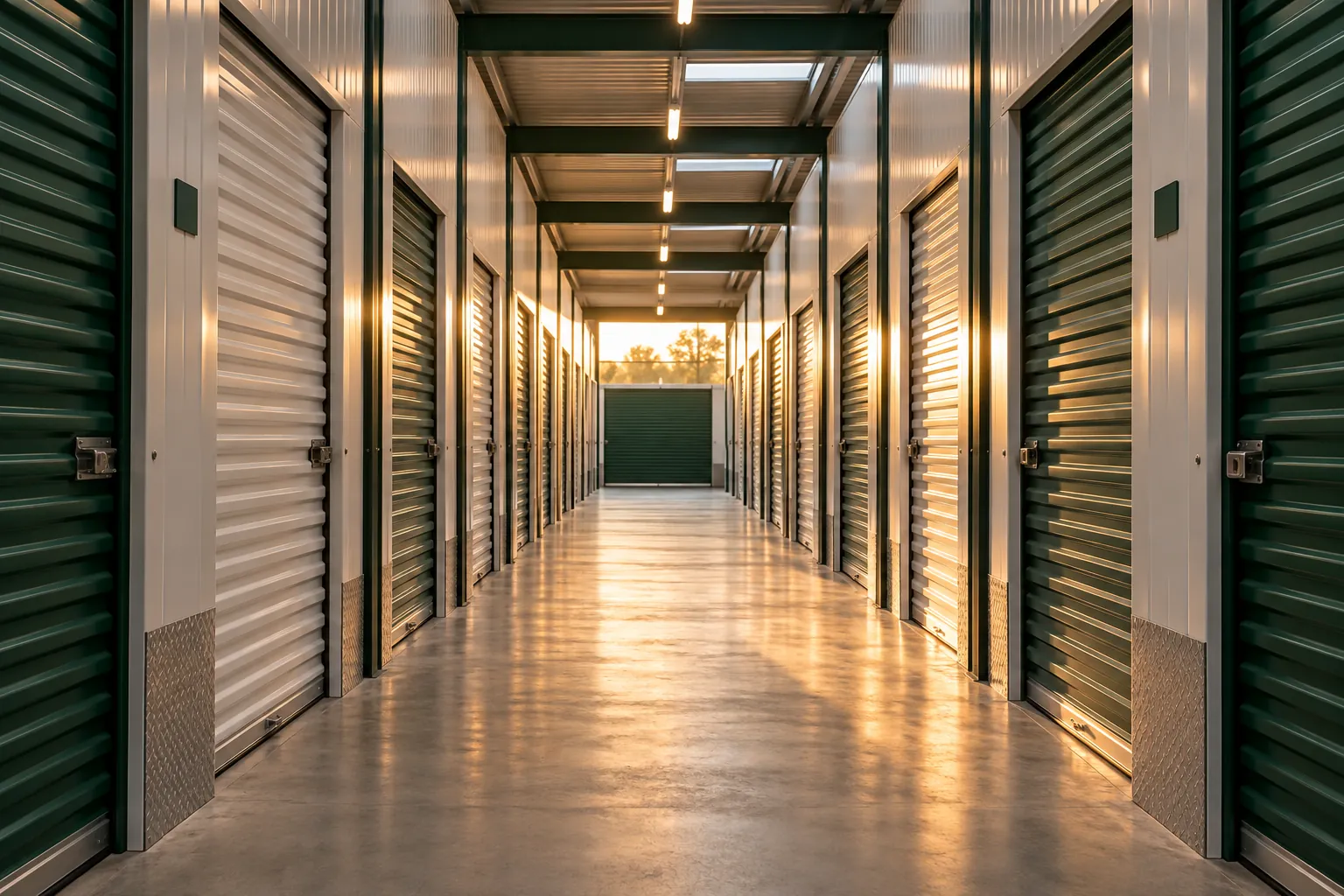
People look for a unit when they’re moving house, clearing a home or when building work starts on Monday. Often in the evening, often at the weekend. They type “storage unit rental” into their phone and compare what comes up. If your site shows a phone number and office hours, most people move on to the next result.
With online rental, the same customer sees the list of available units, their floor area and price. They take a 5 m² unit at the end of aisle B, add insurance, sign their contract and pay their first month. They receive their access code by text message and can drop off their boxes the next day at 07:00.
On your side, there’s nothing to key in and nobody to call back. The contract is signed, the copy has gone out by email, and the following months will be paid by direct debit. The on-site agent can see that a move-in is planned for the next morning. The rental module slots into your current site: your customers stay with you, with your sizes, your prices and your contract.


They look at the vacant sizes on their phone at 21:40, take the one that suits them, sign and receive their code. The next morning, the contract is complete in your account: nothing to re-key, no appointment to arrange.
Customers see the vacant units, with their floor area, price and location. They choose the one near the entrance or the one on the ground floor, just as they would on site.
The insurance you offer and your additional services are added during the rental, while the customer is planning their move. They think of everything in one go, and nobody has to call them back to complete their file.
Your contract, pre-filled with the customer’s details, is signed on their phone or computer. The copy arrives by email. Nothing to print, nothing to file.
The customer rents at 22:00 on a Sunday and comes the next day with their code. Nobody has to make a trip to hand over a key or get a form signed.
At setup, every unit is entered with its floor area, number and aisle.
Price by size, insurance offered, additional services. What you used to explain over the phone becomes clear online.
Your own contract, or our standard contract ready to sign. It is filled in with the customer’s details at the time of rental.
The module slots into your current website. Your customers rent from your site, on a computer or a phone.
Storage unit rental software lets a customer rent a storage unit online, from start to finish, without going through the office. They choose their unit, sign their contract, pay their first month and get the means to let themselves in. For the operator, it’s a front desk that never closes, connected to the rest of the centre’s management.
The difference from a simple enquiry form shows the next morning. A form leaves you with a message to return, an appointment to arrange and a contract to prepare. Online rental leaves you with a signed contract and a customer who already has their code. They may even have dropped off their first boxes already.
Everything starts from the list of available units. Each unit shows its floor area, its aisle and its monthly price. Customers can compare a 3 m² and a 6 m² unit, see which one is closest to the entrance, and pick the one that suits them.
This choice matters more than it seems. Someone storing heavy furniture wants a ground-floor unit near the gate. A tradesperson wants to be able to drive their van up close. A student going abroad for six months looks for the smallest unit available. A customer who chooses their own unit knows what they’ve rented, and asks fewer questions on move-in day.
Showing the price of each unit online also avoids conversations that go nowhere. A customer who finds the 10 m² too big sees straight away that a well-packed 7 m² will do. One who is torn between two aisles compares without having to call back. The questions that still come by phone are about special cases, no longer the price of a 4 m² unit.
Next come the options, the contract and payment, from a phone just as well as from a computer. The full process, step by step, is described on the online storage unit booking page.
The moment customers rent is when they’re thinking about their move. It’s the right time to offer them what goes with it. Options are shown during the rental, with their price, and the customer chooses the ones they want.
A customer who thought of everything when renting doesn’t need to call you the day before they move in. The on-site agent sees what has been ordered and can get it ready before they turn up.
The contract is often what slows a rental down. It has to be printed, filled in, signed, scanned and filed. Online, the customer finds their contract already filled in with their details, the unit chosen, the price and the options. They read it, sign it on screen and receive a copy by email.
You keep your own contract if you have one. If not, a standard contract ready to sign is provided at setup, and you adapt it to your house rules. An electronic signature has the same value as a handwritten one when it identifies the signatory and guarantees the integrity of the document, as provided for by Article 1367 of the French Civil Code.
The day a question comes up about a clause, both the agent and the manager can find the signed contract on the tenant’s record, with the date of signature.
For most people, renting a unit online starts on a search engine or a map. They land on your website, or on your business listing, and that’s where the rental needs to happen. The storage unit rental module slots into your current site, with your units, your prices and your contract. Customers rent without leaving your site.
You don’t need to rebuild your site. If you don’t have one yet, the rental page can act as your entry point, with a link to put on your business listing, your social media and the sign outside the centre.
Most of these rentals happen on a phone, from the sofa or in the middle of packing. Choosing the unit, the contract and payment all work with a fingertip, with no app to install.
How the module fits into your site depends on the site itself. We look at it together during the demo, page by page if need be.
The customer’s code arrives with the rental confirmation. It works for as long as the contract runs, and stops when it ends. How this works is explained in more detail on the 24/7 self-storage access page.
The following months are paid by direct debit, with no bank details to re-key on your side. Payment tracking is described on the direct debits and payment tracking page.
The relationship continues after signing. A tenant who wants to extend, move to a bigger unit or leave earlier puts in their request from their phone, and the team finds it on their record, with their contract, options and visits.
The rented unit disappears from the list of units available online. On Monday morning, the operator and the manager each see the weekend’s rentals on their own screen.
Each unit in the centre counts for €1 excl. VAT per month, with a minimum of €59 excl. VAT per month, and the price per unit falls from 100 units. Online rental, signing, payments, access and tracking across your sites are all part of the same price. To get started, there’s a turnkey setup flat fee: your units, contract and access are ready, and a project manager looks after you.
* Prices shown exclude VAT.
Yes. Online rental is open 24 hours a day, 7 days a week. The customer chooses their unit, signs, pays their first month and receives their code, at whatever time suits them.
Online, from the list of available units. Each unit shows its floor area and price, and the customer picks the one they want, in the location they prefer.
Yes. The insurance you offer appears during the rental process, along with your additional services. The customer takes it out as they rent, and the option appears on their contract.
Yes. It slots into your existing website, with your units, prices and contract. You don’t need to rebuild your site.
Yes. An electronic signature has the same legal value as a handwritten one (Article 1367 of the French Civil Code). The customer receives their copy by email, and you’ll find it on their record.
Their first month and the options they’ve chosen. The following months are collected automatically by direct debit, without them having to do anything again.
In 30 minutes, free of charge, you rent a unit just as your customer would, from your phone: choosing the unit, options, contract, payment. Then we look together at what your team sees, with your sizes and prices.