
Cancellation
The resident or the council cancels from their screen. The slot becomes free again immediately and the code stops being valid. Refunds follow the conditions of the hire terms, applied by the council.
An online community hall booking happens in four stages: the resident chooses a free slot on the hall’s public page, pays the amount for their user group, receives an access code by SMS and email, then lets themselves in at the scheduled time. Access ends at the end of the slot. The council sees the booking, the revenue and the access history in its dashboard. This page describes the journey from both sides of the front desk.
Updated 8 September 2026
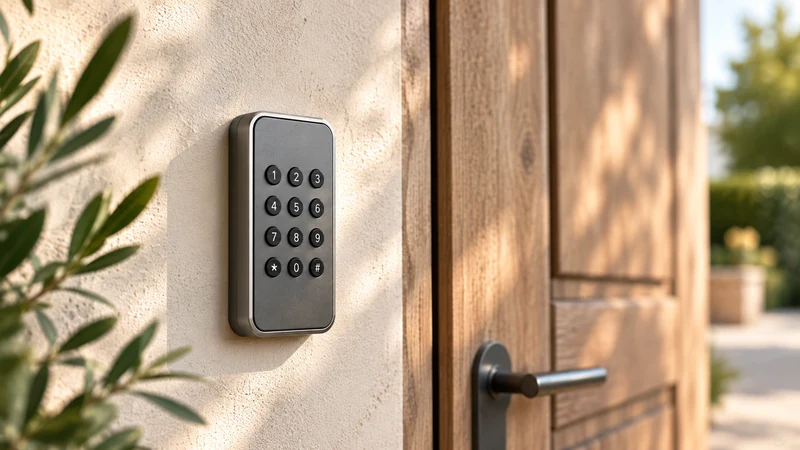
The resident sees a public page in the hall’s name, with a calendar of free dates, the capacity, the hire conditions and the price that matches their situation. They choose their slot, enter their contact details, accept the hire terms and pay online. They then receive a confirmation, a payment receipt and, as the date approaches, their access code with the exact time window. They have nothing to install and no account to create.
The front-desk officer sees the same booking in the council’s dashboard: the name, the user group applied, the amount paid, the slot and the access status. They don’t enter anything. They check, and they step in on the cases the general rule doesn’t cover: a request for an exception, a late cancellation, an association wanting an exceptional slot. The rest of the time, the hall is hired out without them.
The revenue officer sees the period’s revenue, each item linked to an identified booking, ready for the Public Treasury. On Monday morning, after a weekend hire, the access history shows what time the hall was opened and closed. It’s this shared view, from the same screen, that replaces the calls between the town hall office, the revenue officer and the councillor on duty.
The resident or the council cancels from their screen. The slot becomes free again immediately and the code stops being valid. Refunds follow the conditions of the hire terms, applied by the council.
The association books like everyone else. Its price is zero euros, the booking exists, the code is issued and the occupancy is recorded. The council keeps a record of what it makes available.
The code opens at the start time of the slot, not before. If the hirer arrives late, they still get in. There are no more missed appointments for a key handover.
At the end of the slot, access ends. If a hirer needs more time, they extend online when possible, or the council decides. The calendar stays accurate for the next hirer.
A resident is looking for a hall for a birthday party. The public page shows them the free Saturdays. They choose, pay at the resident rate and receive their confirmation.
The town hall office sees the booking in the dashboard, with the amount paid and the slot. Nothing to enter, nothing to collect at the front desk.
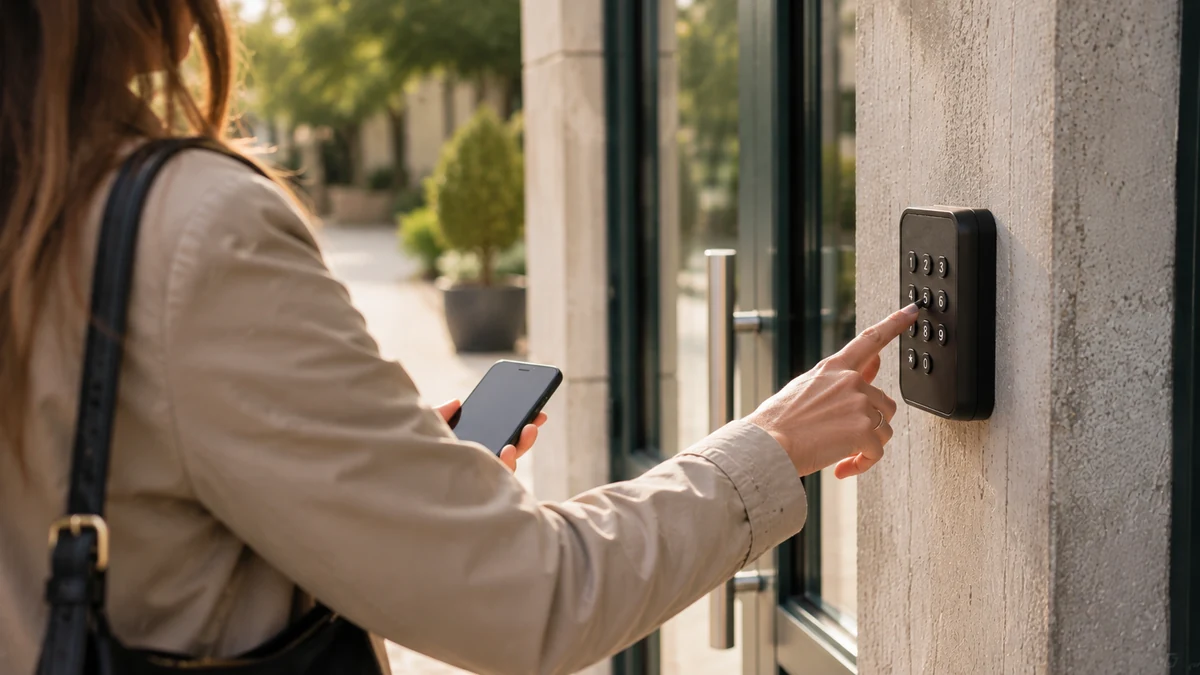
The hirer enters their code on the hall’s keypad. The door opens at the scheduled time. They haven’t had to go through any office.
The access history shows when the hall was opened and closed. The revenue officer finds the revenue linked to the booking. The condition report is based on facts.
The resident checks the free dates on the hall’s public page, chooses a slot, pays the amount for their user group and receives an access code that opens the door during the booked slot. The council isn’t involved in this ordinary journey. It steps in on exceptions, from its dashboard.
This journey assumes that the council has set its rules once: price list by user group, durations, open time windows, deposit, cancellation conditions. Choosing the tool that carries these rules, setting up the public revenue account (régie) and connecting the halls are covered on the page community hall management software: choosing and rolling it out at the town hall. Here, we stay on the side of the person booking and the person welcoming them.
The resident lands on a page bearing the name of the hall and of the municipality. There they find photos, the capacity, what’s included, the hire terms and a calendar. The slots displayed are the ones that are genuinely free at the moment they look. A booking confirmed by someone else disappears from the open dates immediately.
They state their user group when the council asks for it: resident, non-resident, association. The corresponding price is displayed before payment. They enter their name, phone number and email, accept the hire terms and pay online. For a council, this payment goes into the revenue account; the page collecting hall hire fees through a revenue account describes what this means for the council, while the resident only sees an ordinary payment.
They don’t install any app. Everything happens in the browser on their phone or computer.
The front desk doesn’t disappear. Its role changes. The questions that made up most of the calls, a date’s availability and the price, are answered on the public page. The front-desk officer no longer has to open a diary, check a cheque or arrange an appointment for a key.
They keep control over whatever requires judgement. A booking can be created from the dashboard for a resident who prefers to come to the town hall; payment at the front desk is then recorded as such and the code is issued. A request for an exception, a special hire for a council event, an association asking for an out-of-season slot: these cases are handled on the same screen, with the same overlap checks. The page running a village hall day to day describes how this is organised on the council side.
The officer also sees the access history for each hire. They know whether the hall was opened, at what time, and whether a door was left open after the slot. This information supports the condition report and avoids arguments based on memory.
A general rule never covers everything. Here’s how the most common situations are dealt with.
The resident can cancel from the link received in their confirmation, within the deadlines set by the hire terms. The council can cancel from the dashboard at any time. In both cases, the slot becomes free again and the code stops being valid. Refunds follow the conditions approved by the council; under a revenue account, they follow the procedure agreed with the Treasury accountant.
The association has its own price, often zero euros. It books, receives its code and the occupancy is recorded. The hire agreement remains the reference document; the booking is how it is applied in practice. The page association slots and free use covers seasonal recurring bookings.
The code works from the start time of the slot. A hirer who is early waits until then; a hirer who is late gets in without any problem. At the end of the slot, access ends. If an overrun is foreseeable, the hirer extends online when the council allows it. Otherwise, the council decides from its screen.
The deposit is set in the hire terms. The condition report relies on the time-stamped access history and, if the hall is equipped, on camera images. The page hall condition reports and deposits details what to do after a weekend.
Three checks are enough before opening a community hall to online booking. The door must be fitted with access equipment that can be controlled remotely, such as a keypad, badge reader or electric strike; if there isn’t any, it has to be fitted, priced separately and communicated before ordering. The hire terms must be written down, with their prices by user group and their cancellation conditions, so they can be transcribed as they are. The revenue account must be in place or created, with the Treasury accountant, so that online payment collection is lawful.
Once these three points are settled, the hall opens to booking. Most councils start with a single hall, often the village hall, then add the multi-purpose hall or the sports hall. The page village hall booking describes the most common case.
One subscription, no commitment and no equipment to replace. Making a space bookable, collecting payment, opening it at the right time and tracking what it brings in: it’s all in the same subscription. No commission on your revenue; the exact scope is agreed with you during the demo.
* Prices shown exclude VAT.
No. Booking is done from the hall’s public page, in the browser of a phone, tablet or computer. The resident enters their contact details, pays, and receives their confirmation by email and their code by SMS. An association that books regularly can have a login that saves it from re-entering its details, but this isn’t compulsory for a one-off hire.
Yes. The front-desk officer creates the booking from the dashboard, in the resident’s name, and records the payment received at the front desk. The access code is issued in the same way. Both channels feed the same calendar: a date taken at the front desk disappears from the public page immediately, and vice versa. The council decides how much room it gives each channel.
They can find it again in the email and SMS they received. If necessary, the council can resend it from the dashboard in a few seconds, including at the weekend from a phone. The code remains limited to the booked slot: resending it doesn’t extend it. No trip to the town hall is needed for this.
Through its public revenue account (régie), under the control of the Treasury accountant. Online payment fits into this revenue account, in line with the requirements that apply to public revenue accounts. It is set up once, at the start, with the Public Treasury. After that, each payment is linked to its booking and the revenue officer has a summary for each period. The resident simply sees an ordinary online payment and receives a receipt.
Yes. The council keeps the final say. A booking can be cancelled from the dashboard, with a reason, and the slot becomes free again. The code stops being valid immediately. Refunds follow the conditions of the hire terms and the procedure agreed with the Treasury accountant. To avoid having to refuse bookings, the council can also restrict the public page to certain user groups or certain time windows.
It’s not a deal-breaker, but it’s the first thing to check. The platform controls access equipment that can be operated remotely. If there isn’t any, it has to be fitted: a keypad or a badge reader connected to an electric strike. This hardware is priced separately and communicated before any order. Compatibility is checked during the demo, on the actual hall.
During the demo, we book, pay and open the door of your hall. Thirty minutes, no commitment, and you’ll know what your residents will see.