
The whole season
Each association has its recurring time slots for the season. Closed days are excluded once. A tournament that moves a training session is dealt with in the calendar, and access follows.
Sports hall booking software for associations and municipalities must first be able to allocate a season: dozens of recurring time slots, allocated once a year, with school holidays and tournaments that disrupt them. It must then open the door to the right club at the right time, and keep a record of every use, even when it is free. ASLOT brings the schedule, access and the hire agreement together in the same tool.
Updated 8 September 2026
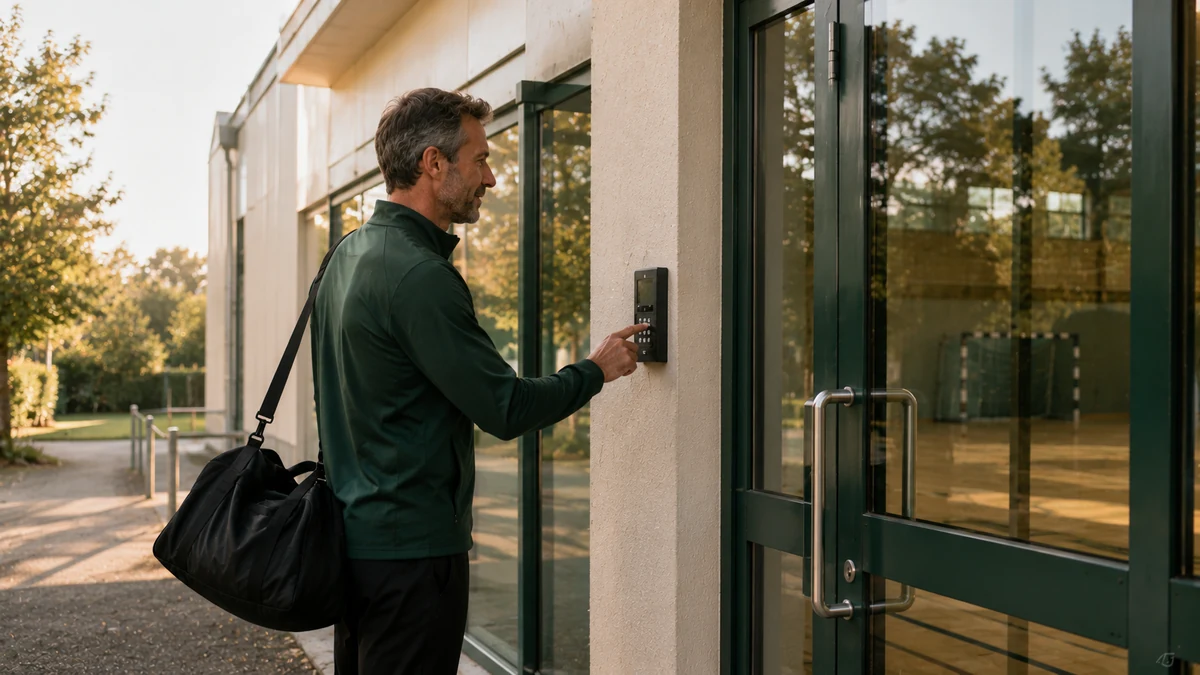
Scheduling a municipal sports hall has a rhythm of its own. Once a year, at the end of the summer, the council allocates time slots among the clubs: basketball on Mondays, badminton on Tuesdays, the school during the day. This allocation is negotiated, sometimes settled at a meeting, then fixed in a timetable. That timetable becomes the reference for ten months.
For the rest of the year, real life happens away from the timetable. A tournament moves a training session. A club merges its sections. The school holidays free up the hall and nobody knows. A resident asks for an available slot and the town hall office checks a printed copy that is no longer up to date. The annual allocation was right; the way it is applied no longer is.
Sports hall booking software takes care of both. The annual allocation is set up once, as recurring time slots per association, with closed days already excluded. Everything else becomes visible and bookable. Every change is made in the calendar, not in a separate timetable, and access follows the modified time slot without a code or badge having to be redone.
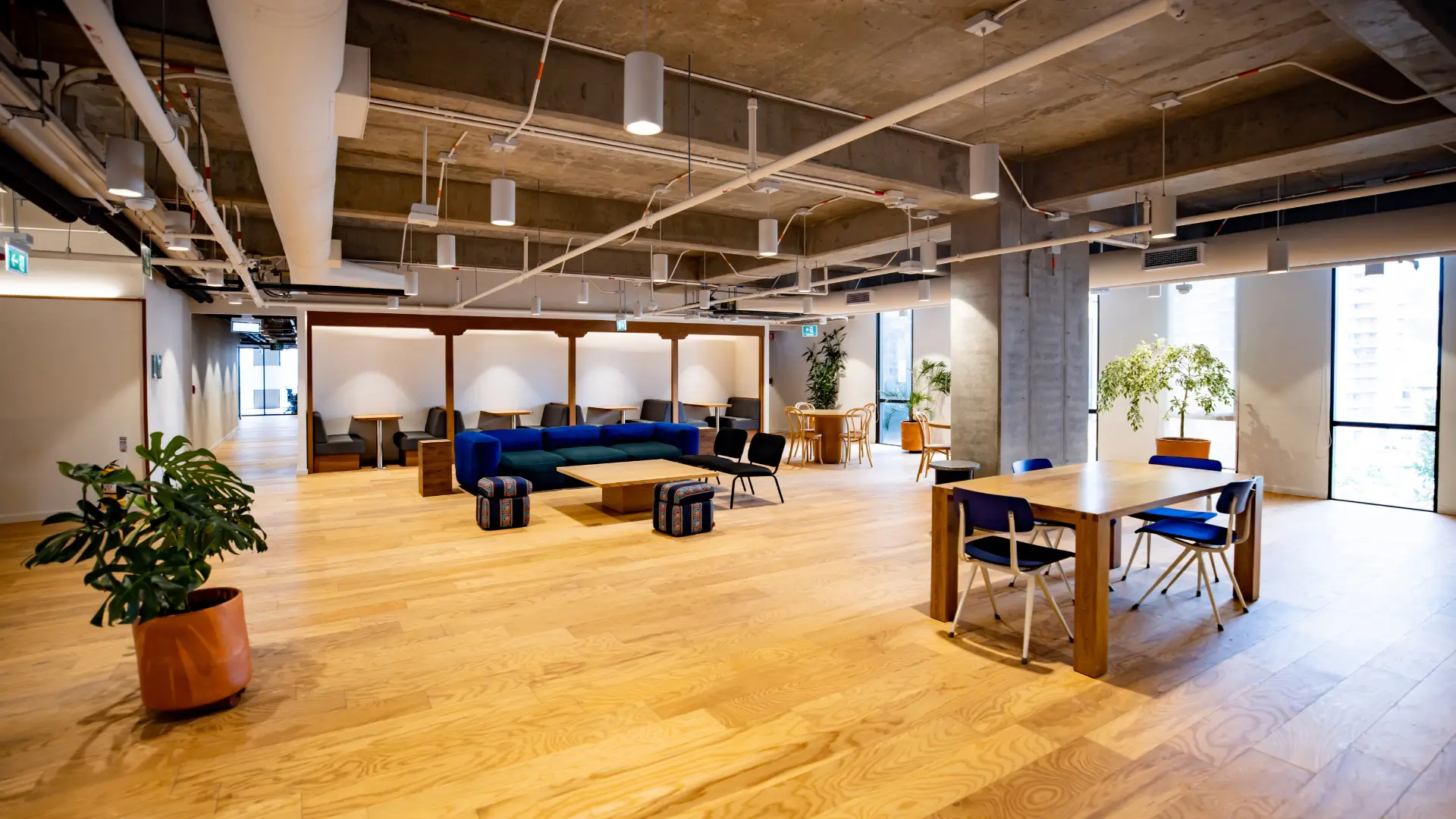
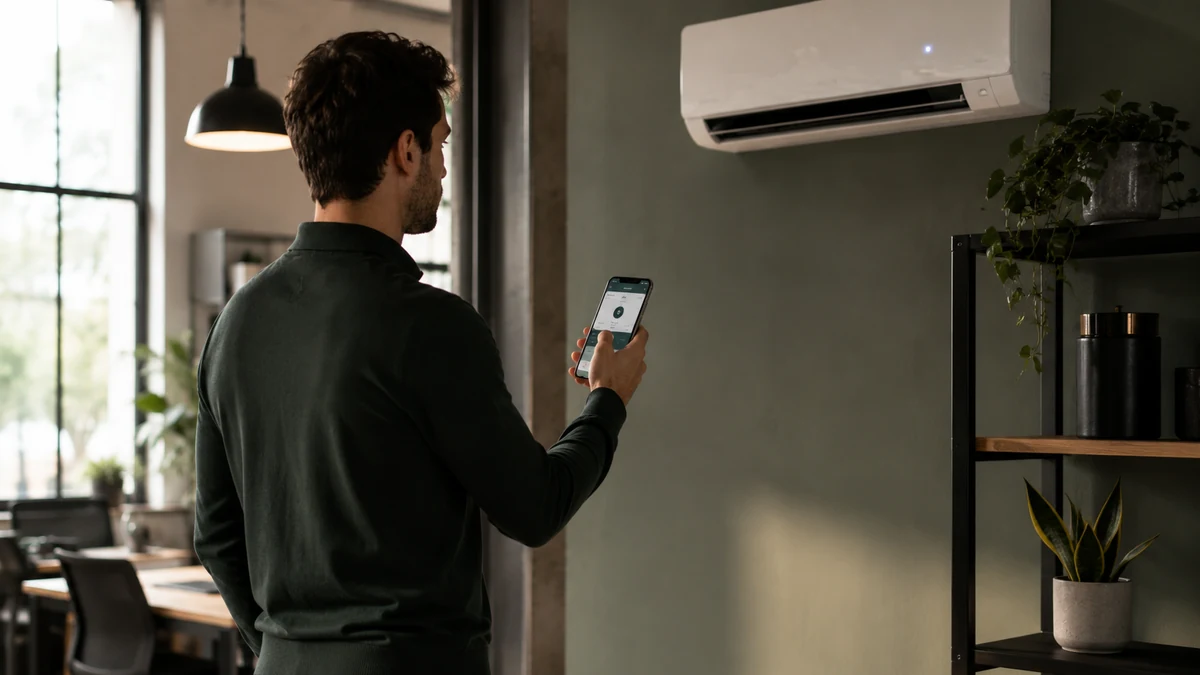
Each association has its recurring time slots for the season. Closed days are excluded once. A tournament that moves a training session is dealt with in the calendar, and access follows.
Whatever the season leaves free becomes bookable: a resident for a game with friends, an outside club for a training camp. The rate for their user group applies automatically, down to free of charge.
The season’s club gets in with a permanent badge active on its time slots. A one-off hire receives a code that is only valid for its time window. No bunch of keys changes hands.
Hours booked and hours actually opened, by club and by facility. The end-of-season report is ready for the sports committee and for reviewing grant applications.
Each association’s recurring time slots are entered in the sports hall’s calendar, with school holidays and public holidays already excluded. The hire agreement reflects these time slots.
The club’s designated contact has a permanent badge or a code that is active on its time slots only. No key is handed over. A change of committee is dealt with in a few minutes.
Available periods are shown to residents and outside clubs. They book, pay at their user group’s rate if the time slot is chargeable, and receive a code for that time window.
Hours booked and hours actually opened, by association and by facility. The council knows how much the sports hall was used and by whom, without having to rebuild a spreadsheet.
The first thing expected of sports hall booking software for associations is recurrence. A club uses the same time slot every week, from September to June. Setting it up once, with school holidays and public holidays already excluded, saves ten months of re-entering data. An occurrence can then be cancelled or moved without affecting the series, for a tournament or a technical closure.
The allocation itself remains the council’s decision: it is the council that decides between two clubs that both want Tuesday evening. The software records the decision and makes it readable for everyone. The managing association time slots page explains how free-of-charge use is handled, and the sports hall booking page covers the same subject from the point of view of the club that turns up at 21:30.
Once the season is set up, the calendar shows what is left: Sunday afternoon, one evening a week, the holidays. These periods can be opened to one-off bookings. A resident books for a game with friends, an outside club for a training camp, a company for an in-house tournament. Everyone sees the rate for their user group: local association, resident, non-resident.
When the time slot is chargeable, payment is collected online, through the municipality’s public revenue account (régie). The code issued only opens the booked time window, which makes opening the hall to third parties less risky than lending a key. Free time slots remain full bookings: they take up the calendar and leave a record.
The permanent badge suits the season’s club: it is active on its recurring time slots, and only on them, until the hire agreement ends. The one-off code suits a single hire: received with the booking, it is only valid for the booked time window. Both are logged in the same way and are deactivated without anything being handed back.
The choice also depends on the equipment in place. A sports hall that already has a badge reader keeps its habits, and a keypad is enough for one-off hires. Both can control the same door. The keys and access for a shared space page describes what happens to a sports hall’s bunch of keys when every right of entry has an end date, and the glossary explains what a permanent badge is.
A sports hall is not just one door. The changing rooms, the hall itself, the equipment store and sometimes the club’s meeting room each have their own access. When these access points can be controlled, each one becomes an entry point with its own rule: open the changing rooms a quarter of an hour before the time window, restrict the equipment store to the one club that uses it.
Lighting and heating can follow the booked time slots where the installation allows, so that an empty sports hall is not lit and heated. The survey of existing equipment, carried out before you commit to anything, shows what can be connected. The list of controllable equipment sets out the general framework.
A hire agreement is the document by which the council makes the sports hall available to an association, with the allocated time slots, the conditions of use and each party’s responsibilities. In booking software, the time slots in the agreement and those in the calendar are the same: the agreement describes what the schedule applies.
This avoids the usual drift, where the agreement signed in September no longer matches the actual schedule in February. An amendment becomes a change to the series of time slots, and the club’s access follows. The twelve-point guide to booking and access for a community hall covers what to plan for before opening a municipal facility to booking, sports halls included.
Actual use of a sports hall is shown by a history that distinguishes hours booked from hours actually opened, by association and by facility. A time slot set up for the season but never opened appears as such. A free time slot appears as full use. This report comes out of the software at the end of the season, without rebuilding a spreadsheet from memory.
This information is useful at three points: reviewing grant applications from associations, deciding next season between two clubs that want the same time slot, and answering questions in the municipal council about how useful a facility is. The community hall management software applies the same logic to all of the municipality’s facilities, and the councils and local authorities use case shows what this changes for a town hall office.
One subscription, no commitment and no equipment to replace. Booking, payment collection, access and tracking in a single piece of software, with no add-on modules or premium edition. No commission on your revenue; the exact scope is agreed with you during the demo.
* Prices shown exclude VAT.
Yes. Each association receives its recurring time slots, from September to June, set up once with school holidays and public holidays excluded. A single occurrence can be cancelled or moved for a tournament without affecting the series. If the allocation changes during the year, the series is edited and the club’s access follows, without reissuing a badge or code.
No, unless the council decides they should. The rate is set per user group: local association, resident, non-resident. Free use is a rate like any other. A €0 booking takes up the calendar, issues access and leaves a record of use. That is what later makes it possible to show how much each club used the sports hall.
Yes. A permanent badge is assigned to the club or its designated contact for the duration of the hire agreement. It is active only on the allocated time slots. Outside them, it opens nothing. At the end of the season or when the club’s committee changes, it is deactivated without anything being handed back, and a new badge is activated in a few minutes.
Online, through the public revenue account (régie), in line with the requirements that apply to public revenue accounts. The rate for the relevant user group applies at the time of booking, the user receives a proof of payment and the income is linked to the booking. The export for the Public Treasury is included. The payment collection process is set up once, at the start, with your Public Treasury office.
Yes. Sports hall, dojo, dance studio, indoor court: each facility has its own calendar, user groups, rates and access, in the same dashboard. A club that uses two halls sees its time slots in both. The council can read occupancy by facility and by association, which makes it easier to decide the following season’s allocation.
The subscription starts at €59 excl. VAT per month, with no commitment and no commission on payments. The exact price is set during the demo, based on the municipality’s actual facilities and the access points to be controlled. If the sports hall has no controllable access, the hardware is quoted separately and communicated before you order.
During the demo, we work from your clubs’ actual allocation, your existing access points and your rates per user group. You see a time slot open the sports hall, then close it again.