
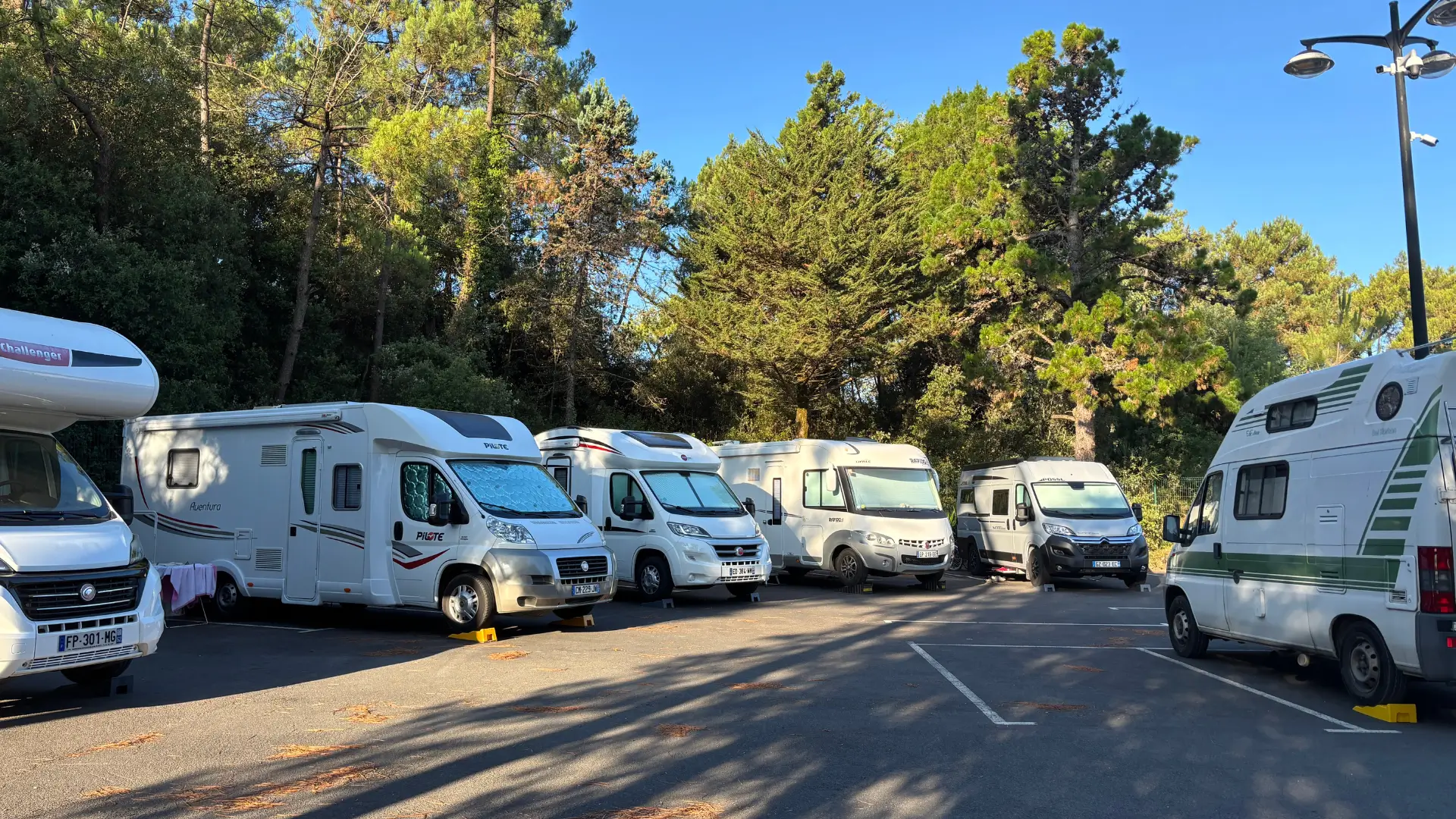
Scope: online parking space booking, for whom and for what
Three types of manager look for car park booking software, and they don’t start from the same place. A residential building wants to share out spaces among residents, open a few spaces to visitors and stop badges from circulating. A business wants to allocate spaces to teams with rotating office attendance and welcome visitors at any time. A municipality wants to sell the off-peak hours of a public car park or reserve spaces for a market, an event or building works.
What they have in common isn’t the calendar. In all three cases, a space is only worth something if access follows: the barrier or gate must open for the right person, during the right time slot, and close again afterwards. This pairing of booking and access is what makes the difference between an improved spreadsheet and a real tool for managing a residential car park by badge or code.
This guide doesn’t compare any vendors. It lists the questions to ask yourself before the demo, in the order they come up on the ground. For a general overview of the tool, the car park booking software page is the place to start. Here, we get into the selection criteria.
Assigned spaces or shared spaces
The first decision is the model: does each space have a holder, or do the spaces form a shared pool? The answer shapes all the configuration that follows.
The need
In a residential building, a space is often a privately owned lot. It belongs to someone and isn’t booked. What gets booked are visitor spaces and spaces left free. In a business, the model shifts towards sharing: thirty spaces for fifty employees who alternate days in the office, allocated by the day. A municipality mixes the two, with subscribers in fixed spaces and a pool open to the public.
The question to ask
Can the software treat a named space as a space in its own right, with its own calendar, and a group of spaces as an overall capacity, without the user choosing a number? Can both models coexist in the same car park and on the same dashboard?
The common pitfall
Going for all-assigned spaces to be on the safe side. It is reassuring, but it freezes occupancy: an assigned space left empty cannot be sold. Sharing requires a clear rule and access that enforces it. Without that, the first to arrive takes the space and the calendar becomes useless.
Visitors and occasional users: the space that never gets sold
Visitors are the users worst served by car parks managed by hand, and the most profitable once booking is opened up.
The need
A resident is expecting family for the weekend. A business is receiving a candidate or a supplier. A municipality sees stallholders arrive on market day. In all three cases, someone has to find a space, allocate it and let the vehicle in, often outside office hours. Today, that means a phone call, a borrowed badge or a barrier left open all day.
The question to ask
Can a visitor book on their own, from their phone, without creating an account or installing an app, and receive a means of entry valid only for their time window? Can the resident or employee book for their guest, within a monthly limit set by the manager?
The common pitfall
Treating occasional users as mini-subscribers, with registration and a badge to hand over and then get back. The management cost exceeds the revenue, and the gate ends up being left open. The booking a parking space by the hour or by the day page describes the user journey to expect.
Monthly subscriptions and renewal
A subscriber occupies their space permanently, but their right to enter must stay tied to up-to-date payment. Renewal is what makes the difference between a subscription you manage and one you merely put up with.
The need
Spaces rented by the month to local residents, to employees of a nearby business or to shopkeepers. The fragile moment is the renewal date: a subscription that has ended, a badge that keeps opening, an unpaid bill discovered three months later during a check. The manager wants the renewal date to take effect without having to think about it.
The question to ask
Is the subscription renewed by online payment, and does access stop automatically on the renewal date if payment hasn’t been made? Are subscriber spaces removed from the pool offered to occasional users, in real time, without double entry? Is a payment receipt sent at each renewal?
The common pitfall
Managing subscribers in a list separate from the calendar. Nobody then knows how many spaces are still free, so nobody dares sell them. A single calendar for both groups is the condition for selling off-peak hours without risking double allocation.
Badge, code or number plate: which credential to get in?
Badges suit residents and subscribers, codes suit visitors, and number plate recognition suits users who don’t want to handle anything. Useful software accepts several of these methods on the same site.
The need
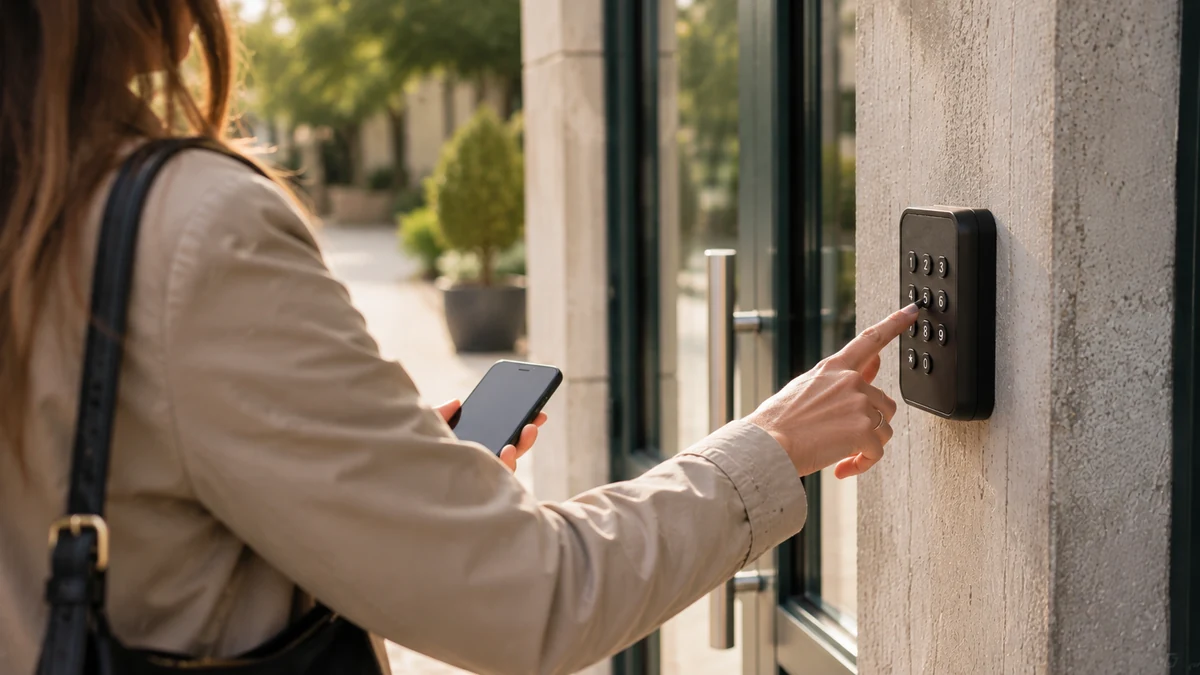
In residential car park management, residents already have a badge for the pedestrian gate and want to use the same one for the car park. Visitors have nothing: a code received by text message and email is enough, provided it only works during the booked slot. Number plates avoid any action at the entrance, but they require dedicated hardware and data processing that needs a proper framework.
The question to ask
Can a resident’s badge be activated or deactivated from the booking, without going through the hardware supplier? Does the visitor code stop working at the end of the slot? Is number plate recognition offered, with what hardware and on what terms?
The common pitfall
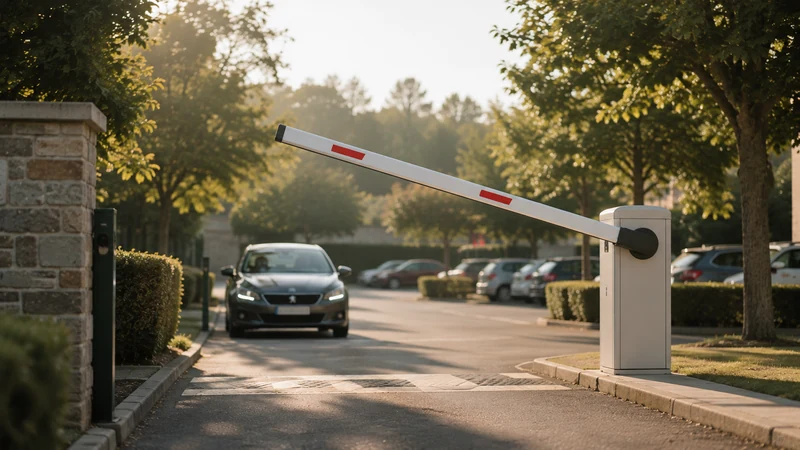
Believing that badges solve everything. A lost or lent badge keeps opening until someone deactivates it. A right to enter tied to a booking, on the other hand, expires on its own. The access control linked to online booking page explains how this works.
Real-time availability, barrier and gate
The availability displayed must be the availability right now, and the barrier must obey that same data. Otherwise, you promise a space that is already taken.
The need
The manager wants to display what is really free, including when a subscriber has just renewed or a visitor has just cancelled. The user wants the barrier to open when they arrive, not just for their name to be on a list checked the next day. Both expect the same thing: a single source of information, shared between the calendar and the equipment.
The question to ask
Does the software directly control the existing barrier or gate? Can the existing equipment be controlled as it is, or does it need replacing, and with what written quote? Is a booked space removed from the public display immediately?
The common pitfall
A scheduling tool that exports a list to the barrier system once a day. Between two exports, the calendar and reality on the ground drift apart. Ask for a demo on the actual equipment, not on a mock-up. The setups we come across are described on the car parks: use cases page.
Pricing by the hour, by the day, by the month
The price list must exist in the software, not in the memory of whoever answers the phone. That way, it applies in the same way to everyone.
The need
A municipality has a resident rate and a non-resident rate, free use for associations, and free periods on Sundays. A business doesn’t charge its employees but may rent out spaces at weekends. A residential building sets a usage fee for visitor spaces, approved at the general meeting. Three approaches, one requirement: the price must follow the user group and the duration.
The question to ask
Can you set several prices by user group and duration, with free-of-charge uses recorded? Can a local authority collect payments through a public revenue account, under the control of the Treasury accountant? Is the amount of a booking calculated without any intervention?
The common pitfall
Choosing a tool that takes a commission on every booking. By the hour, on small amounts, the commission eats up the revenue. The principle of a monthly subscription with no commission is explained on the platform pricing page, with the exact amount set during the demo.
Unpaid bills: payment before entry
The simplest rule for eliminating unpaid bills is to grant no right to enter until payment is confirmed. Everything else is debt collection.
The need
A car park is the classic place for lost revenue: leaving without paying, lost tickets, a cheque for a visitor space that never arrives, an expired subscription that nobody cut off. The manager wants revenue linked to each booking, a payment receipt sent to the user and a clean export for the Public Treasury or the building’s accounts.
The question to ask
Is the code or badge activated only after payment? Is a payment receipt sent to the user without any intervention? Can revenue be exported for reconciliation, with the corresponding booking alongside each line?
The common pitfall
Wanting to keep “the option to pay later” for special cases. These cases become the rule and chasing payments becomes a job again. Exceptions are handled differently: from the dashboard, the manager marks a booking as paid by other means, and access is granted. The general rule doesn’t change.
Lighting and charging points during useful hours only
A car park booked by the hour means you only need to light it and power it when someone is expected. The booking becomes the trigger for the equipment.
The need
An underground car park lit all night for two vehicles. A charging point occupied since midday by a fully charged car. The manager wants to link this equipment to the time slot: lights on arrival, charging during the booked period, switch-off afterwards. The user, for their part, wants a single booking for the space and the charging point.
The question to ask
Can the software control the lighting in an area or the power supply to a charging point based on the booking? Can a space with a charging point have its own price and its own maximum duration? Does the existing electrical installation allow this, or does hardware need to be added?
The common pitfall
Treating the charging point as a separate matter, with its own app and its own subscription. The user ends up with two bookings for one space and the manager with two histories. Check during the demo what the existing installation allows, and ask in writing what will have to be added and quoted separately.
Data, video and occupancy reporting
A car park produces personal data: identities, number plates, entry times, images. How it is processed must be settled before setup, not after the first dispute.
The need
The managing agent wants to prove to the residents’ council that the visitor spaces are used. The business wants to know its occupancy rate before renting a nearby car park. The municipality wants to justify a price before the municipal council. They all want to answer a dispute with facts: who went in, at what time, until when.
The question to ask
Is the data hosted in France? What is the retention period for the history and for images? Are the site’s cameras, if it has any, linked to the time-stamped entries? Can the occupancy rate by day and by hour be read without a spreadsheet?
The common pitfall
Installing cameras or number plate recognition without informing people or carrying out a prior assessment. The CNIL (France’s data protection authority) sets out the rules that apply to car parks in residential buildings and to places open to the public; the links are in the sources at the end of the article. A residential building that opens its car park to outsiders must also review its rules: see residential buildings: common areas and visitor parking.
Native access control or via an integrator: what should you check?
Native access control means that the booking software itself controls the barrier, the gate or the badge reader. Via an integrator, a third party links two systems that don’t know each other. Native control reduces the number of contacts and points of failure. An integrator may be unavoidable if the existing equipment can’t be controlled. In both cases, four points need checking: cost, lead time, contacts and breakdowns.
Cost and lead time
Ask for a written quote, separate from the subscription, for any hardware to be added and for fitting it. A subscription from €59 excl. VAT per month never includes a new gate. Then ask for the lead time between ordering and the first real opening. With an integrator, add the time needed to coordinate two providers.
Contacts
Who do you call when the barrier won’t open? With native control, a single team that knows both the booking and the equipment. With an integrator, the question “is it the software or the barrier?” comes up with every incident, and each party can pass the buck to the other.
In the event of a fault
Power cut, network loss, equipment out of order: ask what happens to the user who has paid. A backup code, manual opening, a contact who can be reached on a Saturday? The answer must be written into the contract. Finally, check that it is always possible to get out, whatever happens at the entrance.
Method: moving a car park to online booking in five steps
Setup follows a precise order: spaces and user groups first, then the equipment, then the written rule, then a test on a small scale before expanding. The five steps below apply to a residential building, a business or a municipality.
Twelve questions to ask during a demo
These twelve questions take the guide’s criteria in the order of a demo. Ask for an answer on your actual equipment, and a written record of anything relating to quotes and lead times.
Moving a car park to online booking in 5 steps
- Take stock of spaces and user groups
List assigned spaces, shared spaces, visitor spaces and spaces with a charging point. For each group, note who is allowed in, at what price and for what maximum duration.
- Checking the access equipment
Identify the barrier, gate, badge reader or keypad in place. Get written confirmation of what can be controlled as it is and what will need to be added, with its cost and lead time.
- Write the rule once
Prices by user group and duration, free-of-charge uses, opening hours, limits per user, cancellation terms. For a local authority, agree payment collection with the Public Treasury within the framework of the public revenue account (régie).
- Test on a small scale
Start with the visitor spaces or a single level. Have real users book, pay and get in for two to four weeks. Note every call received and its cause.
- Expand and stop keeping copies
Move subscribers over, then the rest of the spaces. Get rid of the paper list and the spreadsheet. Review the occupancy rate after a month and adjust off-peak prices.
The 12 questions to ask before choosing car park booking software
- Can a named space and a pool of shared spaces coexist in the same car park?
- Can a visitor book and pay from their phone, without an account or an app?
- Is a resident’s badge activated and deactivated from the booking, without going through the hardware supplier?
- Does a visitor’s code stop working at the end of the booked slot?
- Is the existing barrier or gate controlled as it is, or does it need replacing? With what written quote?
- Does public availability update immediately, taking subscribers into account?
- Can you set a price by user group and duration, with free-of-charge uses recorded?
- For a municipality, does payment collection go through a public revenue account, under the control of the Treasury accountant?
- Is the right to enter granted only once payment is confirmed, and is a payment receipt sent to the user?
- Can lighting and charging points follow the booked slot?
- Where is the data hosted, and how long are the history and images kept?
- Who responds on a Saturday morning if the barrier won’t open, and how quickly?
Your questions
Which software should you choose for booking parking spaces in a residential building?
One that links booking to opening the gate. In a residential building, privately owned spaces are not booked; what matters are visitor spaces and unallocated spaces. The software must let a resident book for their guest within an approved limit, collect the usage fee before access and give the managing agent a history and revenue linked to each booking. The decision to open up the car park, however, is a matter for the co-ownership rules and the general meeting.
Can you book a parking space online without an app?
Yes. A booking page accessible from a browser, on a phone or computer, is enough. The user chooses their arrival time and duration, pays online and receives the means of entry by text message and email, valid for the booked period. No account to create, no app to install. This is a criterion to check during the demo, because a compulsory app loses you some of your occasional visitors.
How do you manage a residential car park where badges have already been handed out?
By keeping the badges and changing what they open. Booking software that controls the existing reader can activate a resident’s badge for their slot and leave it inactive the rest of the time. Lost or lent badges stop being a permanent problem, since the right to enter follows the booking. You need to check that the existing reader can be controlled; if not, the hardware to be added must be quoted in writing, separately from the subscription.
Do you need to change the barrier to switch to online booking?
Not necessarily. Many existing barriers, gates and keypads can be controlled and connected to the platform without being replaced. This is checked during the demo, piece by piece. When a replacement or addition is needed, it is quoted separately and sent to you before any order. A monthly subscription never includes hardware or installation.
How do you avoid unpaid bills in a car park?
By making entry conditional on payment. Until payment is confirmed, no code or badge is activated and the space remains available to others. Unpaid bills no longer have a chance to arise. A payment receipt is sent to the user and the revenue is linked to the booking, which makes reconciliation simpler for the Public Treasury or the building’s accounts. Special cases are handled from the dashboard, by marking a booking as paid by other means.
Can a municipality collect payment for parking spaces online?
Yes, through a public revenue account (régie). Online payment collection is set up once with the Public Treasury at the start. Prices can differ by user group – resident, non-resident, association – with free-of-charge uses recorded. Each payment remains linked to an identified booking, and the exports are used for reconciliation. The details of the procedure are set out on the page dedicated to collecting payments through a revenue account.
How much does car park booking software cost?
The platform subscription starts at €59 excl. VAT per month, with no commitment and no commission on payments. The exact price is set during the demo, based on the car park’s actual spaces and equipment. Any access control hardware to be added is quoted separately and sent to you before you order. There is no free edition and no premium edition.
Official references
Read next
See ASLOT applied to your case
Thirty minutes, no commitment, to check what the platform changes for your spaces and equipment.