
It opens the door
Access is issued by the booking itself and is valid only for its time slot. This is where most scheduling tools stop.
All serious booking tools display time slots properly. What sets them apart is what happens once the booking has been recorded: who collects payment, and who opens the door on the day.
Updated 30 August 2026
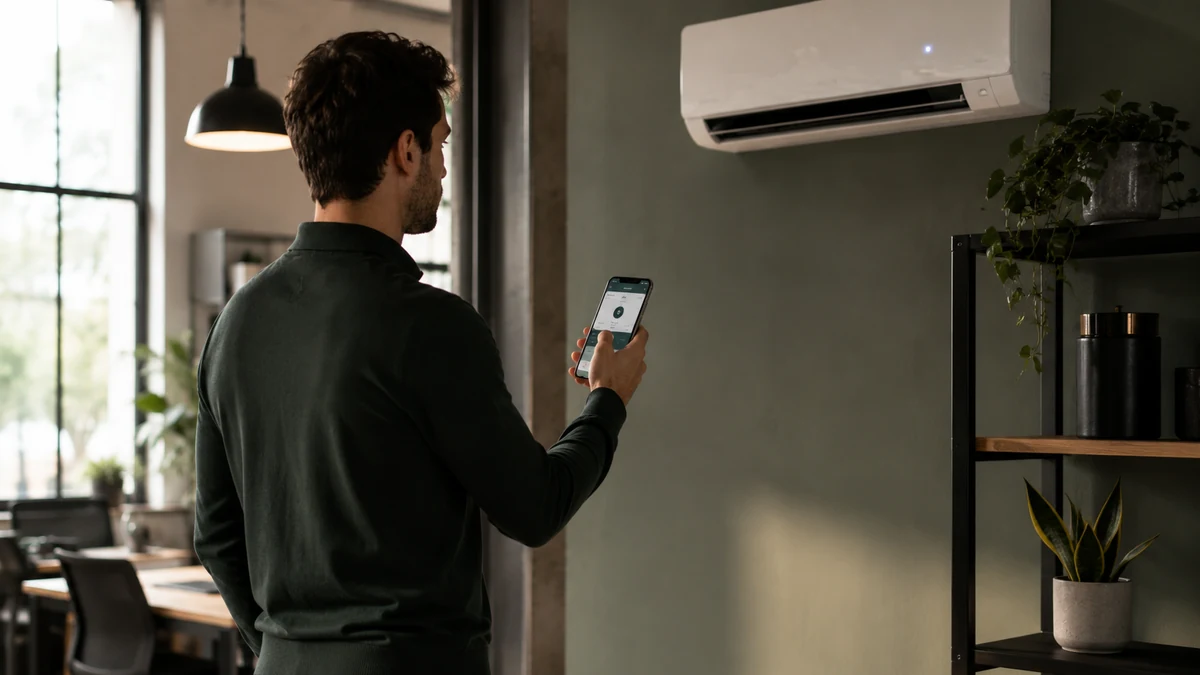
The most common set-up stacks three things: a calendar to know who is coming, a separate way to collect payment, and a key or badge to get in. Each of them works very well. The time goes on the hand-offs: copying a booking into the payment tracking, checking that a cheque really matches a date, remembering to hand over the key and then to get it back.
These hand-offs never show during a demo. You look at a nice calendar, you are convinced, and six months later the workload hasn’t moved, because it was never in the calendar.
Useful room booking software, then, is software that absorbs these hand-offs. The date, the payment and the access all come from the same booking, without anyone having to make the link.
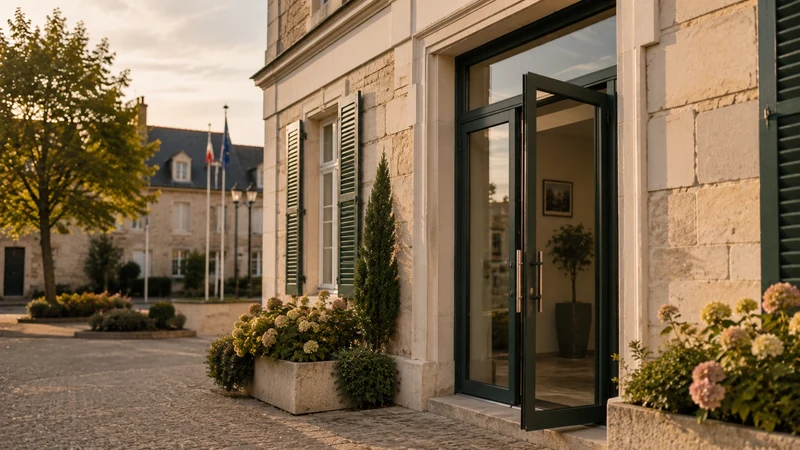
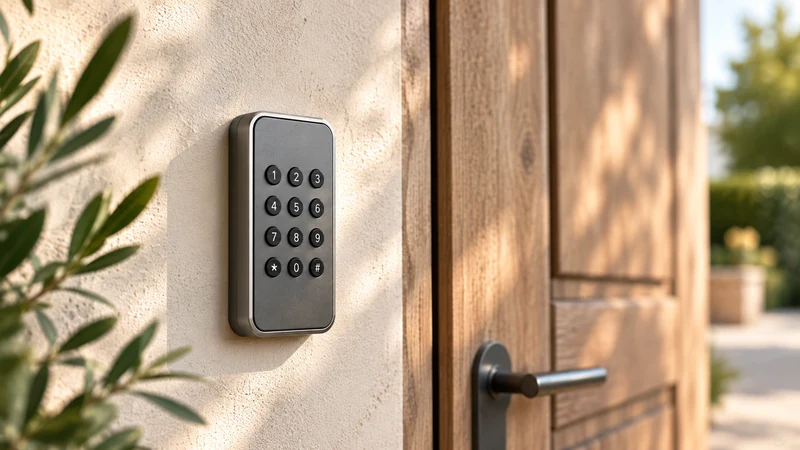
Access is issued by the booking itself and is valid only for its time slot. This is where most scheduling tools stop.
Payment comes before access. So unpaid bills aren’t recovered any better: they simply no longer get the chance to happen.
Resident, non-resident, association, business: the price follows whoever is booking, including when it’s free.
On an equipped site, lighting and heating follow the time slot, with an A–E energy rating to show the difference.
A public page presents the room, its open time slots and its conditions. Nothing to install to view it.
The availability shown is that of the real calendar, recurring slots included.
The code comes from the booking, is sent by text message and email, and is valid only for the booked period.
Occupancy, revenue and time-stamped entries can be read in the same place, with nothing to consolidate.
One subscription, no commitment and no equipment to replace. Booking, payment collection, access and tracking in a single piece of software, with no add-on modules or premium edition. No commission on your revenue; the exact scope is agreed with you during the demo.
* Prices shown exclude VAT.
Yes. Each room is a space, with its own calendar, rates and access. An overview lets you see the occupancy of an entire site without opening the calendars one by one.
Yes. A recurring booking is set up once and fills the calendar over the whole period you want. If a session is called off, you cancel that occurrence without affecting the rest of the series.
Yes. The same room can be offered by the hour and over a longer period, at different prices. It is the sales format that changes, not the room.
No, it controls it. Your equipment stays in place, and it is the booking that decides when it opens.
No. Booking is done on a public page, in the browser, with no sign-up and no app to download.
They aren’t. The subscription includes everything; there is no higher tier and no paid module to add along the way.
We set up one of your rooms live during the demo, and you follow the complete journey, from the chosen date to the door opening.