
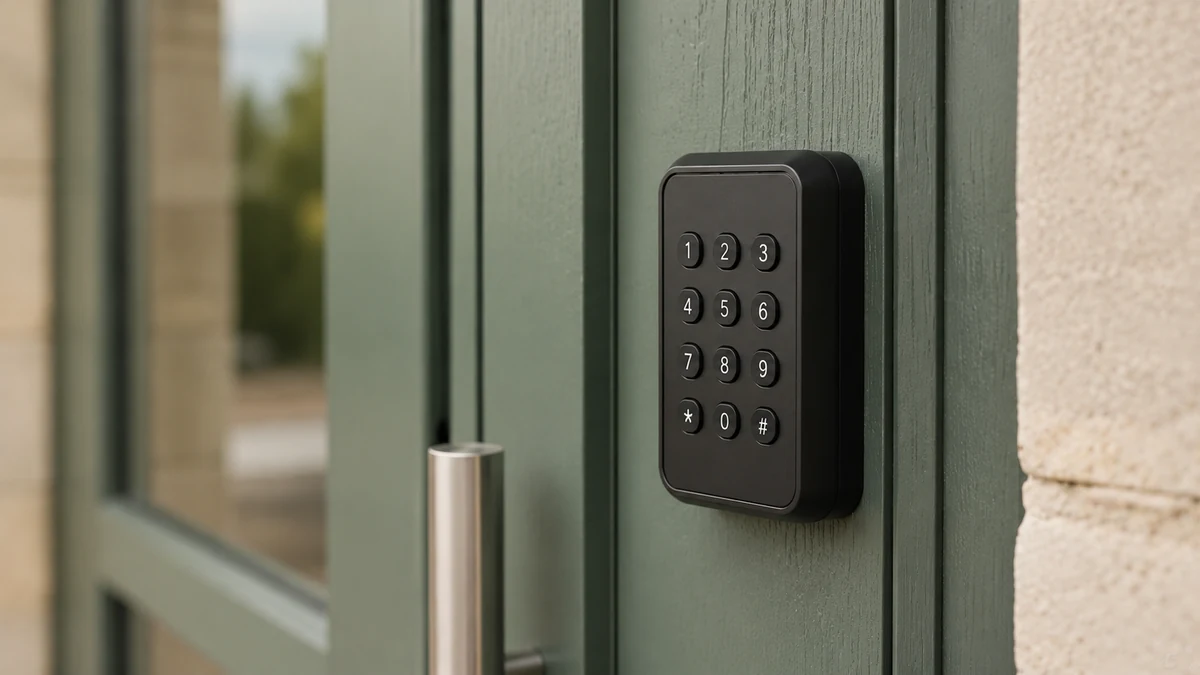
| Equipment in place | What gets added | Who fits it |
|---|---|---|
| Motorised gate | A control module connected to the motor’s control input, and a keypad or reader if the entrance has none | The installer who maintains the gate |
| Lifting barrier | A control module on the barrier’s circuit board, a keypad or reader on a post at window height | The barrier installer or an electrician |
| Door with an electric strike or magnetic lock | A control module on the strike’s power supply, a keypad or reader on the outside | Your electrician or your access control installer |
| Keypad already in place | The keypad is connected if it allows it; otherwise only the keypad is replaced, in the same place | The keypad installer |
| Key lock or cylinder | An electronic cylinder of the same size, or an electric strike fitted in the door frame | Your locksmith or your installer |
| Storage unit door | Nothing to begin with if the site gate is connected, an electronic lock per unit if you wish | The site installer |
Access control without building work: start from what already closes the site
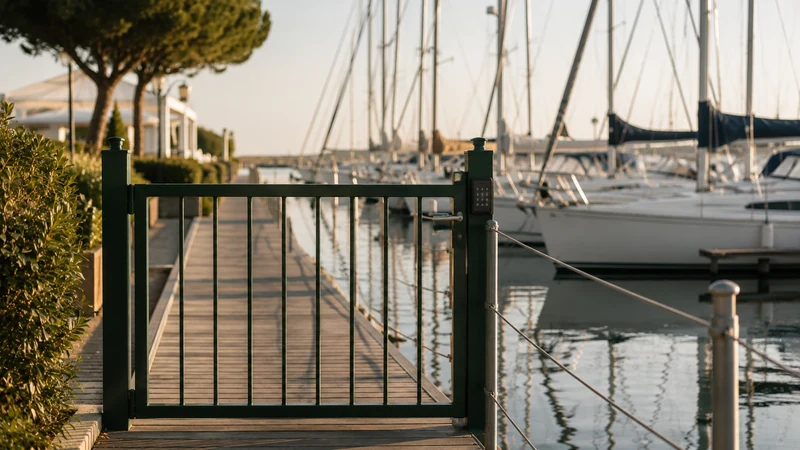
A municipality has a car park behind the multi-purpose hall, closed by a sliding gate fitted eight years ago. A harbour has a pontoon gate with a keypad. A coworking space has a glass door that opens with an electric strike and a button at reception. In each of these places, the equipment works. What is missing is the link between the schedule and that equipment: someone still has to come and open up, hand over a key or change a code by hand.
Making an entrance bookable without building work means connecting what exists to the booking. You keep the gate, the barrier, the door and often the keypad. You add a control module that receives the command to open when a valid code is entered. Fitting this module is entrusted to the installer of your choice, the one who already maintains your gate or your electrician. ASLOT supplies the equipment if needed, and setup is done with you, remotely.
This guide covers the equipment and how it is set up. The rules for the code over time – margin, lateness, cancellation, lost code – are covered in the temporary access code guide. The list of equipment families connected to the platform is on the integrations and compatible equipment page.
The motorised gate
A motorised gate, swing or sliding, almost always has a circuit board with a control input. That is where the command from the remote control and the push button arrive. The control module connects to that same input, alongside what is already there. Regulars’ remote controls keep working.
The need
For the gate to open when a user enters a valid code, on the keypad or the QR code reader at the entrance, and close behind them. Once the module is fitted, what is set remotely comes down to the schedule: which spaces depend on this gate, during which periods it opens for bookings, with what margin.
The question to ask
“Does the motor’s circuit board have a free control input, and is automatic closing switched on?” Your installer answers by opening the control box, and a photo of the board is often enough to check compatibility with you, by video call. If the gate has no automatic closing, it must be switched on: otherwise it stays open after the first person goes through.
The common pitfall
Connecting the module and forgetting the safety devices. The photocells and safety edges must work as before, and the installer tests them after their work. The French Construction and Housing Code (Code de la construction et de l’habitation) requires automatic garage doors and gates to be designed, installed and kept in good working order so as not to put anyone in danger.
The lifting barrier
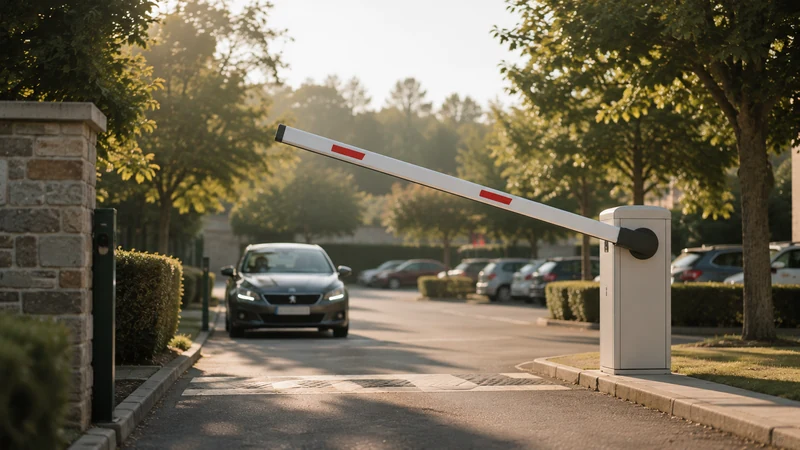
Car parks, motorhome aires and some storage centres are closed by a lifting barrier. It works much like a gate: a control board, an input for the opening command, and often a ground loop that detects the vehicle and triggers closing once it has passed.
The need
The driver arrives, winds down the window, enters their code or shows their QR code, the barrier lifts, then lowers once they are through. The control module connects to the barrier’s board. The keypad or reader is fitted on a post, within reach from the driver’s seat. The exit stays free, through an exit loop or a control on the car park side.
The question to ask
“At what height should the keypad be fitted for all the vehicles coming in?” On a motorhome aire, a motorhome window and a small car window are not at the same height. A common answer is to fit two keypads on the same post, at two heights. The booking and access for car parks page shows how these sites are organised.
The common pitfall
A post placed too far from the lane. The driver has to open the door, put a foot on the ground and lean out, and the queue grows behind them on a match night. Have someone sit in a car before fixing the position.
The door with an electric strike or magnetic lock
Many community halls, toilet blocks, bike stores and coworking entrances already have an electric strike or a magnetic lock, controlled by a button at reception or by an old keypad. So the part that releases the door already exists. It just needs to be controlled differently.
The need
For the door to be released for a few seconds when a valid code is entered, then lock again as it closes. The control module acts on the power supply to the strike or the magnetic lock. A keypad or reader is fitted on the outside, and the exit button stays inside.
The question to ask
“Is the strike fail-secure or fail-safe?” A fail-secure strike releases the door when it receives power: in a power cut, the door stays locked. A fail-safe strike, like a magnetic lock, releases the door when the power is cut. The choice depends on the emergency exit and on the site’s security, and your installer can read the reference on the strike.
The common pitfall
A worn-out door closer. The door doesn’t close properly, the strike doesn’t engage, and the hall stays open all night while everyone thinks it is shut. Have the door closer checked when the module is fitted.
The keypad already in place
A keypad installed years ago often holds one or two codes in its memory, changed by hand when someone remembers. The keypad itself can stay. What changes is the way it receives its codes.
Two cases
- The keypad can be connected: it is identified with you, remotely, then linked to the platform. Users keep typing a code on the same keypad, but that code becomes personal and valid for their time slot.
- The keypad is too old or out of order: only the keypad is replaced, in the same place, reusing the wiring when it is in good condition. The door, the strike and the wires stay.
What is decided beforehand
What happens to the old codes. The shared code known to former tenants, the cleaners’ code, the code of the club that has used the hall for twenty years. List them with the person who manages the site. Those that remain become named access rights, at set times. The others stop on the day of setup, and the people concerned are told the week before.
The key lock or cylinder
A door that only locks with a key has nothing to control. This is the only case where a locking device has to be added, though without changing the door.
Two ways to equip it
- An electronic cylinder of the same size as the current cylinder. It takes its place in the lock, without touching the wood or metal of the door.
- An electric strike fitted in the door frame, with a keypad next to it. A power supply then has to be brought in, which takes a little more work.
How to choose
A cylinder suits storeroom doors, small rooms and buildings with no electrical supply nearby. A strike suits doors that are used often and main entrances. The choice is made with you, from photos of the door, the lock and its surroundings. Fitting is entrusted to your locksmith or your installer.
Keep the key
The mechanical key remains useful for the caretaker and for emergencies. Keep one copy in a place known to the people who need it, and nowhere else.
Storage unit doors and individual units
A storage centre has two levels of access: the site gate, which everyone goes through, and the door of each unit. The two do not necessarily need the same treatment.
Start with the gate
Connecting the gate or the building’s entrance door is often enough to begin with. The tenant gets in with their code, valid for the duration of their rental, and opens their unit with their own padlock. Every entry to the site is linked to a rental, which answers most questions.
Equip the units later
An electronic lock per unit is worthwhile when rentals are short, when tenants change often or when you want to stop access to one particular unit without affecting the others. You can start with one row and extend later. The booking and access for self-storage page presents both approaches.
Other individual units
A beach hut, a kayak store, a locker, a shed in a community garden follow the same logic: a shared gate or door first, equipment for each unit if the use calls for it.
What to check beforehand
Four points make the difference between a quick setup and a second visit. They are checked from photos, before the installer comes out.
- Power supply: a permanent supply close to the motor, the strike or the keypad. Not a socket linked to the lighting, which cuts out with the timer.
- Network connection: the module has to receive commands. Depending on the site, it goes through the building’s internet connection, a cable or the mobile network. Check that there is a signal at the exact spot where the module will be fitted, not in the office next door.
- Free exit: anyone inside must be able to get out without a code. Exit button, inside handle, exit loop for a barrier.
- Emergency key and manual release: where is the key that releases the gate in a power cut, and who knows how to use it? Write it into the caretaker’s instructions.
Photos to prepare
The motor or barrier circuit board, with the control box open. The motor label. The existing keypad, front and back if possible. The strike or lock, with the door open. The nearest fuse board. With these images, compatibility is checked with you, from the photos or by video call.
What to ask the installer
The installer who fits the module is often the one who already knows the equipment. They save time if they know what is expected of them before they come.
- The connection point: which input on the board or which power supply the module will be connected to.
- Where the module goes: in the motor’s control box, in a housing next to it, protected from water and accessible for maintenance.
- Where the keypad or reader goes: height, side, lighting in the evening, protection from rain.
- Safety devices: testing the photocells, safety edges and automatic closing after their work.
- Exit and emergency: exit button in place, release key handed to the right person.
- The maintenance contract: who comes out if the gate breaks down. In a residential building, the owner must have automatic garage doors maintained and inspected under a written contract.
- Their quote, separate from the platform subscription, so you know what fitting costs.
On the day of fitting, keep a phone to hand: the opening test is done with you, remotely, on a real booking.
What changes for users
For the user, the site hardly changes. The gate is the same, so is the door, and the keypad is often in the same place.
For the person booking
They book online, pay if the space is chargeable, and receive their code or QR code with their confirmation, along with the rules and instructions. They enter it on the keypad they know, during their time slot. They have nothing to collect beforehand and nothing to return afterwards.
For regulars
Those who have a remote control keep it if you decide so. Associations that come every week use recurring bookings. The visiting boat owner, the motorhome owner who arrives at 11 pm or the car park visitor receive access for their own period only.
For the manager and the caretaker
Every opening is time-stamped and linked to the booking. The caretaker on site sees what concerns their equipment; the manager follows entries and events across all their sites. The difference between booking alone and a booking that opens the equipment is explained in the booking only or booking with access comparison, and the access control linked to online booking page describes the software. To check your own equipment, a free 30-minute demo starts from your actual equipment. A harbour will also find examples on the ports and marinas page.
Making an entrance bookable without building work in six steps
- Take stock of your entrances
List every gate, barrier, door and keypad, with the bookable space that depends on it.
- Photograph each piece of equipment
Circuit board with the control box open, motor label, keypad, electric strike or lock, nearest fuse board.
- Check compatibility
The photos are reviewed with you, by video call, to decide what is connected as it is and what needs to be added.
- Check the four prerequisites
Permanent power supply, network signal where the module will go, free exit, emergency key and manual release known to the caretaker.
- Have your installer fit the module
They connect the module, position the keypad or reader and test the safety devices after their work.
- Test on a real booking
Setup is done with you, remotely: opening on time, closing at the end, a record in the access log.
Before fitting: 12 points to check
- Each entrance is listed with the bookable space that depends on it.
- The photos of the boards, keypads and locks are ready.
- The gate or barrier board has a control input available.
- The gate’s automatic closing is switched on.
- The type of strike, fail-secure or fail-safe, is known.
- A permanent power supply is available near each piece of equipment.
- The network signal has been checked at the exact spot of the module.
- Anyone inside can get out without a code.
- The gate’s release key has a known location.
- The old shared codes are listed, and everyone knows which ones remain.
- The installer has received the list of points to deal with and has provided a quote.
- A test booking is planned for the day of setup.
Your questions
Can you really install access control without building work?
Yes, when the site is already closed by electrical equipment: a motorised gate, barrier, electric strike, magnetic lock or keypad. A control module is added, fitted by your installer, without touching the gate or the door. A door that only locks with a key needs an electronic cylinder or an electric strike.
Do you need to change your keypad?
Not necessarily. A keypad in working order is often connected as it is. If it is too old, only the keypad is replaced, in the same place.
Who fits the equipment?
The installer of your choice, often the one who already maintains your gate, or your electrician. ASLOT supplies the equipment if needed and carries out setup with you, remotely.
Do existing remote controls keep working?
Yes, the module is connected alongside whatever already controls the gate. You then decide who keeps their remote control and who goes through a booking.
What happens in a power cut?
It depends on the equipment. A gate can be released manually with its key, and a fail-safe electric strike releases the door when the power is cut. Check this behaviour with your installer and write it into the caretaker’s instructions.
Do you need an internet connection on site?
The module has to receive commands, through the building’s connection, by cable or over the mobile network depending on the site. The user, for their part, needs nothing more than their code. The signal is checked at the exact spot where the module will be fitted.
How much does it cost to set up?
The platform subscription is €59 excl. VAT per month, all inclusive, no commitment and no commission. Any equipment and fitting depend on what you have in place and are quoted separately, before any order.
Official references
Read next
- Temporary access code: margin, lateness, cancellation, lost code – the rules to set All sectors
- Community hall booking and access: 12 points to pin down before choosing Local authorities
- Coworking booking software: 10 points to pin down (rooms, desks, 24/7 access) Coworking
- Booking only, or booking + access: which architecture for your spaces? Comparison
Check your equipment with us
A free 30-minute demo to look at your gates, barriers and doors, and find out what connects as it is and what needs adding.