

| Option | Who for | What it includes |
|---|---|---|
| Half day | The employee with a gap between two meetings, the remote worker who wants a quiet morning | A free desk for the morning or the afternoon, wifi, coffee if you offer it |
| Full day | The freelancer passing through, the consultant on assignment, the local remote worker who gets out of the house one day a week | A free desk from opening to closing time, wifi, access to the shared areas, a few prints if you decide so |
| Bundle of 10 passes | Someone who comes back every week without wanting to commit to a month | Ten days paid for in one go, used to suit their diary, within a validity period you set |
Coworking day pass: who comes for a day, and what they expect
A Tuesday in November, 8.10 am. A consultant gets off the train; she has a meeting at 2 pm on the business park and a presentation to finish. She searches for “coworking by the day” on her phone, finds your space, books, pays. By 8.40 am she is sitting down with a coffee. Nobody welcomed her at the door: everything she needed was in the message she received when she paid.
These one-day visitors fall into three groups. The employee on a business trip, whose company pays for the desk and expects an invoice. The freelancer passing through, who compares two or three spaces in town and picks the one they can book straight away. The local remote worker, who lives ten minutes away and comes in one or two days a week to see people.
The day pass is the simplest way into a coworking space or community hub. It fills desks on quiet days, it brings in new faces, and many members started out that way. The coworking and shared spaces page shows the full journey, from booking to the door. This guide is about the offer itself.
The visitor journey in five steps
A successful pass can be told in five moments. If any one of them requires a phone call or someone being there, that is where you will lose visitors.
Booking the pass
The visitor chooses the date and the option from your website, on their phone, in a few minutes. They can see straight away whether there are desks left that day. A fully booked day is no longer offered, which avoids disappointing someone who would have crossed town for nothing.
Paying
Online payment is made at the time of booking. For a company that prefers to pay another way, or for a booking taken by phone, you send a payment link. The visitor has nothing to take out on arrival, and you have no change to give at 8.30 am.
Receiving their code
As soon as payment has gone through, the visitor receives an access code or a QR code valid for the booked day. A margin before and after can be set: for example thirty minutes before the desks open, to drop off their things. The confirmation message also includes the house rules and the instructions for the space. How these codes work is explained in the guide to temporary access codes.
Arriving and finding a free desk
The code opens the door already in place, the one your members use every day. Inside, the visitor follows the instructions: the day-pass desk area, the coffee corner, the toilets, the printer.
Leaving at the end of the day
The visitor leaves when they like; the exit stays free. The code stops working on its own at the end of the booked period, without anyone having to think about it. Every opening is time-stamped and linked to the booking: the next morning, you know who came, and at what time.
The price list: half day, full day, bundle of 10
Three options are enough in most spaces. More choice and the visitor hesitates; fewer and you only cater for one type of visitor.
The need
A half day for the employee with two hours to kill between meetings, a full day for someone who actually works at your place, a bundle of ten passes for the regular who comes back every week. The price of each option is set by your neighbours’ prices and by the price of your monthly memberships: ten days bought one at a time must remain less attractive than a month’s membership, so that the regular visitor has a reason to become a member. The bundle is paid in one go, and each day is then booked like an ordinary pass; ask to see in the demo how your tool counts them down.
The question to ask
“How many day visitors can I take on a Thursday without my members running short of space?” The answer sets the number of desks open to day passes each day. It can vary from day to day: more desks on Friday, when some members work from home, fewer on Tuesday. Prices by user group are still possible, for example for local residents in a municipal community hub.
The common pitfall
The bundle with no end date. Two years later, someone turns up with four days left, bought at a price you have since changed. Write the bundle’s validity period, six months or a year, into the terms accepted at purchase.
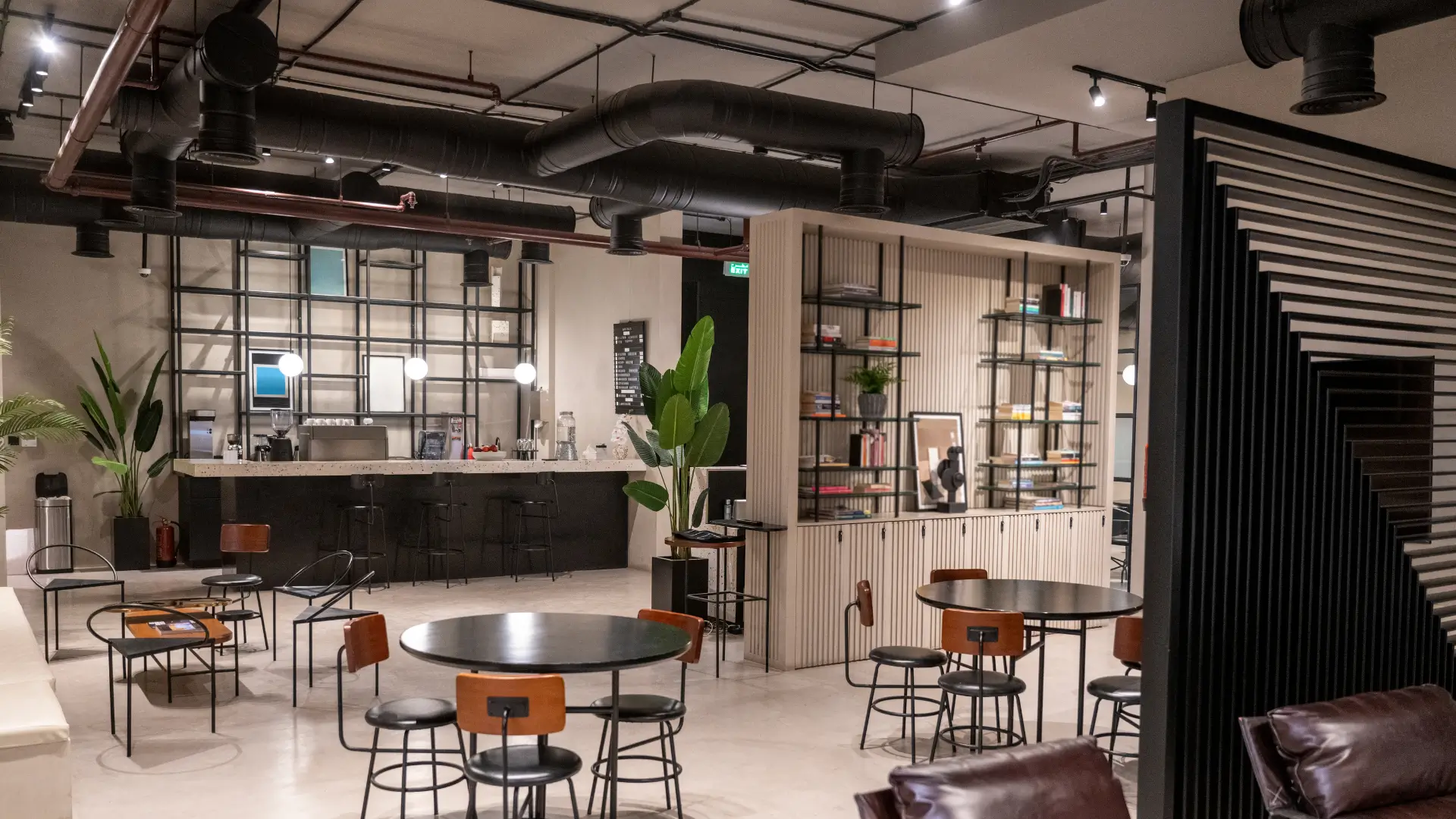
Sharing the space with members
Members pay for a certain peace and quiet. One-day visitors must not take it away from them, nor feel unwelcome.
The need
Places reserved for residents that visitors cannot take: private offices, assigned desks, sometimes a quiet zone. Visitors have their own area, known in advance and shown in the instructions. Residents keep their badge active during their hours, and visitors receive a code limited to their day. Meeting rooms by the hour are booked separately, with different prices for residents and for outside users: a day pass gives a desk, not the eight-person room.
The question to ask
“A member invites a client to lunch and then to work in the afternoon: how does their guest get in, and who pays?” Decide whether a member’s guest buys a pass, comes in with the member, or is entitled to one free half day a month. Write it into the members’ rules as well as the visitors’ rules.
The common pitfall
The visitor who settles at a member’s usual desk because nothing stopped them. The member arrives at 9.15 am, finds their place taken and spends the morning annoyed. A “residents only” sign on assigned desks is usually enough.
Wifi and printing
These are the first two questions a visitor asks once seated at their desk. If the answers are in the confirmation message, nobody calls you.
A network for visitors
Provide a wifi network separate from the members’ network, with its own password. Put this password in the instructions attached to the confirmation, and change it at regular intervals, for example at the start of each month. Your members’ network stays theirs.
Printing
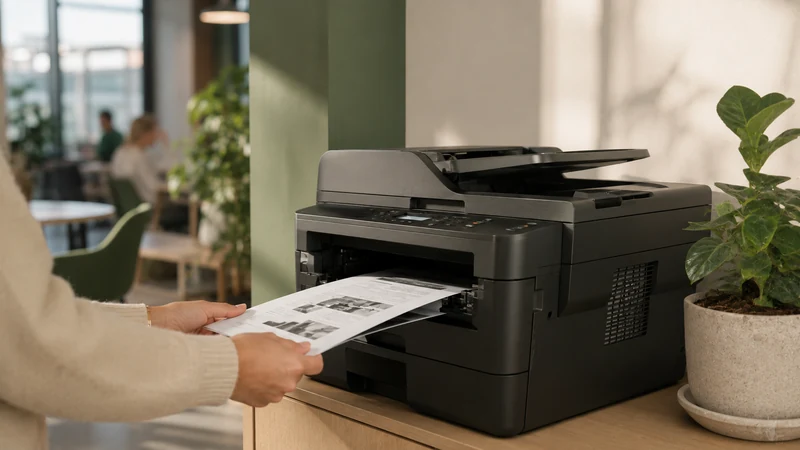
The employee on a business trip almost always prints something: a contract, a boarding pass, meeting handouts. Decide what the pass includes: nothing, a few pages, or credit to buy. If your copier works with credit per user, deducted as it is used as described on the coworking page, the visitor prints without asking, and you don’t have to count sheets in the evening.
The rest of the space
- Coffee: included or not, say so in the instructions.
- The phone booth: open access or bookable, with a maximum duration if it is in high demand.
- Lockers: generally reserved for members, worth stating to avoid misunderstandings.
House rules accepted when booking
A one-day visitor won’t read ten pages of rules pinned to the wall. They must accept them when booking, and find them again in their confirmation.
The need
A short text, attached to the confirmation, that covers the essentials: opening hours, the day-pass desk area, quiet in the work area and calls in the booth, the personal code not to be passed on, use of the wifi, what to leave tidy when leaving, the person to contact if there is a problem. They accept it when booking. If there is a disagreement, you have a text to show, not a memory.
The question to ask
“What do we do if a visitor stays after closing time, or comes back the next day without booking?” Their code stops working at the end of the booked day, so they can no longer get in. For anyone still inside, simply write down the time by which people must leave and what happens in the event of repeated abuse.
The common pitfall
Copying the members’ rules. They talk about contracts, notice periods and mailboxes, subjects that don’t concern someone who comes in on a Thursday. The visitor switches off by the second line.
The first visit: a time slot when someone is there
Some visitors want to see the space before paying, or to be welcomed the first time. They are often future members. They deserve a time set aside for them.
The need
One or two staffed time slots a week, known in advance and shown on the booking page: Tuesday from 9 am to 10 am, Thursday from 1.30 pm to 2.30 pm. A first-time visitor who comes during that slot is welcomed, shown around and can ask their questions. On other days, they get in on their own with their code, like everyone else.
The question to ask
“How many first visits did I have last month, and how many came back?” The access log tells you who comes back. If visitors welcomed during a staffed slot come back more than the others, the slot is worth keeping, or even doubling.
The common pitfall
Promising a welcome at any hour. You spend your mornings waiting for visitors who arrive at 10.40 am or don’t come at all. Show two time slots a week and stick to them, including in August.
The invoice for the visitor’s company
The employee on a business trip almost never pays for themselves. They pay for the day up front, then claim it back. Without a proper invoice, they won’t come back.
The right information, from the moment of booking
Ask at the time of booking for the company name, its billing address and, if it wishes, a purchase order reference. Each booking has its invoice, linked to its payment: the visitor receives it without asking you and passes it on to their accounts department the same day.
Bookings made by the company
A company that regularly sends staff may prefer to book for them and pay by payment link. Enter on the booking the name of the employee who will come: they are the one who uses the code, and the company receives the invoice. A bundle of ten passes bought by the company and shared among several employees is a case-by-case discussion: write the rule before selling the first one.
Keeping track on your side
The accounting export lists the passes sold, day by day. For a community hub run by a municipality, payment collection is compatible with the requirements for public revenue accounts, and the Treasury accountant can trace every payment. The software for community hubs and fablabs page explains this case in detail.
From day pass to member: a livelier space
A coworking space where the same ten people see each other every day ends up feeling like an office. One-day visitors change the atmosphere: a graphic designer passing through, a developer on assignment, a tradesperson preparing a quote in peace.
The time saved
When booking, payment, the code and the invoice follow on from one another without anyone stepping in, you no longer spend the start of your mornings opening the door and explaining the wifi. That time goes to what makes the space good: running activities, events, looking after members.
The path to membership
Many new members start with a pass, then a bundle, then a membership. Make that path easy: when a regular is on their third pass, invite them to a staffed time slot and show them what membership changes. The coworking booking software guide explains how to handle memberships and day sales on the same calendar.
Related services
If your building has a car park, the spaces left free during the day can also be used by coworking visitors: the method is described in the article on shared car parks. And to find out how much the platform that holds all this together costs, the pricing page sets out the principle: €59 excl. VAT per month, all inclusive, no commitment and no commission.
Launching a day pass in your coworking space in six steps
- Count the desks open to day passes
Set, day by day, how many desks you open to visitors without getting in the way of members, and mark out the area set aside for them.
- Write the price list
Half day, full day, a bundle of ten with a validity period, while keeping the monthly membership better value for a regular.
- Draft the short house rules and instructions
Opening hours, area, quiet, personal code, wifi, printing, coffee, contact: a one-page text attached to the confirmation and accepted before payment.
- Prepare access
Check with your installer that the existing door can be opened by code or QR code, set the margin before and after the booked period, and put up a floor plan near the entrance.
- Open one or two staffed time slots
Choose the times when someone is there to welcome first visits, and show them on the booking page.
- Do a full trial run, then open
Book a pass yourself, pay, get in with the code, print, get the invoice, then open booking to the public.
Before selling your first day pass: 11 points
- The number of desks open to day passes is set for each day of the week.
- The visitors’ area is marked out and residents’ desks are signposted.
- The price list has three options at most, with a bundle whose validity period is written down.
- Payment is made when booking, and a payment link is available for companies.
- The code or QR code is only valid for the booked day, margin included.
- The short house rules are attached to the confirmation and accepted before payment.
- The visitor wifi password is in the instructions and changes every month.
- What the pass includes in printing, coffee and phone booth use is written down.
- The rule for members’ guests is decided and known to everyone.
- The staffed time slots for first visits are shown.
- The invoice bears the name of the visitor’s company and is sent without them having to ask.
Your questions
What price should you set for a coworking day pass?
Start from the prices charged around you and from your monthly membership. A half day is worth a little more than half a full day, and ten single days must remain less attractive than a month’s membership. Review the price list after three months.
Does the visitor have to choose their desk in advance?
No, in most places. They book one of the desks open to day passes that day and sit at any free desk in the visitors’ area. Assigned desks remain reserved for residents.
What happens if the visitor arrives early?
The margin set before the booked period lets them in a little earlier, for example thirty minutes. Any earlier and their code doesn’t work yet. State the time the desks open in the instructions so they don’t wait outside the door.
Can you offer a day pass without being on site?
Yes. Booking, payment, the code and the invoice follow on from one another without anyone stepping in, and the instructions answer the usual questions. Still provide a phone number that can be reached during opening hours and one or two staffed time slots for first visits.
Can a visitor pass their code on to a colleague?
The house rules forbid it, and every opening is linked to the booking in the access log. If a colleague wants to come, they book their own pass, or the company books for both.
Does a day pass give access to the meeting rooms?
Generally not. The pass gives a desk and the shared areas; the meeting room is booked separately, by the hour, at its own price.
How does the employee on a business trip get their invoice?
They enter their company’s name and address when booking. The invoice is linked to their booking and their payment, and they receive it without having to ask.
Read next
Opening your desks to one-day visitors
A free 30-minute demo to see a day pass booked, paid for, opened by code and invoiced, on the door you already have.