
| Time window | User group | Spaces open | Access |
|---|---|---|---|
| Monday to Friday, 7.30 am to 6.30 pm | Employees of nearby offices | 40 | Subscriber badge or code active during this time window |
| Monday to Friday, 8 am to 6 pm | Visitors and appointments | 8 | Code or QR code valid for the booked time slot |
| Every evening, 6.30 pm to 7.30 am | Local residents with a subscription | 45 | Subscriber code active during the evening time window |
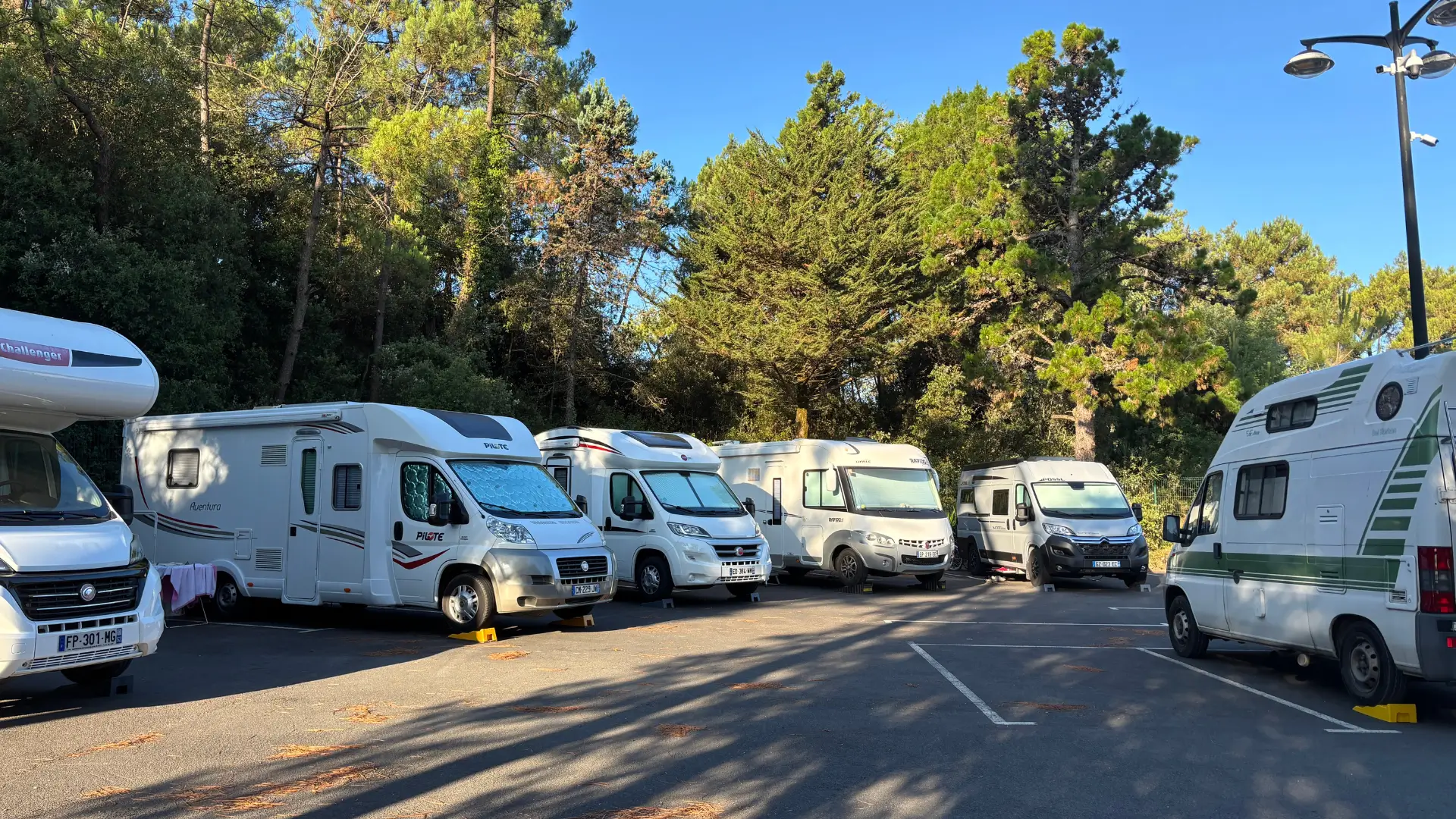
| Saturday and Sunday, 8 am to 6.30 pm | Weekend visitors, market, village hall guests | 45 | Booking per vehicle, code valid for the time slot |
| At all times | Accessible spaces, service vehicles, charging | 8 | Not shared, reserved for their intended use |
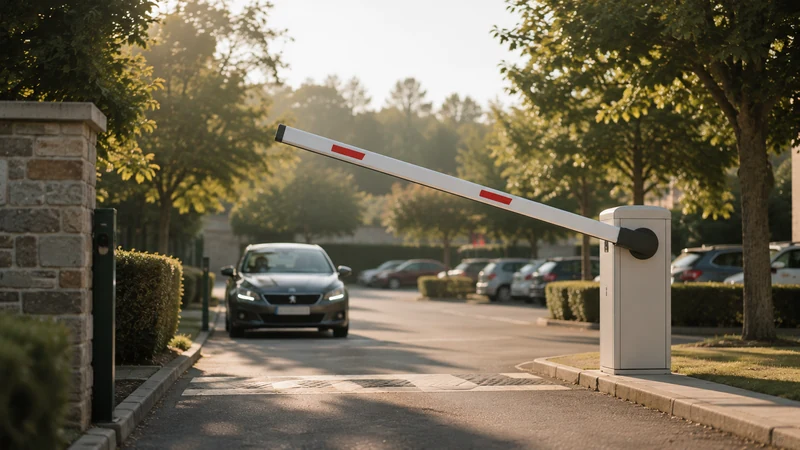
Shared car park: one car park, several user groups depending on the time
A Thursday in November, 9 pm. The car park of the office building behind the town hall has three cars in sixty spaces. In the next street, a resident is circling for the third time looking for somewhere to park. The following Saturday, a wedding at the village hall fills the pavements all the way to the roundabout. The spaces exist; they just aren’t being used at the right time.
Sharing a car park means dividing it between several user groups whose needs don’t fall at the same times. Offices during the day, local residents in the evening and overnight, visitors or the village hall at the weekend. The situation arises for a municipality that owns a public car park, for a landlord whose spaces stay empty during the day, or for a business that wants to open its car park in the evening without losing control of it.
Sharing works when everyone knows when they are allowed in, how many spaces are open to them, and what happens if they overstay. These rules are decided before opening, then applied at the barrier. The car parks and bookable spaces page shows the principle: the space is booked online, paid for before entry and opened by code. For the general criteria for car park software, the parking space booking guide remains the reference. Here, we deal with sharing.
Dividing the week into time windows, group by group
Everything starts from a simple table: who needs the car park, at what times, on which days. The table at the top of this article gives an example.
The need
One time window per user group, written down in black and white. Office employees from 7.30 am to 6.30 pm on weekdays. Local residents from 6.30 pm to 7.30 am. Visitors in short time slots during the day. The market and village hall events at the weekend. Between two time windows, a few spaces kept free give one group time to leave while the other arrives.
The question to ask
“What time does the last employee really leave, and what time does the first resident arrive?” Count the cars on two or three evenings in a row, at 5 pm, 6 pm and 7 pm, before setting the time windows. Posted office hours and actual hours often differ by an hour.
The common pitfall
Basing the time windows on posted hours. The offices close at 6 pm, but some employees leave at 7 pm. The resident whose subscription starts at 6.30 pm arrives at 6.35 pm and finds the car park still full. Time windows set from actual counts, and spaces held back for that moment, avoid the same tension every evening.
How many spaces for each: a rule you set
How spaces are split between user groups is the manager’s decision, not a calculation the software makes for you. It is discussed with each group, written down, then set in the schedule.
The need
For each time window, a number of spaces open to each user group. In the example, forty for employees and eight for visitors during the day, four kept as a margin, forty-five for residents overnight, and the same for weekend visitors during the day. Remaining capacity updates with each booking, and a full time window is no longer offered. Prices can differ by user group: residents, employees, visitors, event participants.
The question to ask
“If the business next door asks for ten more spaces during the day, who do we take them from?” Have the answer ready before the question comes up. Keep a margin of a few unallocated spaces in each time window: it absorbs delays, the unexpected and last-minute requests.
The common pitfall
Opening all spaces to everyone, first come first served. The first month goes well, then one group takes everything and the others stop booking. A number of spaces per group, even a rough one at first, can be corrected after three months of operation.
Booking by time slot, getting in with a code or QR code
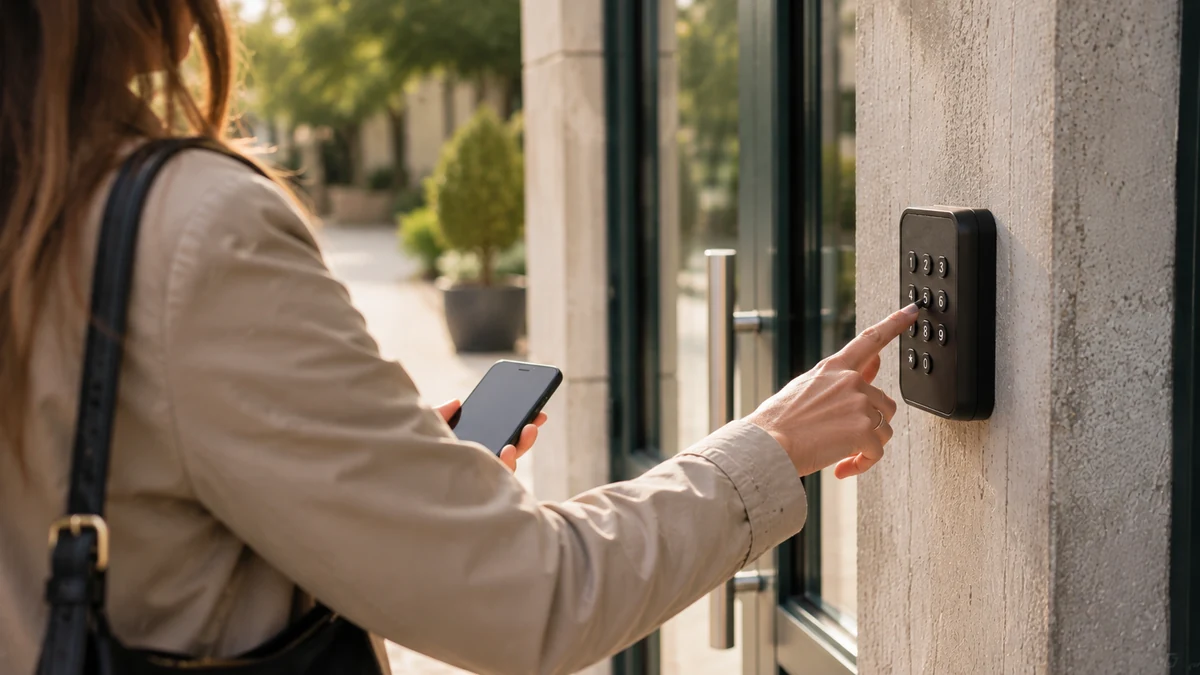
Each user group gets in with whatever suits their use. Employees and residents come back every day; visitors and guests come once.
Regular users
Employees and residents take out a subscription or a recurring booking for their time window. They keep a badge or code that is active for the length of their subscription, during the hours open to them. Outside their time window, the barrier doesn’t open for them.
Visitors and guests
The visitor books their space from a public page, chooses the start time and duration, and pays online. They receive an access code or QR code valid for their time slot, with a margin before and after that you set. For an event at the village hall, each guest books their space for the duration of the event, or the organiser books for their guests. How these codes work is explained in booking a parking space.
What opens the barrier
The code opens the barrier or gate already in place, through a module added by your installer. If equipment is missing, ASLOT supplies it, and setup is done with you, remotely. Every opening is time-stamped and linked to the booking: you know who came in, during which time window, and with what entitlement.
The exit is always open, and the vehicle that overstays
A shared car park controls entry. The exit, on the other hand, must stay free at all hours: nobody should be stuck behind a barrier because their time slot has ended.
The need
An exit that opens without a code, and a written rule for the vehicle that stays beyond its time window. The employee still parked at 8 pm is taking a resident’s space; the resident still there at 9 am is depriving an employee of theirs. The access log links each entry to a booking, and therefore to a person you can contact.
The question to ask
“What do we do the third time the same subscriber overstays their time window?” The rules of use answer in stages: a reminder first, then a surcharge if they provide for one, then suspension of access. Also check with your installer that the exit stays free in a power cut.
The common pitfall
Closing the exit to vehicles outside their time slot to force people to respect the hours. A resident locked in on a weekday morning calls the town hall, then the councillor, then the local press. Deal with overstaying through the rules and a phone call to the person concerned.
Spaces that are never shared
Some spaces stay out of the shared pool, whatever the time. They are decided first, before counting what is left to share out.
The need
Accessible spaces for people with reduced mobility, always available for their intended use. Spaces for service vehicles: the on-call car, the technical services van, the shuttle. Spaces with a charging point, if you want them to be used for charging and not long-stay parking. These spaces are taken out of the number open for booking and marked on the ground.
The question to ask
“Who is allowed to park in a charging space overnight, and for how long?” A resident who plugs in their car at 7 pm and leaves it until 8 am stops others from charging. Set a maximum duration, or reserve these spaces for charging time slots.
The common pitfall
Counting accessible spaces in the total to be shared in order to “optimise”. The day someone who needs one finds the space taken by an evening subscriber, the car park loses credibility with everyone.
Signage and rules of use
You can’t understand a shared car park just by looking at it. Signs and rules say what road markings cannot.
At the entrance
A sign that can be read from the car: the name of the car park, the time windows for each user group, the words “exit open at all hours”, the address of the booking page and a number to call. On permanent spaces, ground markings and a sign saying who they are reserved for.
The rules of use
They are attached to the confirmation of every booking and every subscription. A short template fits in eight points:
- Time windows for each user group and the days concerned.
- The code: personal, valid for one vehicle only, not to be passed on.
- Parking: in marked spaces, never in permanent spaces.
- Overstaying: what applies to a vehicle that stays beyond its time window.
- The exit: open at all hours.
- Charging: maximum duration in equipped spaces.
- Liability: what the manager covers, what remains the user’s responsibility.
- Follow-up measures: reminder, possible surcharge, then suspension of access in the event of repeated abuse.
Keeping them up to date
Review them after three months with a representative of each user group. That is the time to correct the time windows and numbers of spaces, before a conflict takes hold.
Municipality, landlord, business: three ways to share
The principle stays the same, but whoever opens their car park faces different constraints depending on who they are.
The municipality
It shares a public car park between town hall staff during the day, town centre residents in the evening and village hall users at the weekend. Rates are voted per user group, and payment collection is compatible with the requirements for public revenue accounts: the Treasury accountant can trace every payment, and an accounting export is available. The schedule covers several car parks and several sites, with or without village hall booking alongside.
The landlord
Their residential spaces stay empty during the day, while tenants are at work. They can open them to employees from the neighbourhood during the daytime window, while keeping priority for residents in the evening and overnight. The rule is discussed with tenants before opening, and the number of spaces opened is set with them.
The business
Its car park is full on weekdays and empty in the evening and at the weekend. It can open it to local residents overnight, or to a neighbour who needs spaces on Saturdays, such as a coworking space that welcomes day visitors. It stays in control: the time windows, the number of spaces and the user groups remain its decisions, and access is cut off at the end of each subscription.
What the Town Planning Code provides
Shared parking is covered by the texts that govern the local development plan (PLU). Two articles are worth knowing when a project is discussed with the planning department.
The PLU presentation report
Article L151-4 of the French Town Planning Code (Code de l’urbanisme) requires the presentation report to draw up an inventory of the parking capacity of car parks open to the public and of the scope for sharing that capacity. For a municipality, this document is often where a car park suitable for sharing first appears.
Parking requirements
Article R151-45 allows the PLU rules to reduce the required number of spaces for motor vehicles when a project includes several uses or sub-uses that allow all or part of the parking areas to be shared. Offices and housing in the same development, for example.
What this changes for you
These texts open up the possibility; the day-to-day organisation remains your responsibility. The time windows, numbers of spaces and rules of use described above are what make sharing workable, year after year. The car park booking software page shows how these rules are set up, and a 30-minute demo lets you try them out on your own car park.
Setting up a shared car park in six steps
- Count actual occupancy
Note the number of cars at several times of day, on three weekdays and one weekend, to see when spaces are really free.
- Take out the permanent spaces
Accessible spaces, service vehicles, charging: decide on these first and take them out of the shared pool.
- Draw up the time windows and numbers of spaces
One time window per user group based on actual counts, a number of spaces per group and an unallocated margin.
- Write the rules of use
Time windows, personal code, overstaying, free exit, charging, liability and follow-up measures, then have them reviewed by a representative of each user group.
- Prepare the barrier and signage
Check with your installer that the existing barrier can be opened by code and that the exit stays free, then put up the signs and road markings.
- Open, then review after three months
Open booking one user group at a time, follow entries in the access log, and adjust time windows and numbers of spaces at the first review.
Before opening a shared car park: 12 points
- Actual occupancy has been counted at several times of day, on weekdays and at the weekend.
- Accessible, service and charging spaces are taken out of the shared pool.
- Each user group has its time window, written down with its days and hours.
- The time windows follow the actual hours observed, not the posted hours.
- The number of spaces open to each user group is set for each time window.
- A margin of a few spaces remains unallocated.
- Regular users have a subscription; visitors book a time slot.
- The code or QR code is only valid for the booked time window.
- The exit stays free at all hours, including in a power cut.
- The rules of use say what applies to a vehicle that overstays.
- The entrance sign shows the time windows, the free exit and a number to call.
- A first review with each user group is planned after three months.
Your questions
What is a shared car park?
It is a car park whose spaces serve several user groups at different times: employees during the day, local residents in the evening, visitors or event guests at the weekend. Each group has its own time window, number of spaces and rules.
Who decides how many spaces are open to each user group?
The car park manager: the municipality, the landlord or the business. They set this split after counting actual occupancy and discussing it with each group, then adjust it at each review.
What happens if an employee is still parked when the residents’ time window begins?
They can always leave; the exit stays free. The spaces kept as a margin absorb small delays. For repeated overstays, the rules of use provide for a reminder, then the follow-up measures they describe.
Can a local resident park in a business’s car park at the weekend?
Yes, if the business opens a weekend time window to that group. It decides the days, the times and the number of spaces, and access stops at the end of the resident’s subscription.
Do you need to change the barrier to share a car park?
Generally not. A module added by your installer lets the existing barrier or gate open by code. Compatibility is checked with you from photos or by video call, and setup is done remotely.
Can spaces for people with reduced mobility be shared?
They remain reserved for their intended use, at all hours. Take them out of the number of spaces open for booking and mark them clearly on the ground and with a sign.
Can a municipality manage subscriptions through a régie?
Yes. Payment is made online when booking, payment collection is compatible with the requirements for public revenue accounts, and an accounting export is available for the Treasury accountant.
Official references
Read next
Share your car park without losing control
A free 30-minute demo to see time windows per user group, bookings by time slot and a barrier that opens with the right code, on your own car park.